Search
What Google actually crawls
Titles, redirects, and schema in the codebase, not three plugins arguing in wp-admin.
JMP is the jump into a modern stack. This topic is what that looks like in practice.
SEO is not a magic checkbox. It is fast pages, clear HTML, and URLs that still work after someone updates a plugin.
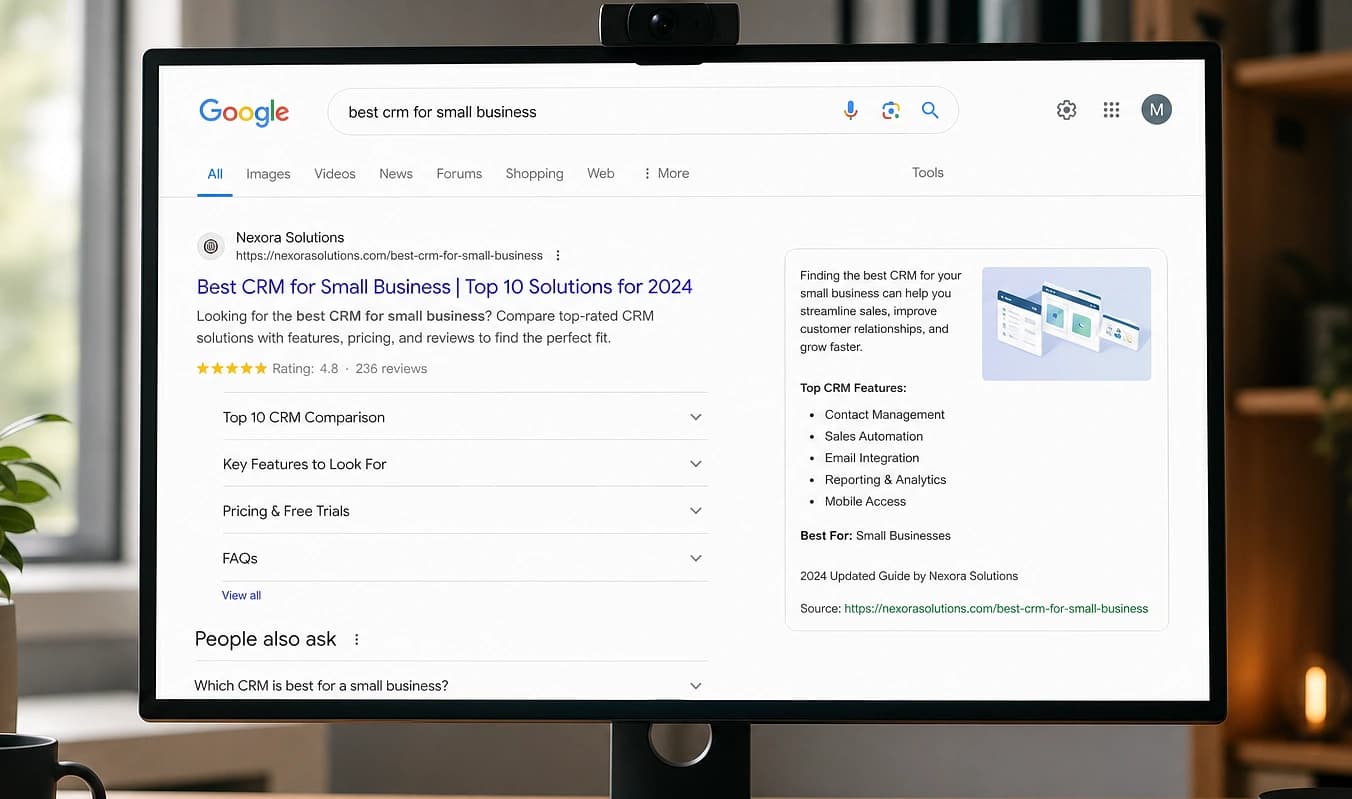
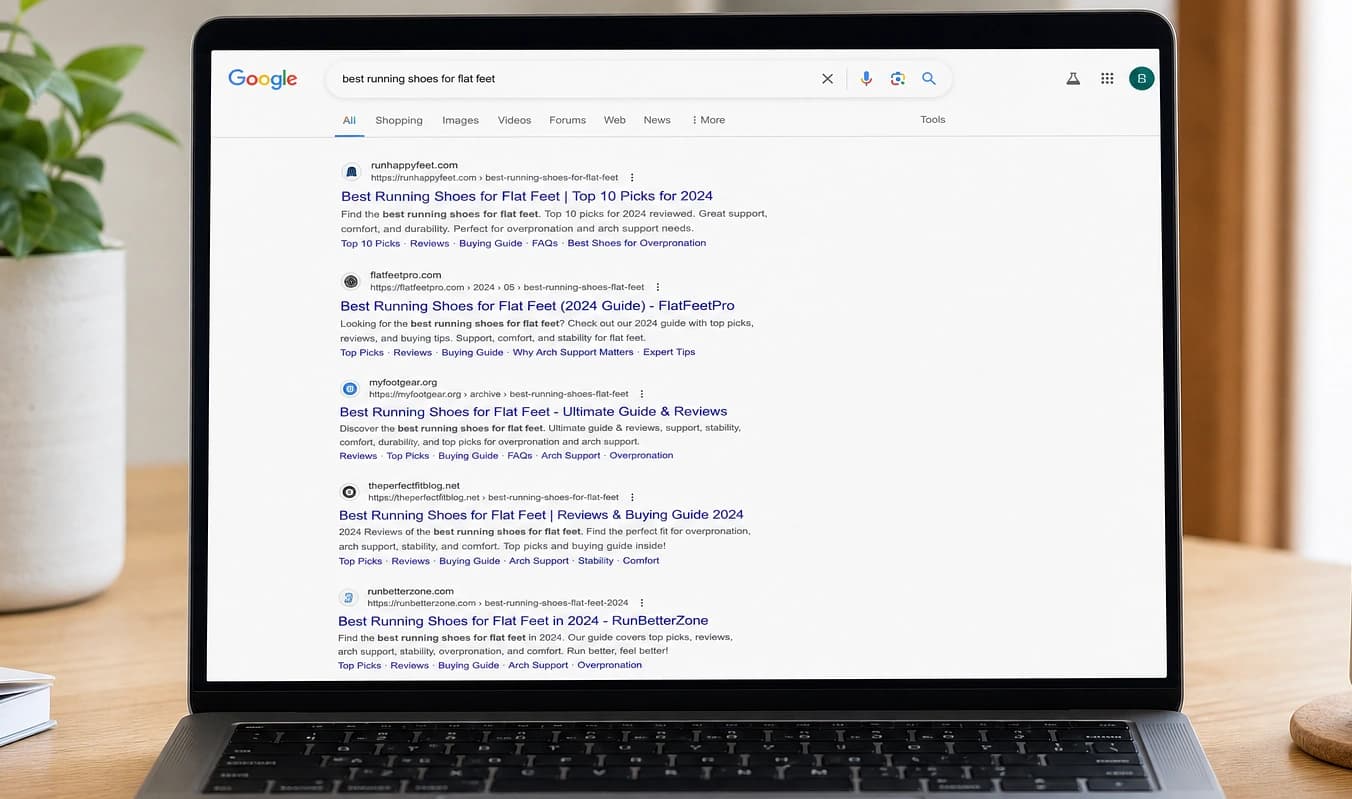
Drag the divider to compare typical setup with a JMP build.
At a glance
Typical setup → JMP build
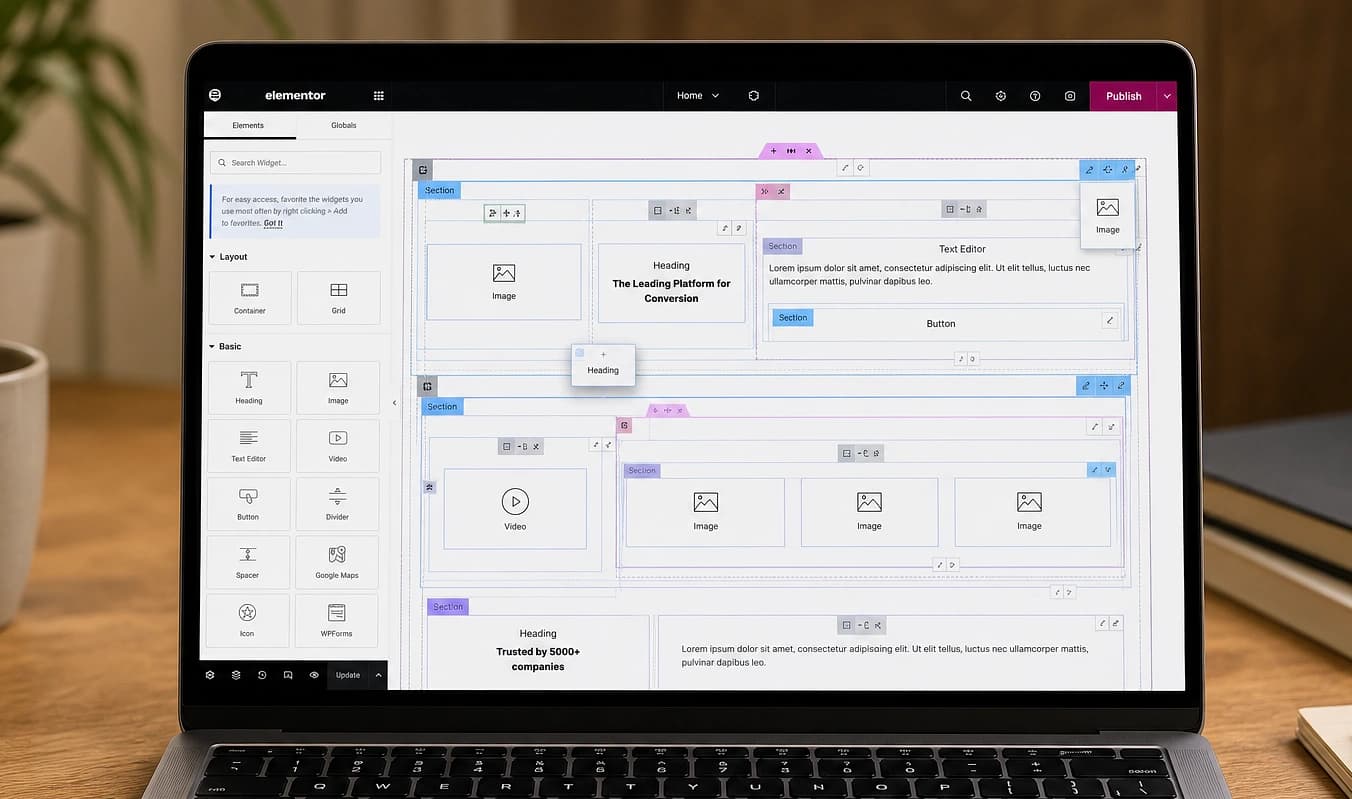
Typical setup
Two plugins set the same title
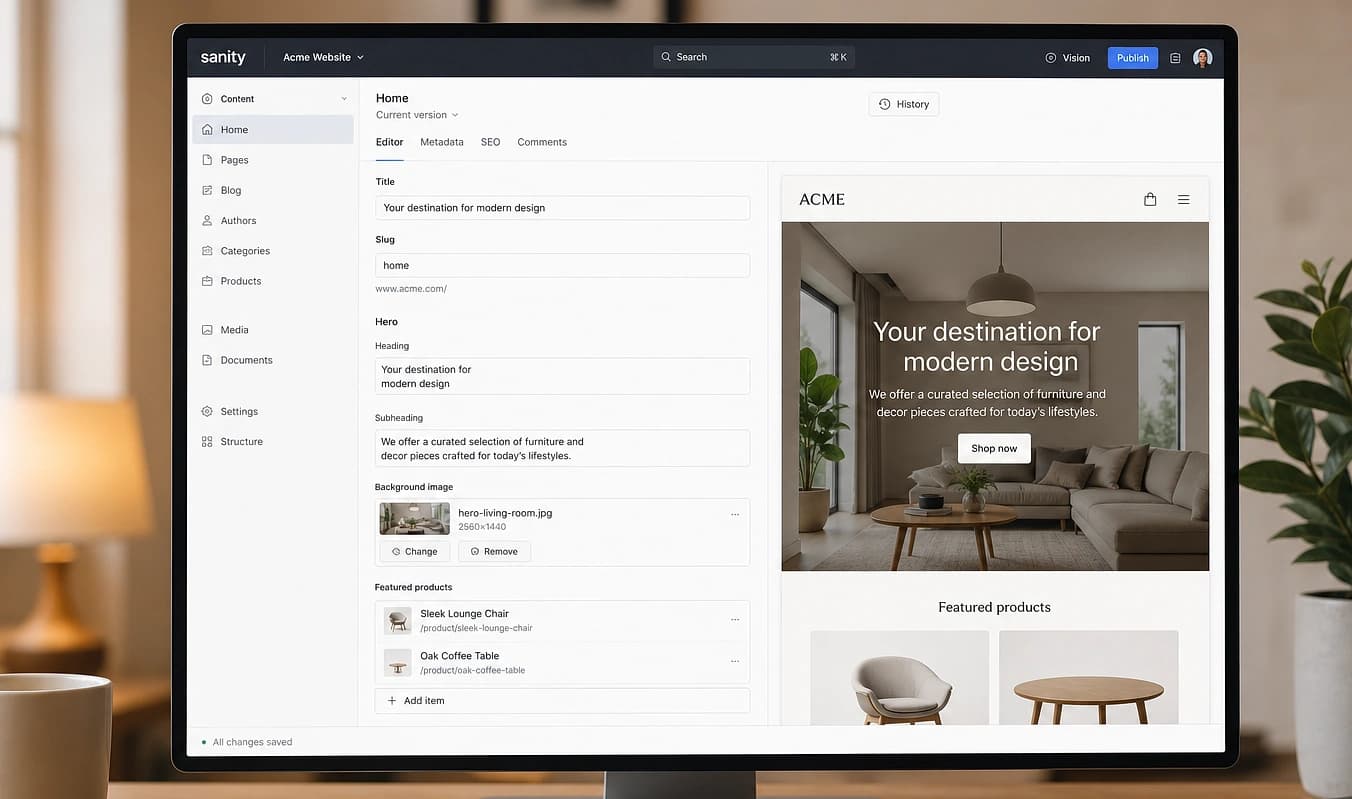
With JMP
One title tag per route in git
Typical setup
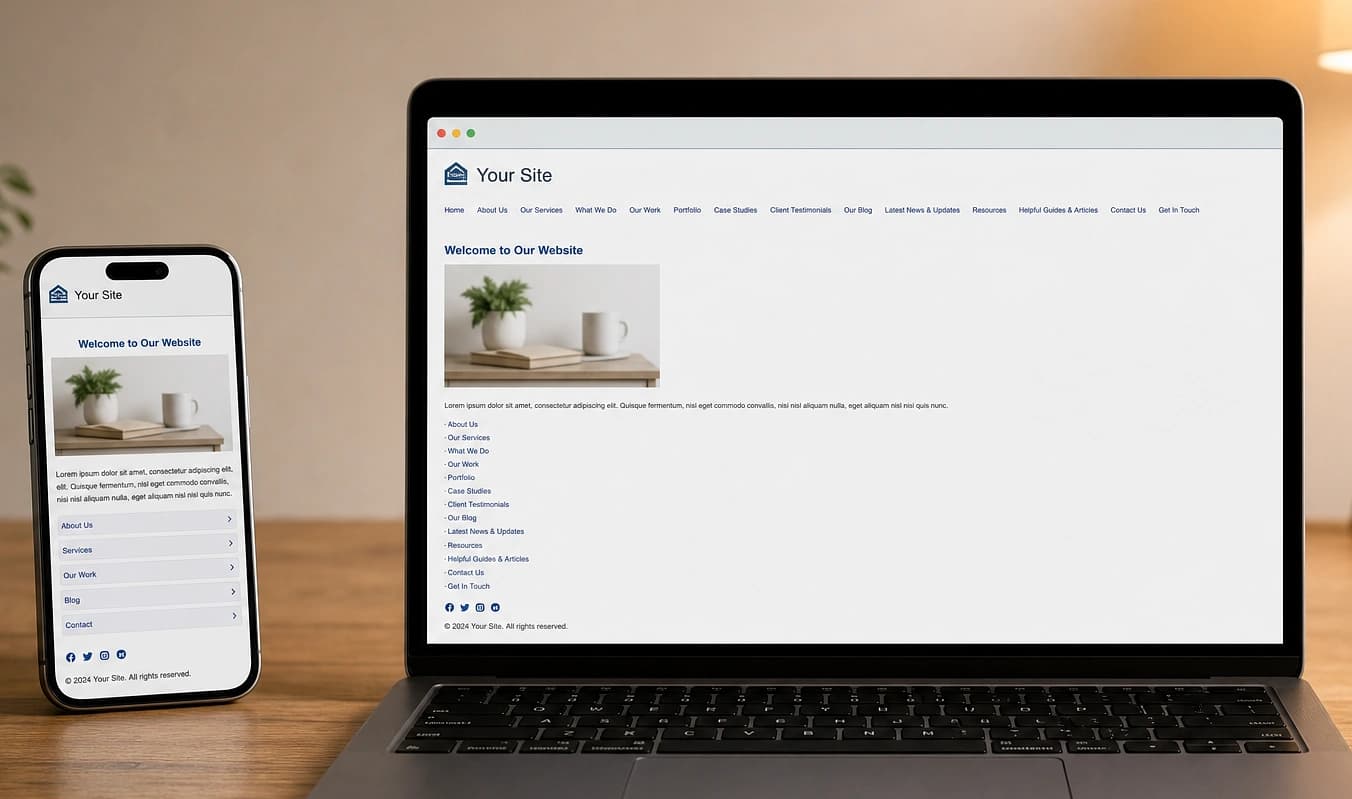
H1 buried in builder divs
With JMP
Headings match the outline
Typical setup
Redirect chain after a plugin update
With JMP
Redirects versioned with deploys
Check it yourself
See what Google is actually indexing
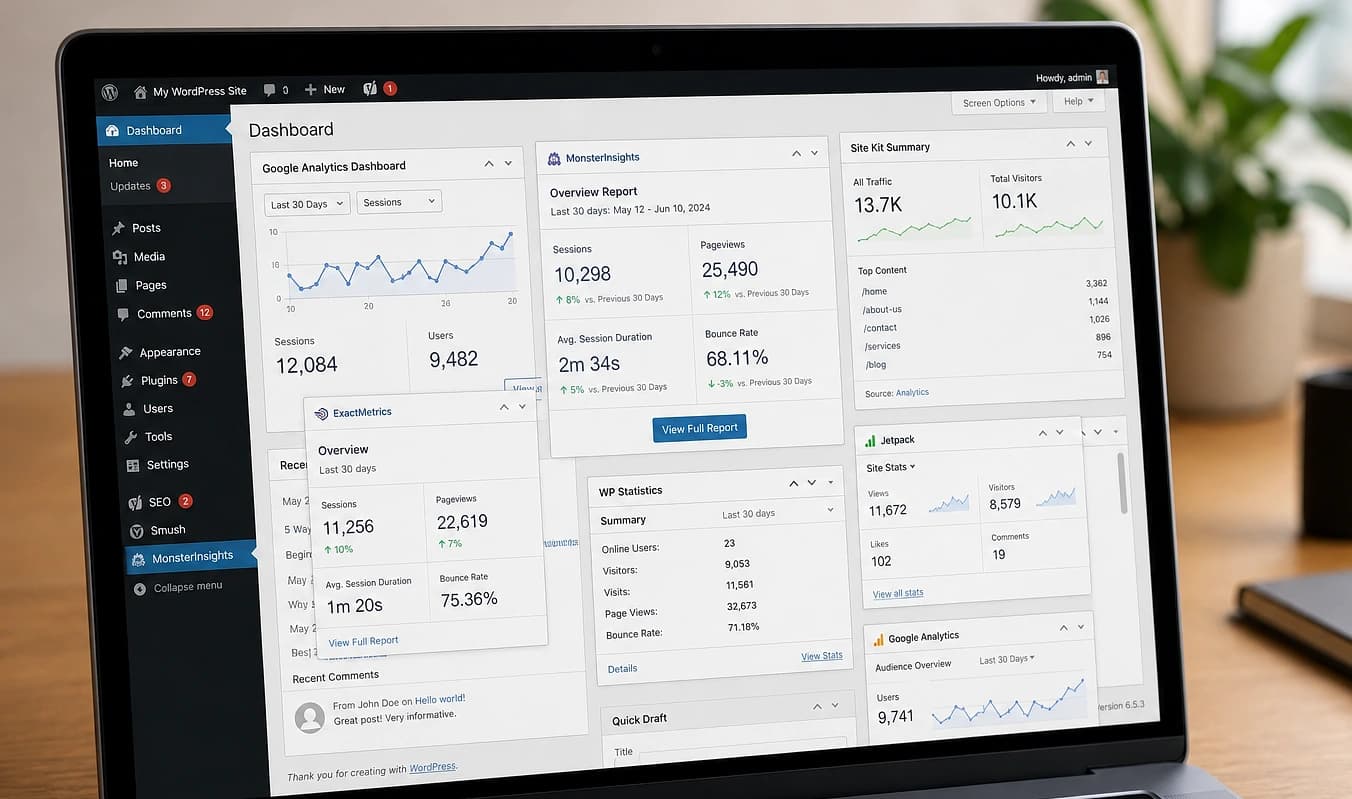
SEO plugins show green lights in wp-admin; Search Console and your HTML source show what crawlers receive. We use both when we audit a site before a rebuild.
Confirm property access
In Search Console, open Pages and Sitemaps. Look for crawl errors, excluded URLs, or a sitemap that 404s.
View source on a money page
Right-click → View Page Source. One <title>, one logical H1, and meta description that match what you intend to rank for.
Test structured data
Paste the URL into Rich Results Test. FAQ, local business, or service schema should validate, not duplicate or conflict.
We export what is indexed today, list technical fixes vs. copy you still need, and plan redirects before launch. Next: Site speed.
Working with JMP
Export of what is indexed today
List of technical fixes vs. copy you still need
Redirect plan before DNS flips