Rendimiento
Cuando el stack pesa el sitio
SSR/SSG y edge frente a plugins de caché y hosting compartido — el móvil lento suele ser síntoma de sopa de plugins, no la raíz.
JMP es el salto a un stack moderno. Este tema es cómo se ve eso en la práctica.
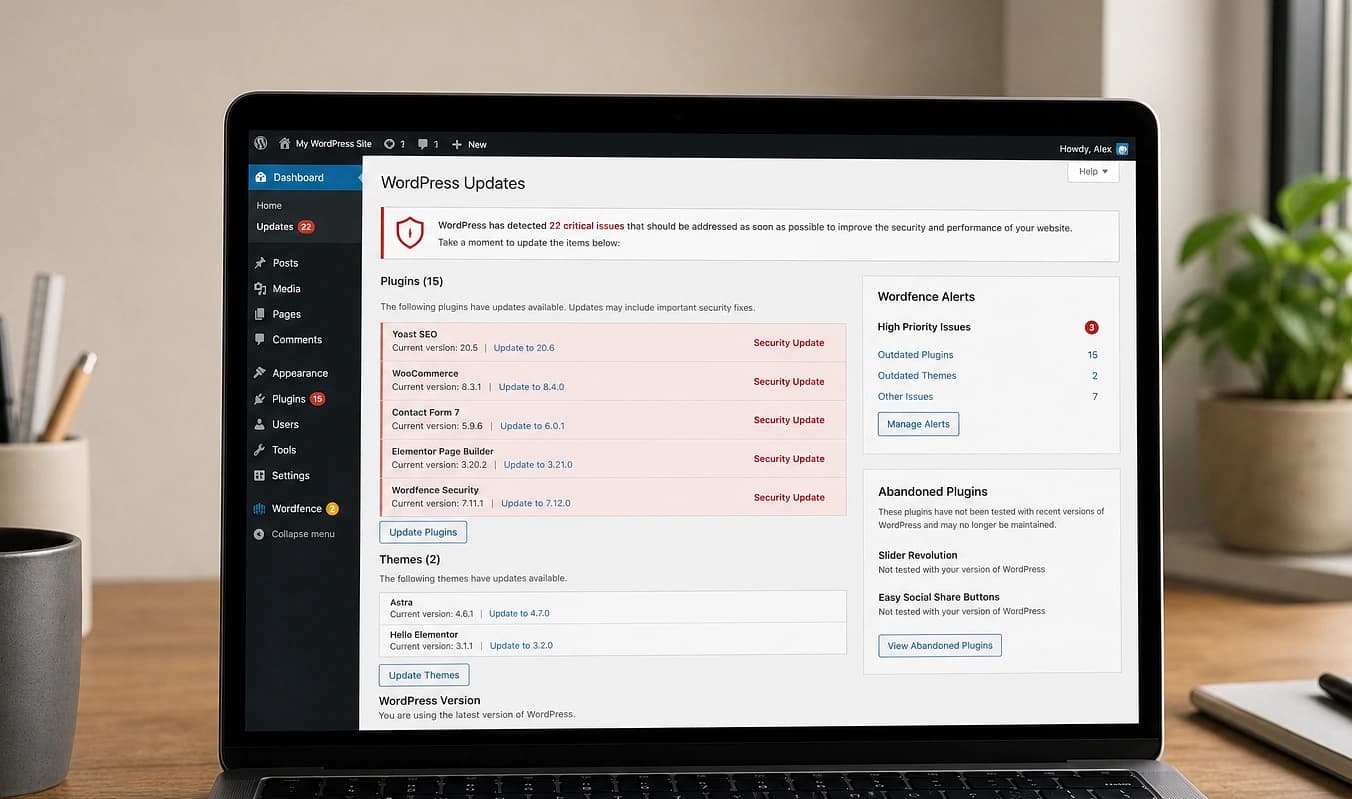
Los dueños escuchan “hazlo más rápido en móvil” cuando el problema real es el stack: temas, trackers y plugins en cada URL, y luego un quinto plugin para parchar velocidad. Los builds modernos salen ligeros por defecto — los scores móviles mejoran porque cambió la arquitectura, no porque compraste otro plugin.
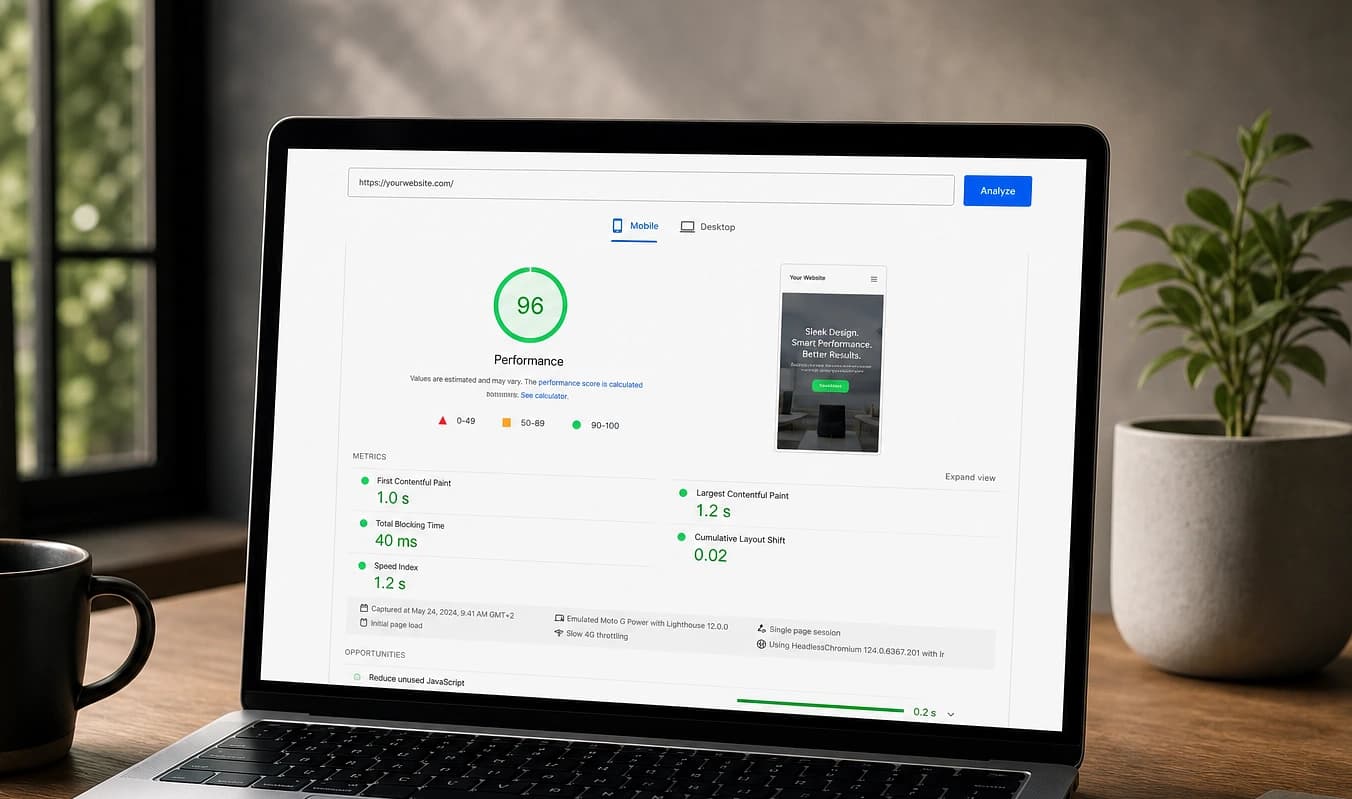
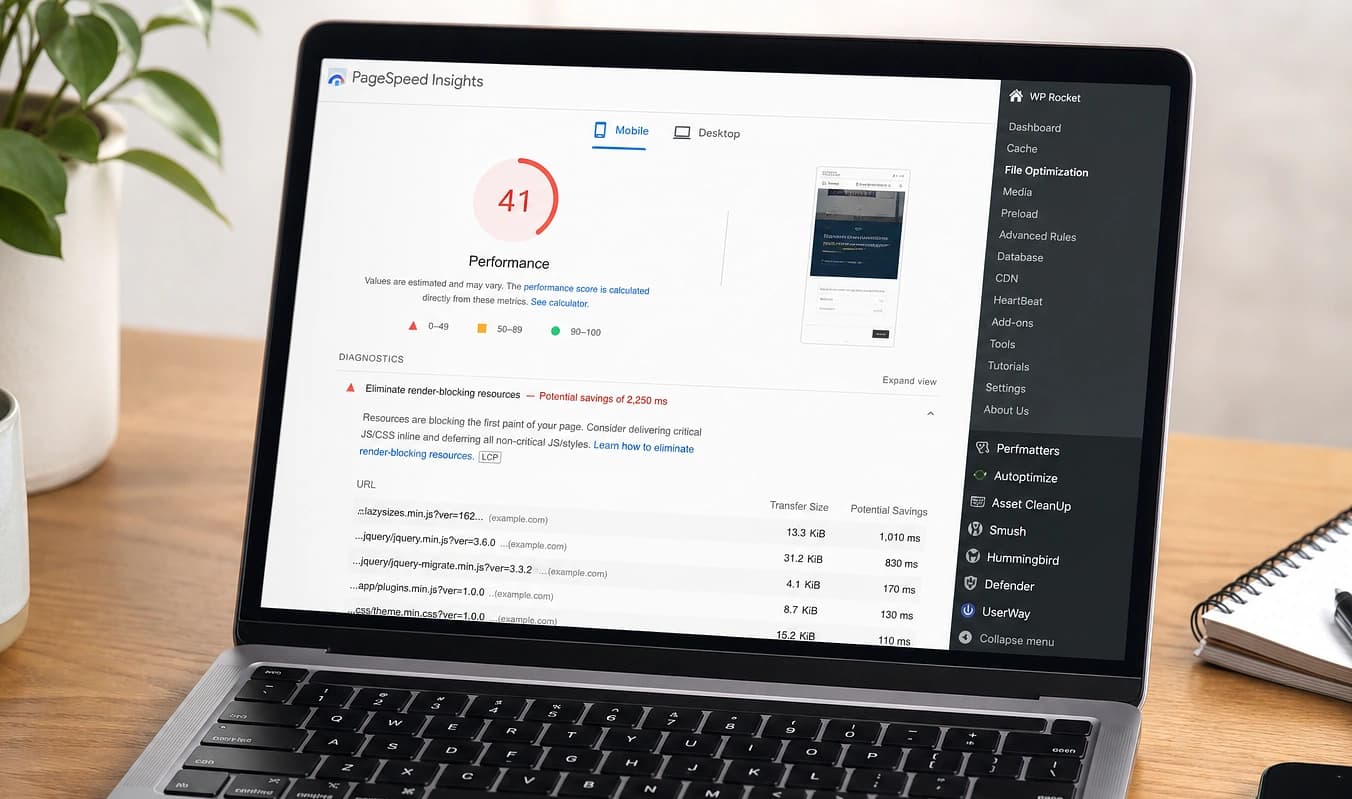
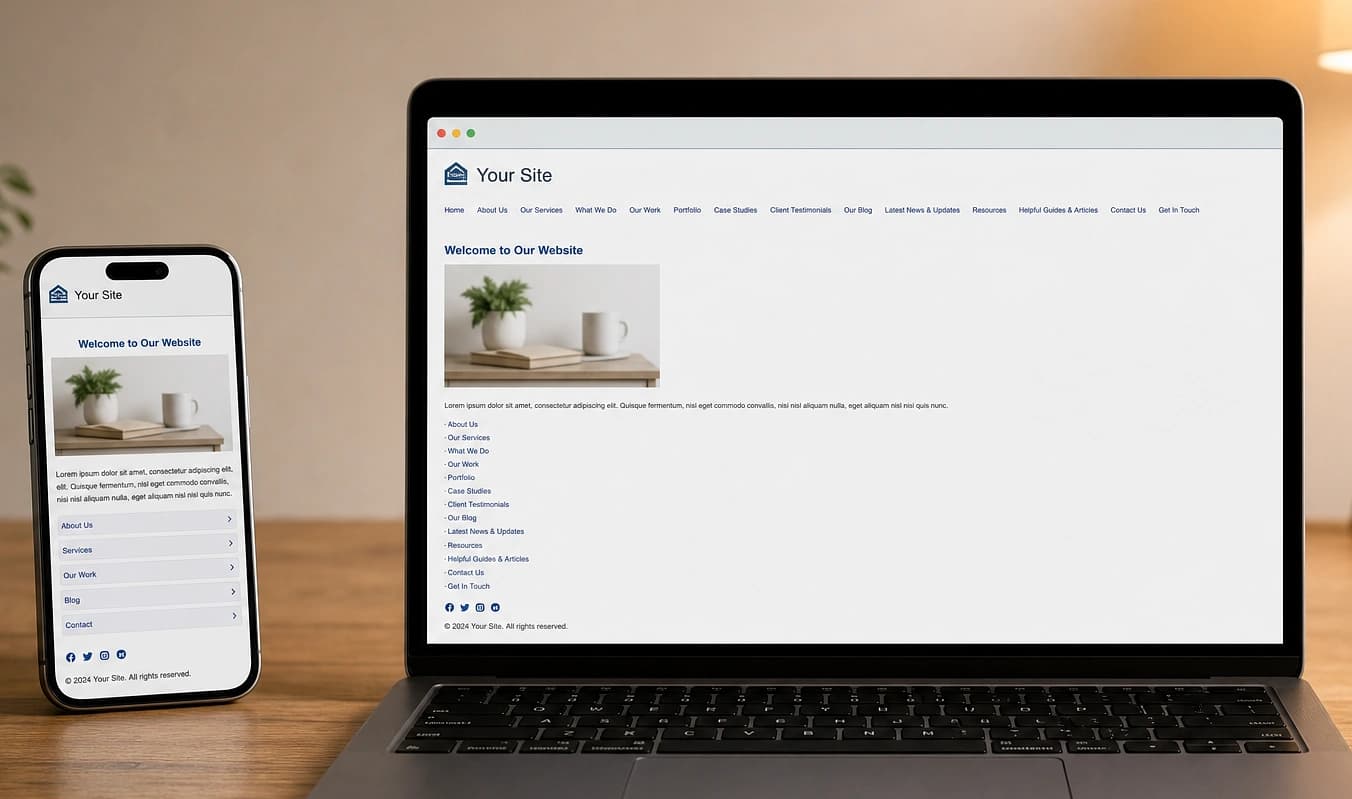
Arrastra el divisor para comparar una configuración típica con una construcción JMP.
De un vistazo
Configuración típica → Construcción JMP
Configuración típica
Carruseles y chat en cada URL
Con JMP
Scripts solo donde valen su peso
Configuración típica
Otro plugin de “velocidad” tras cada actualización
Con JMP
Páginas estáticas + CDN por diseño
Configuración típica
Nadie es dueño del rendimiento después del lanzamiento
Con JMP
Objetivos acordados antes del go-live
Mídelo tú mismo
Mira cómo puntúa tu sitio en Lighthouse
Lighthouse impulsa PageSpeed Insights y el panel Performance de Chrome. Corremos el mismo tipo de auditoría en tus URLs antes de definir el alcance y otra vez al lanzar, para que tengas números que comparar.
Ejecuta Lighthouse en una URL en vivo
Pega tu página de inicio o una landing clave en PageSpeed Insights. No hace falta ningún plugin.
Revisa primero el móvil
Cambia al informe Mobile. Ese puntaje es al que optimizamos para la mayoría de negocios locales y de servicios.
Lee los Core Web Vitals
Anota Performance, LCP, INP y CLS. Esos son los objetivos que documentamos antes de salir en vivo.
En un build de JMP tomamos la línea base de tu sitio actual, acordamos metas y volvemos a probar staging antes de cambiar el DNS. Siguiente: Experiencia móvil.
Trabajar con JMP
Prueba base en tus URLs actuales
Elección honesta entre Astro y Next.js según tu nivel
Un número que puedas exigirnos en el lanzamiento