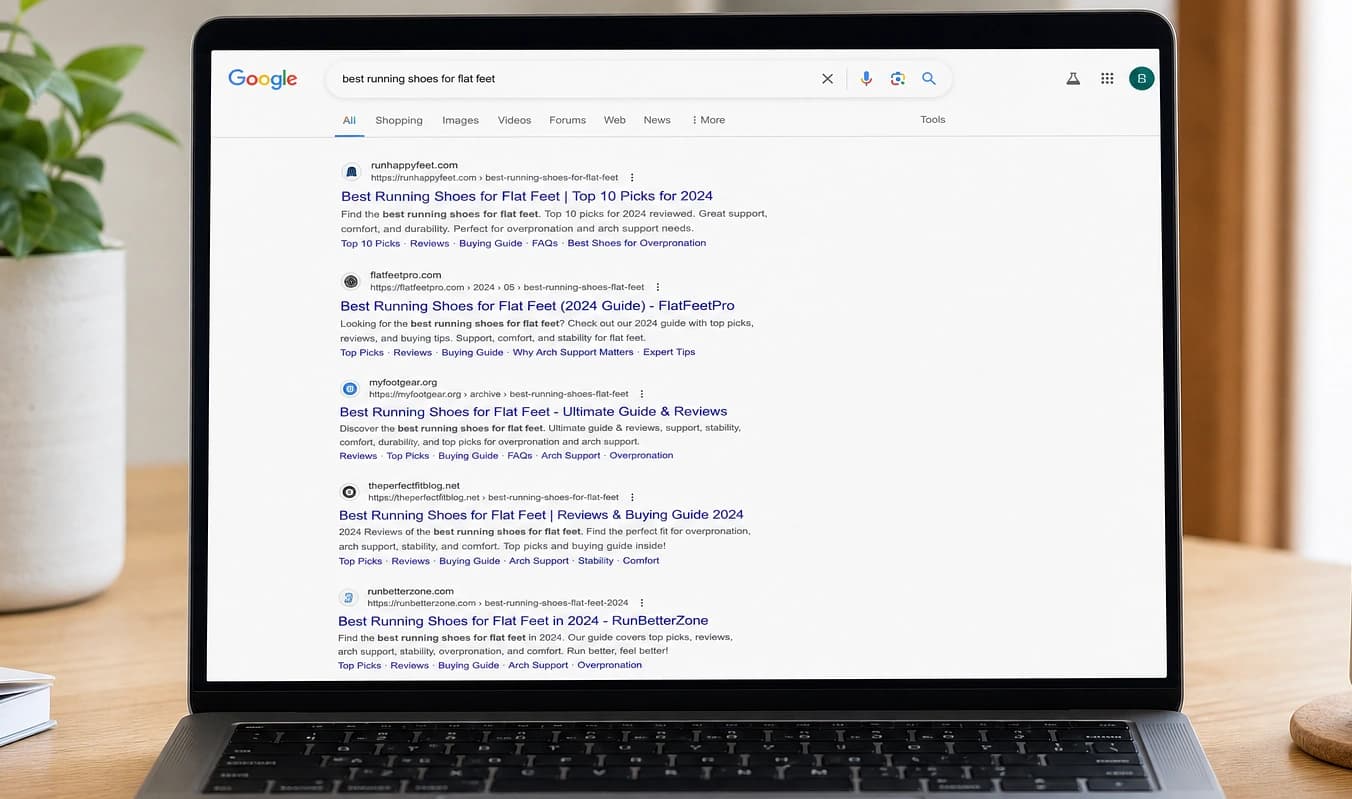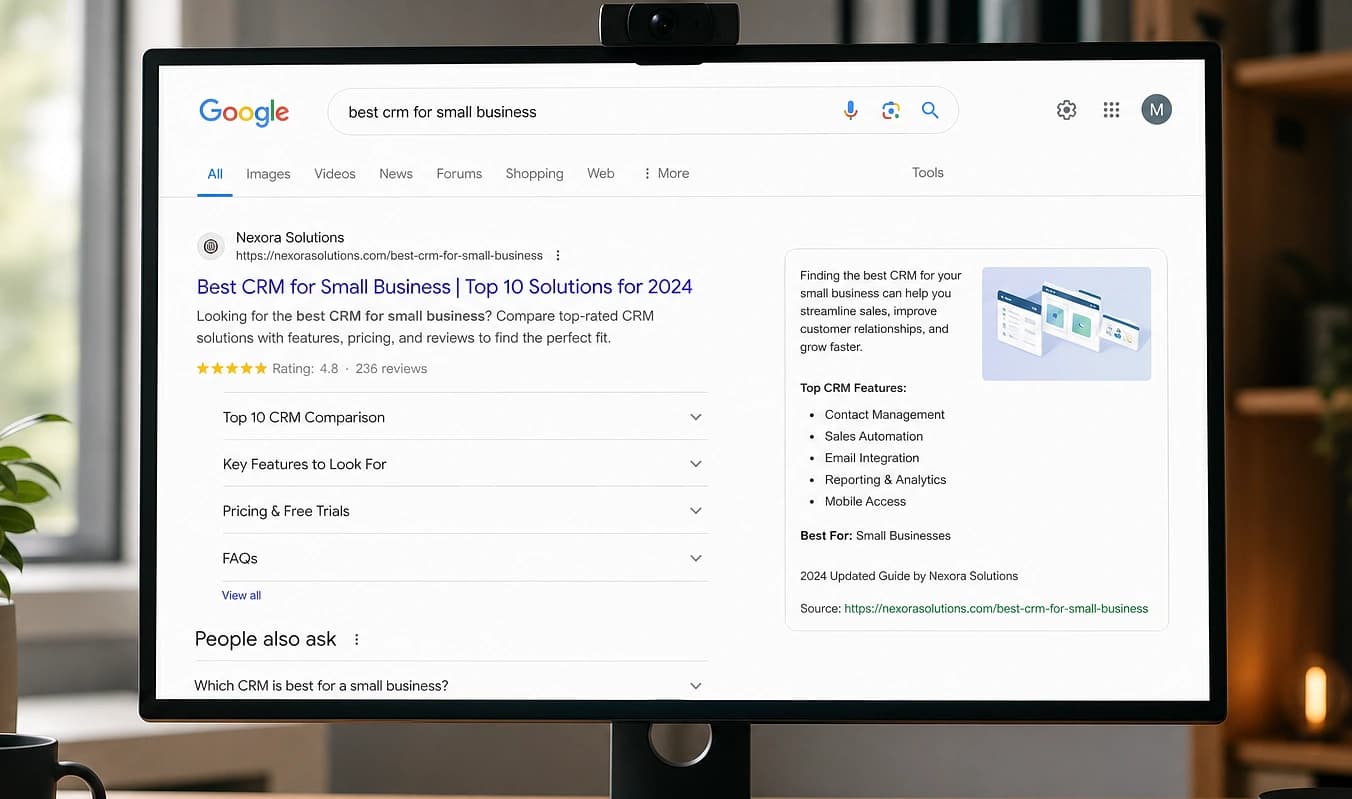
Móvil
Móvil no es “pellizcar para ampliar el sitio de escritorio”
Áreas táctiles, tipografía legible y layouts que funcionan en una pantalla de 390px.
JMP es el salto a un stack moderno. Este tema es cómo se ve eso en la práctica.
La mitad de tu tráfico está en el celular. Un tema que “tiene versión móvil” a menudo sigue enviando enlaces diminutos, héroes recortados y formularios difíciles de terminar de pie en un estacionamiento.
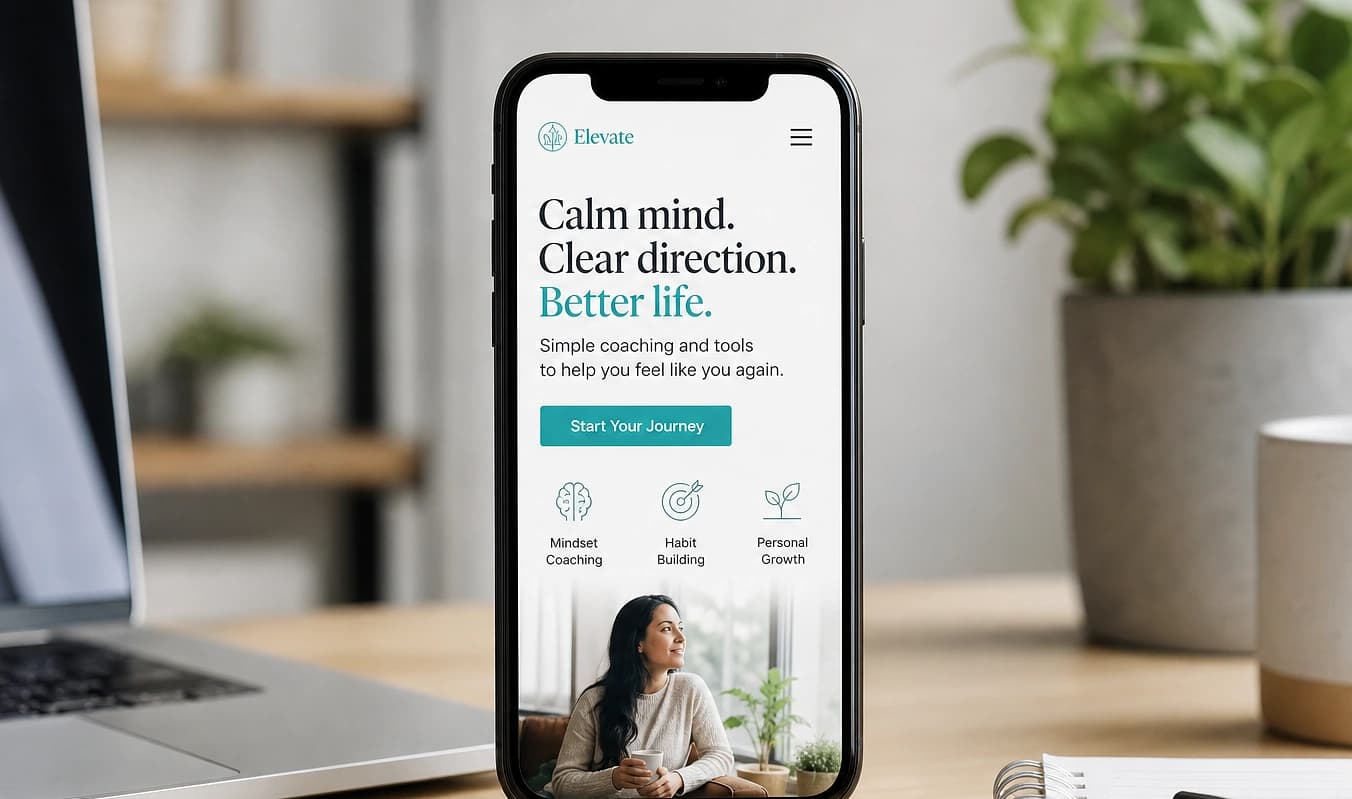
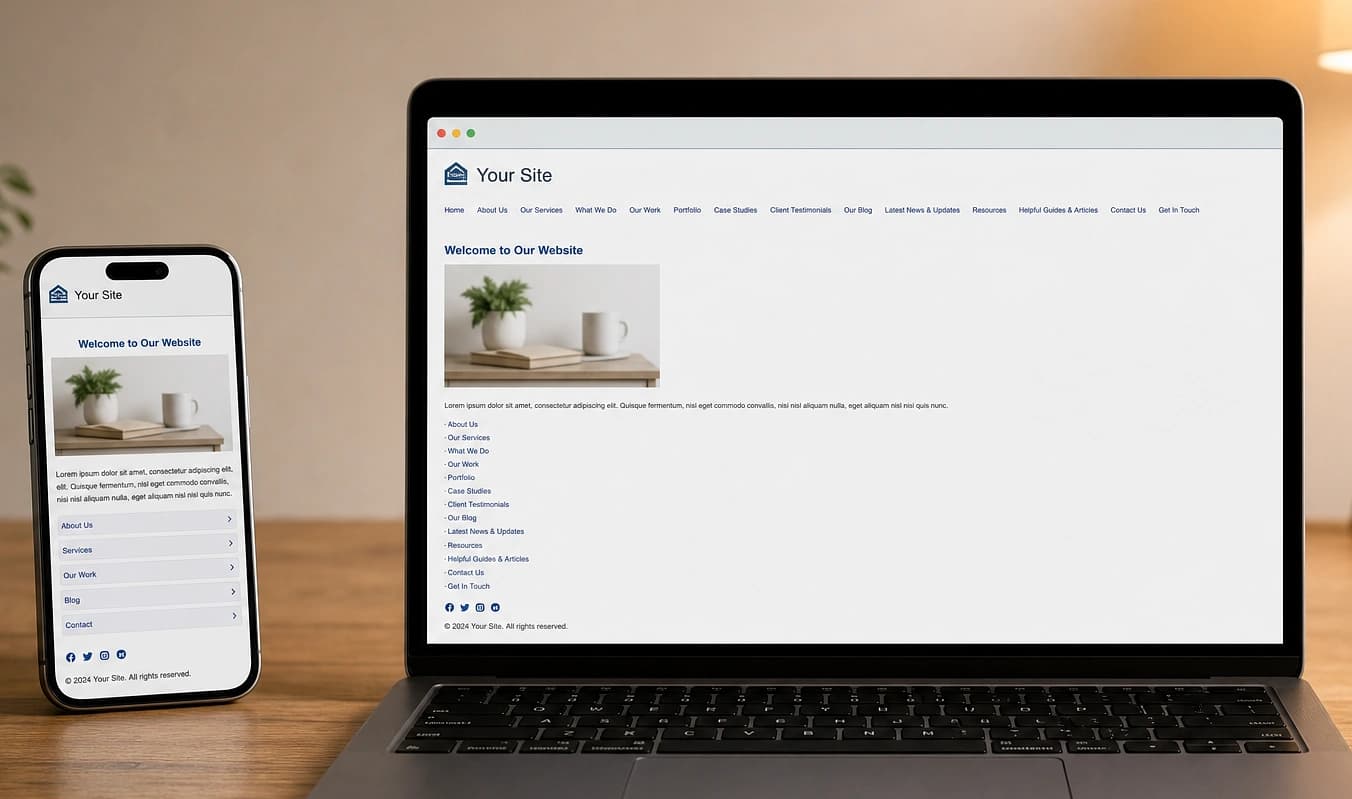
Arrastra el divisor para comparar una configuración típica con una construcción JMP.
De un vistazo
Configuración típica → Construcción JMP
Configuración típica
Menú hamburguesa que oculta el teléfono
Con JMP
CTA visible sin buscar
Configuración típica
Formularios que hacen zoom al enfocar
Con JMP
Campos dimensionados para el pulgar
Configuración típica
Texto del hero sobre una foto ocupada
Con JMP
Contraste revisado en dispositivos reales
Pruébalo en tu teléfono
Vive tu sitio como un visitante en datos móviles
Las vistas responsive del editor de temas no bastan. Dispositivos reales, LTE limitado y el modo móvil de Lighthouse muestran el dolor que sienten tus clientes en un estacionamiento.
Carga el sitio en tu teléfono
Usa datos móviles, no el Wi‑Fi de la oficina. ¿Puedes tocar llamar, encontrar el formulario y leer el hero sin hacer zoom?
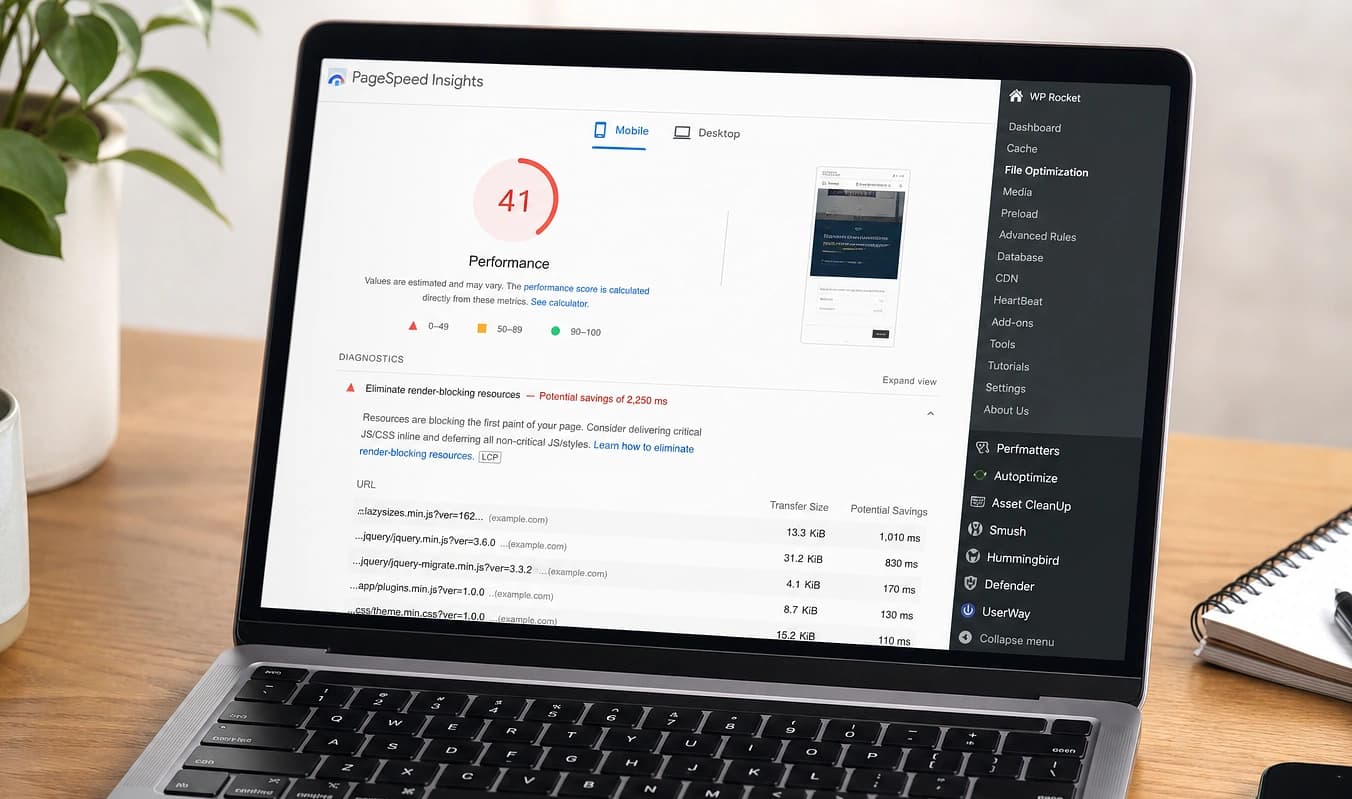
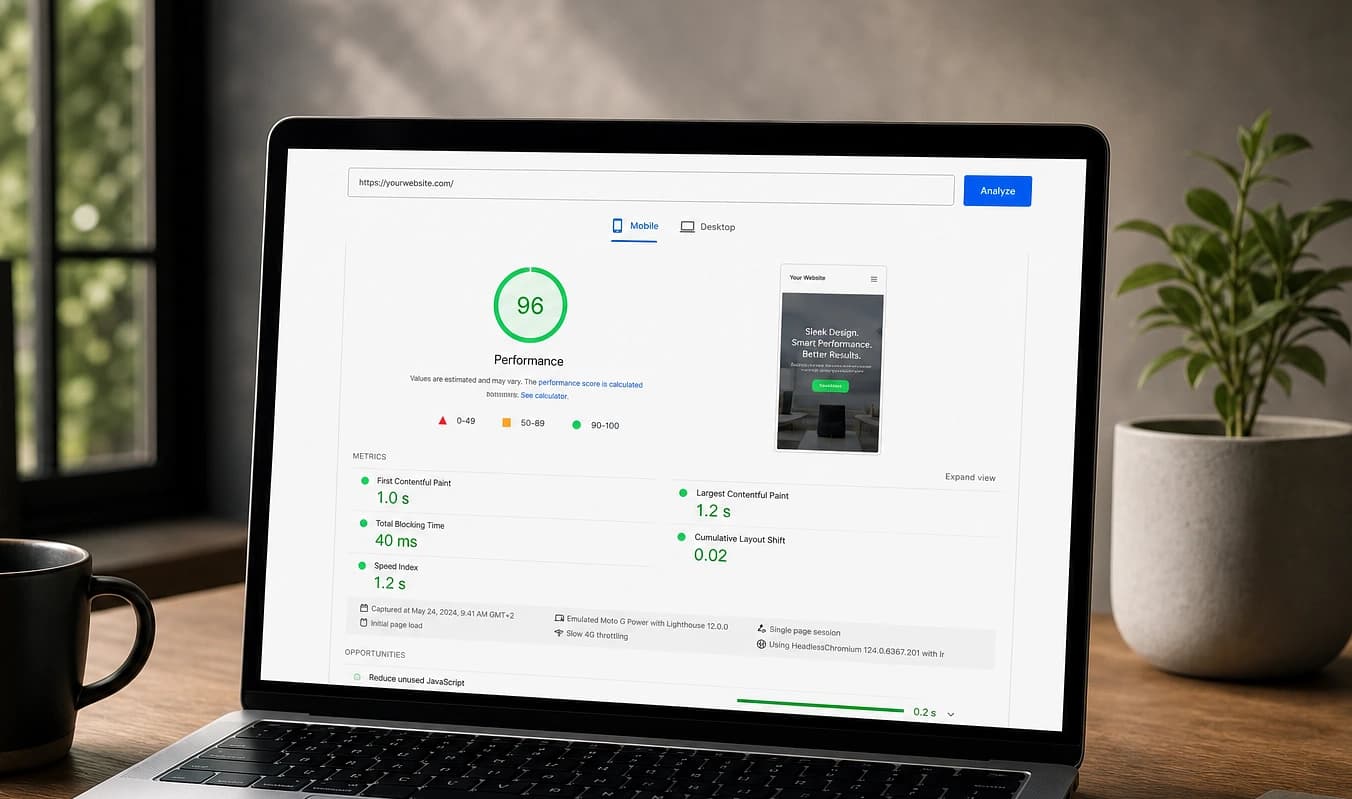
Ejecuta Lighthouse móvil
En PageSpeed Insights, compara Mobile vs. Desktop. Una brecha grande suele significar scripts pensados para escritorio que dañan el teléfono.
Revisa áreas táctiles y tipografía
Botones y enlaces deben caber en el pulgar; los campos del formulario no deben forzar zoom al enfocar en iOS.
Antes del lanzamiento revisamos páginas prioritarias en iOS y Android y listamos embeds que no se pueden salvar. Siguiente: Búsqueda e indexación.
Trabajar con JMP
Revisión en iOS y Android antes del lanzamiento
Páginas prioritarias listadas (inicio, servicios, contacto)
Lista de arreglos si un embed antiguo no se puede salvar