Content
Edit copy without breaking the layout
Fields and previews, not “please don’t touch row 4.”
JMP is the jump into a modern stack. This topic is what that looks like in practice.
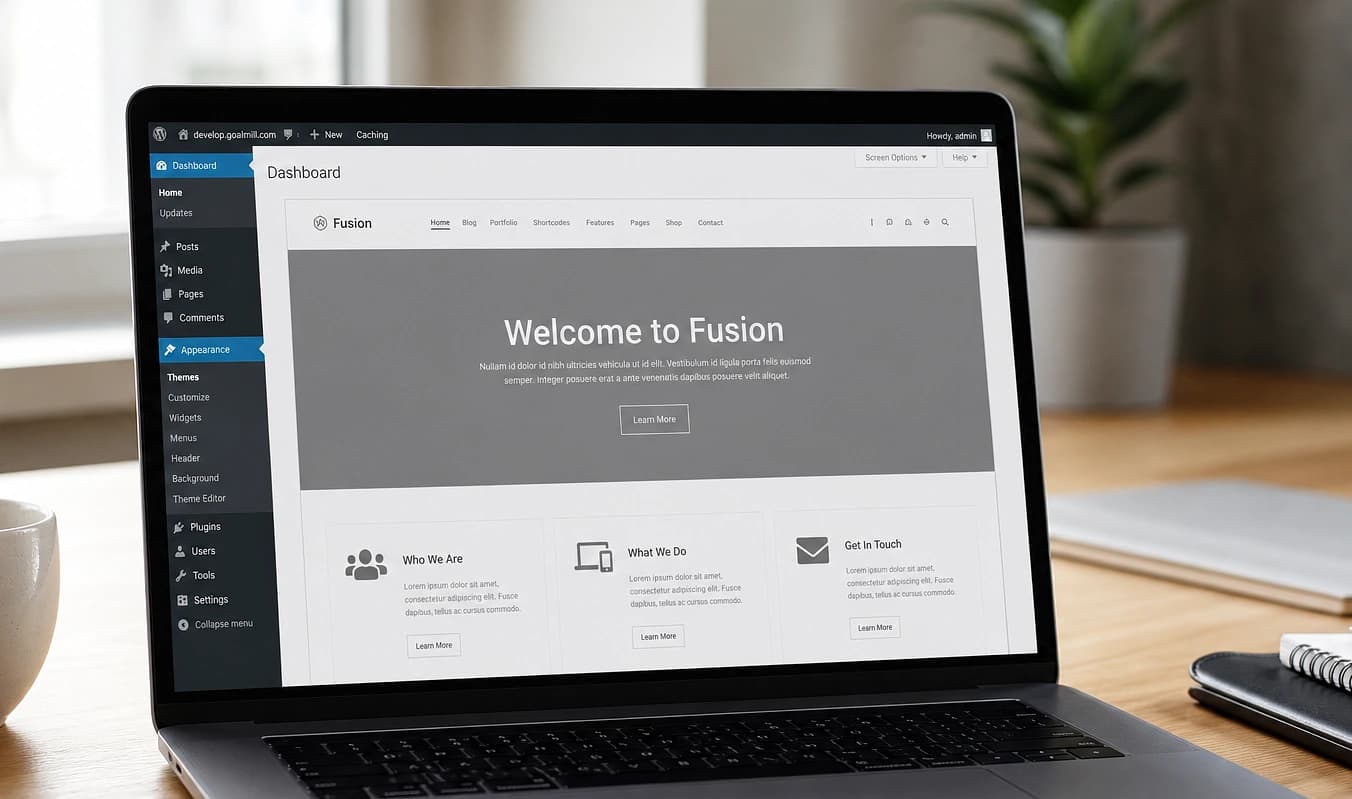
Marketing teams avoid the CMS because last time they nudged a column, the homepage looked wrong for a week.
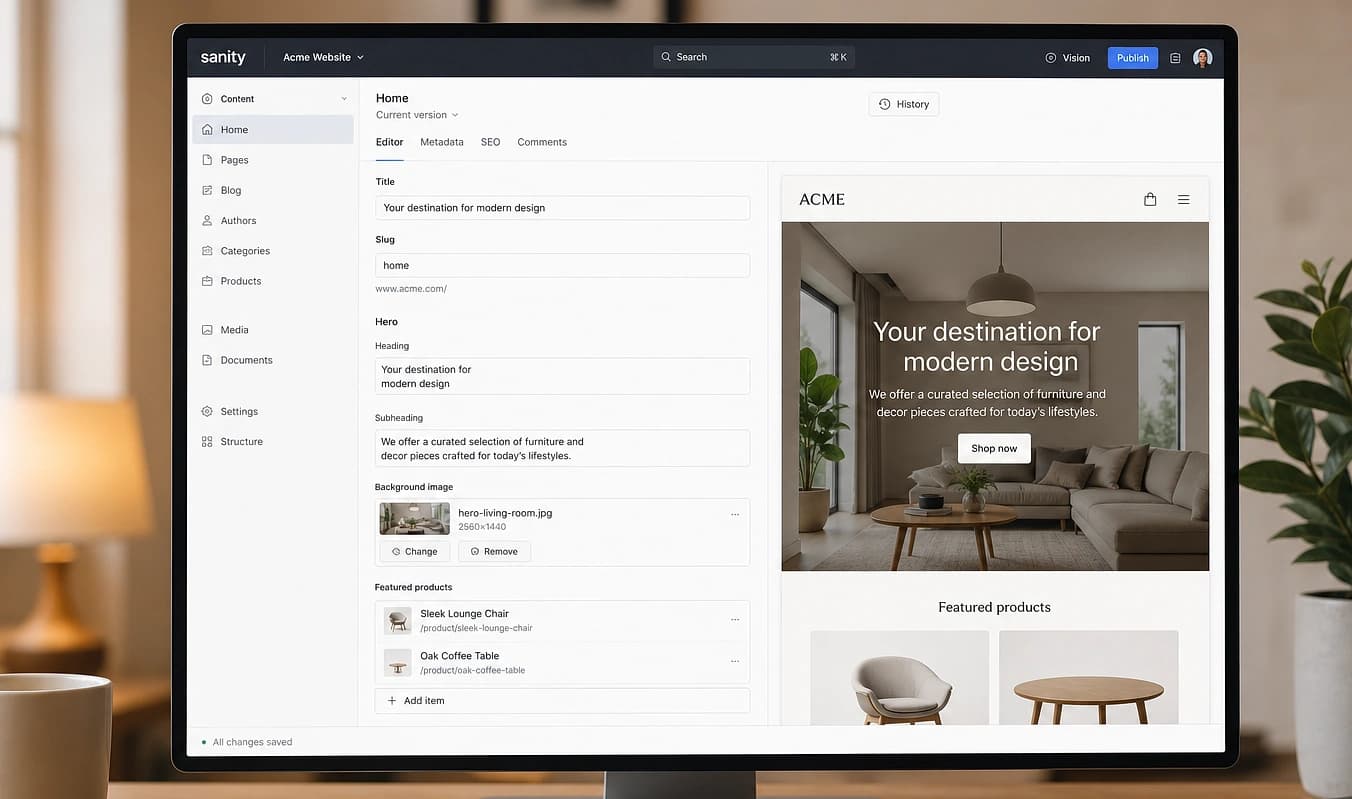
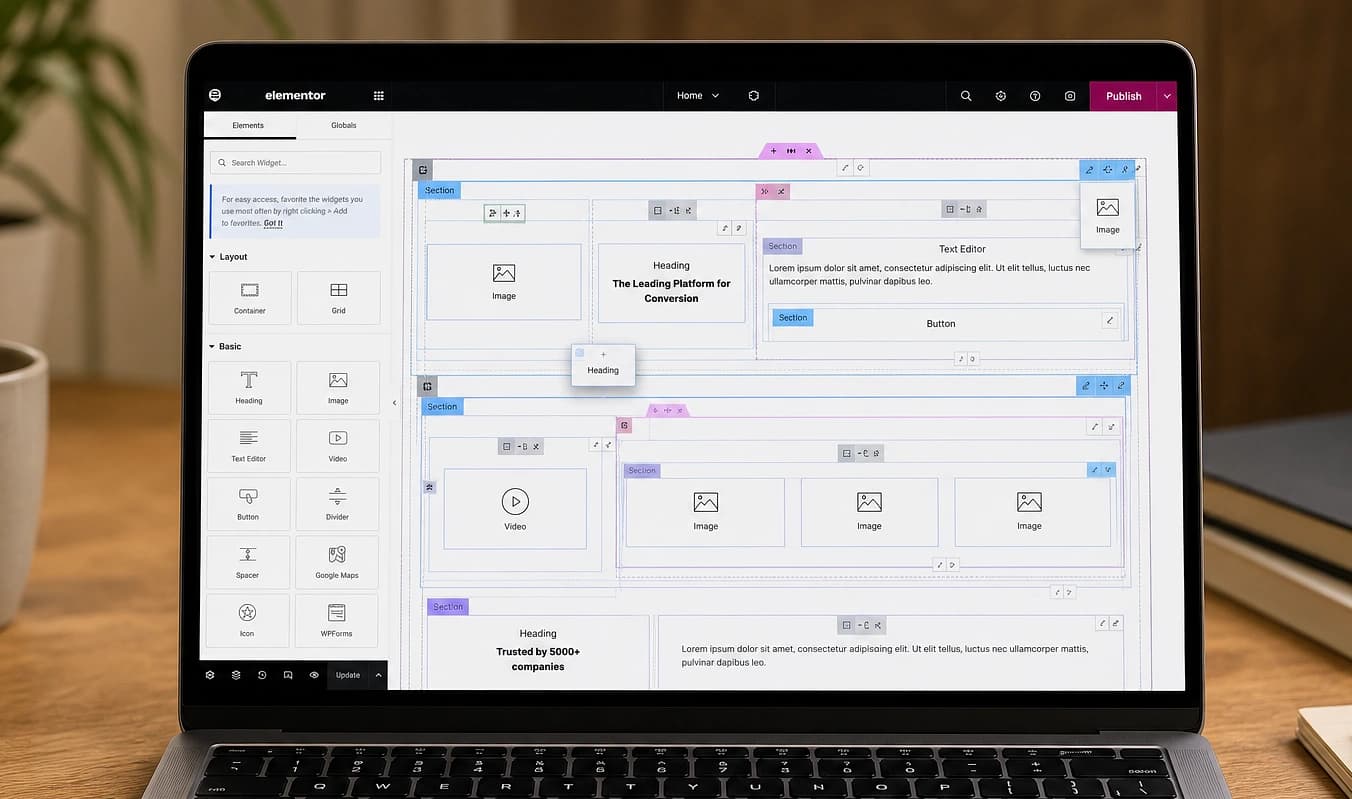
Drag the divider to compare typical setup with a JMP build.
At a glance
Typical setup → JMP build
Typical setup
One stray line blows up spacing
With JMP
Editors change labeled fields
Typical setup
Staging ≠ production
With JMP
Preview before publish
Typical setup
Blog on a different template
With JMP
One model for pages and posts
Audit your CMS
Find out how fragile your content really is
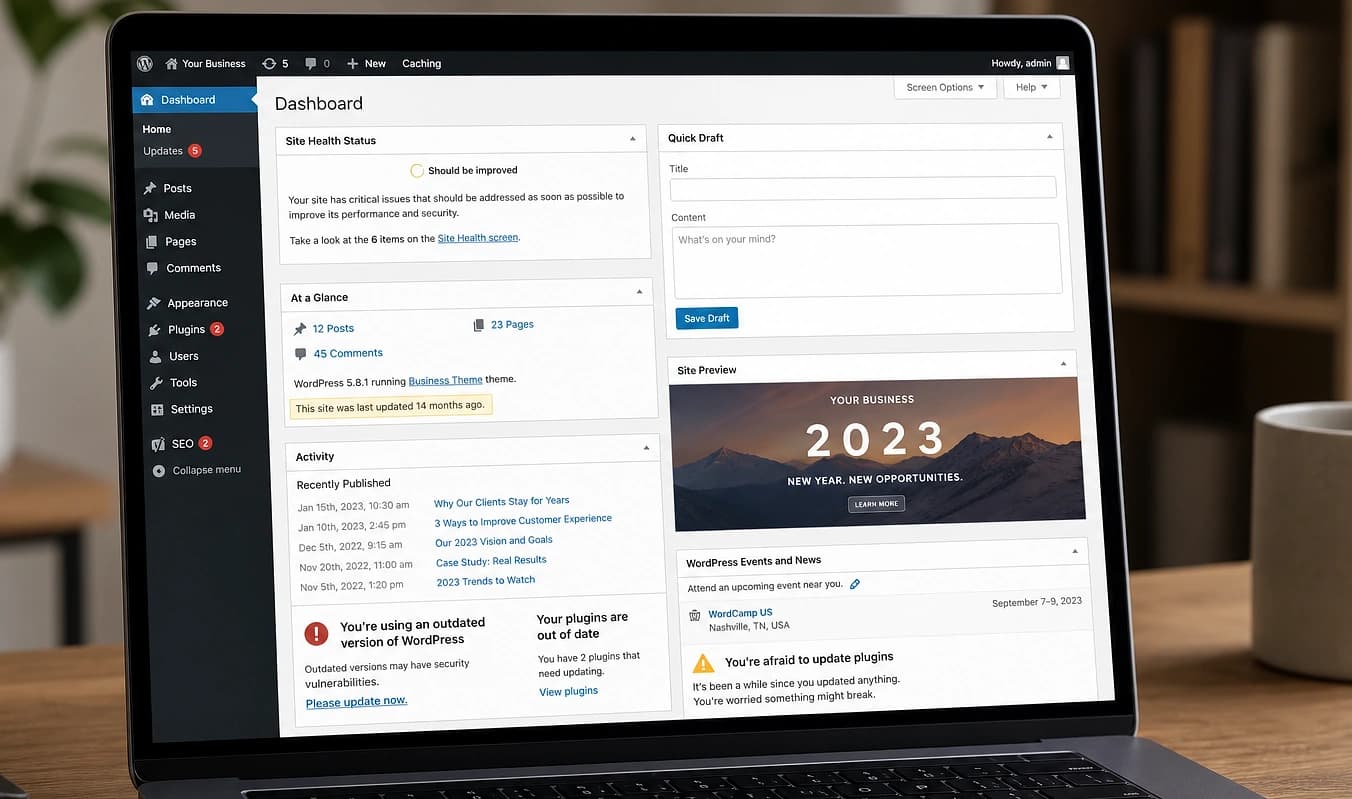
If editors are afraid to touch the homepage, the CMS is fighting them. A short audit shows whether copy lives in safe fields or brittle builder rows.
Try one small edit
Change a headline on an inner page. Does spacing break, or does preview match what publishes?
Compare staging vs. live
If you have staging, publish a test change. Many stacks look fine in admin and wrong on the public site.
List what marketing cannot touch
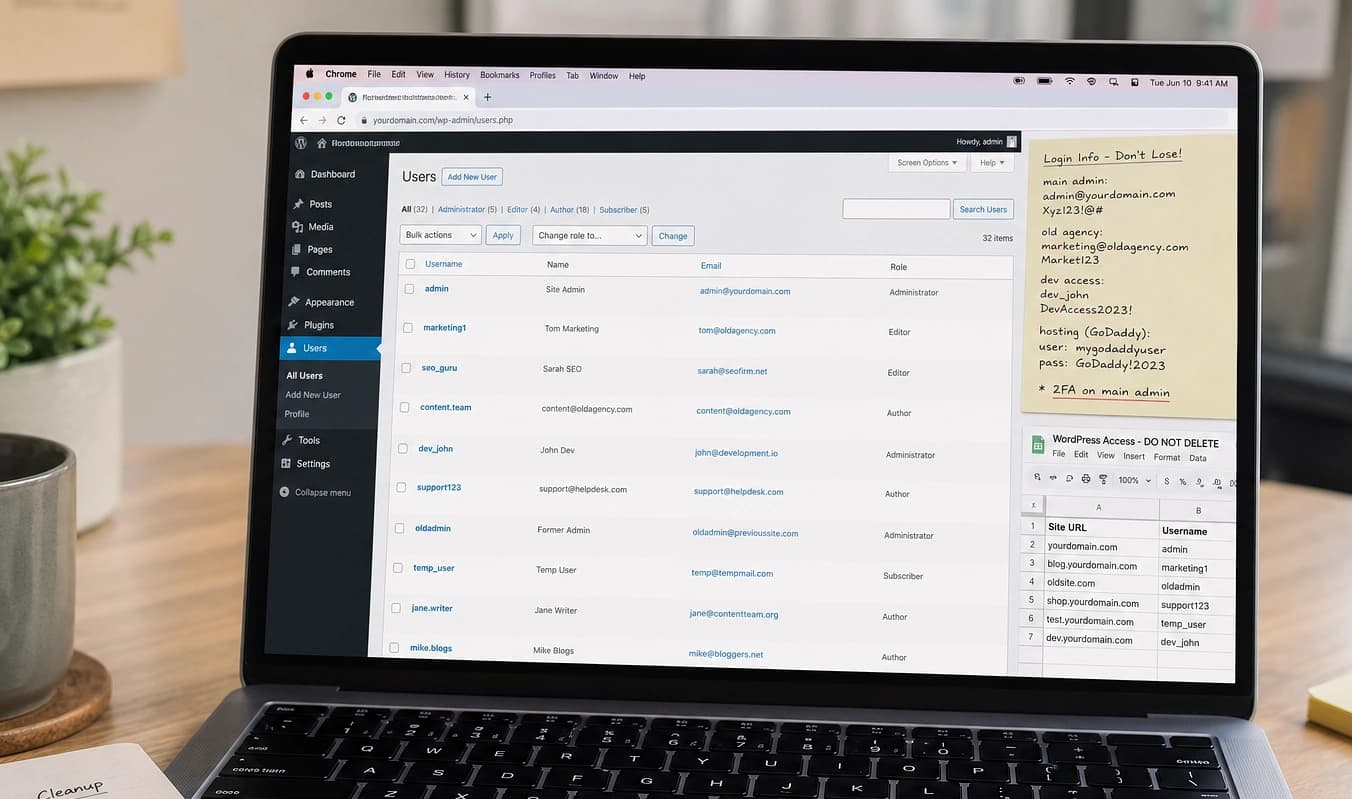
Blog, FAQs, team bios, pricing: note what needs a developer ticket today. That list becomes the content model.
We agree who edits what, train on the tool you will use, and plan migration if old posts matter. Scope content workflow.
Working with JMP
Who edits what, written down
Short training on the tool you will use
Migration plan if old posts matter