Handoff
Training and a human on the other end
Walkthrough, credentials, and who to call, no portal maze or vanished account manager.
JMP is the jump into a modern stack. This topic is what that looks like in practice.
The worst handoffs dump links and disappear. You deserve to know where to click on day three and who picks up the phone when something looks off.
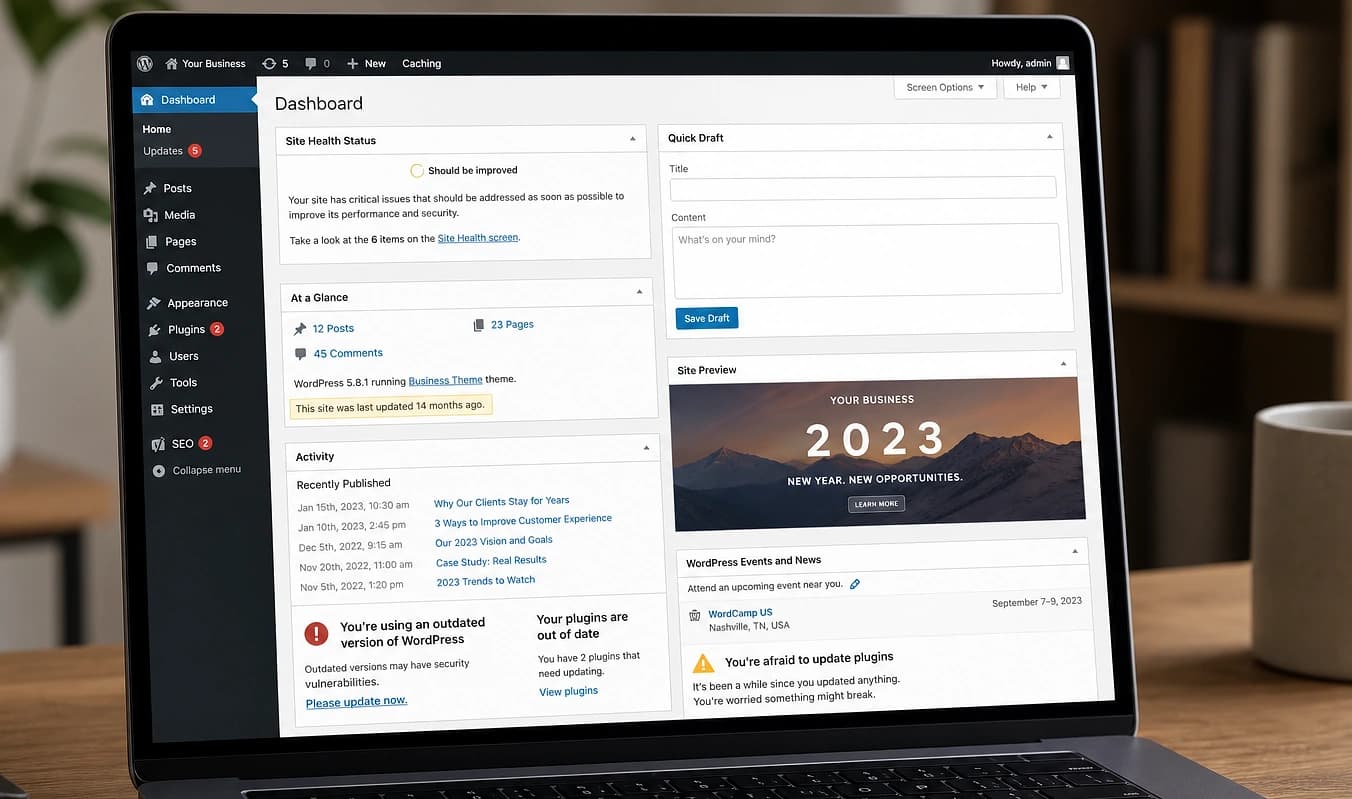
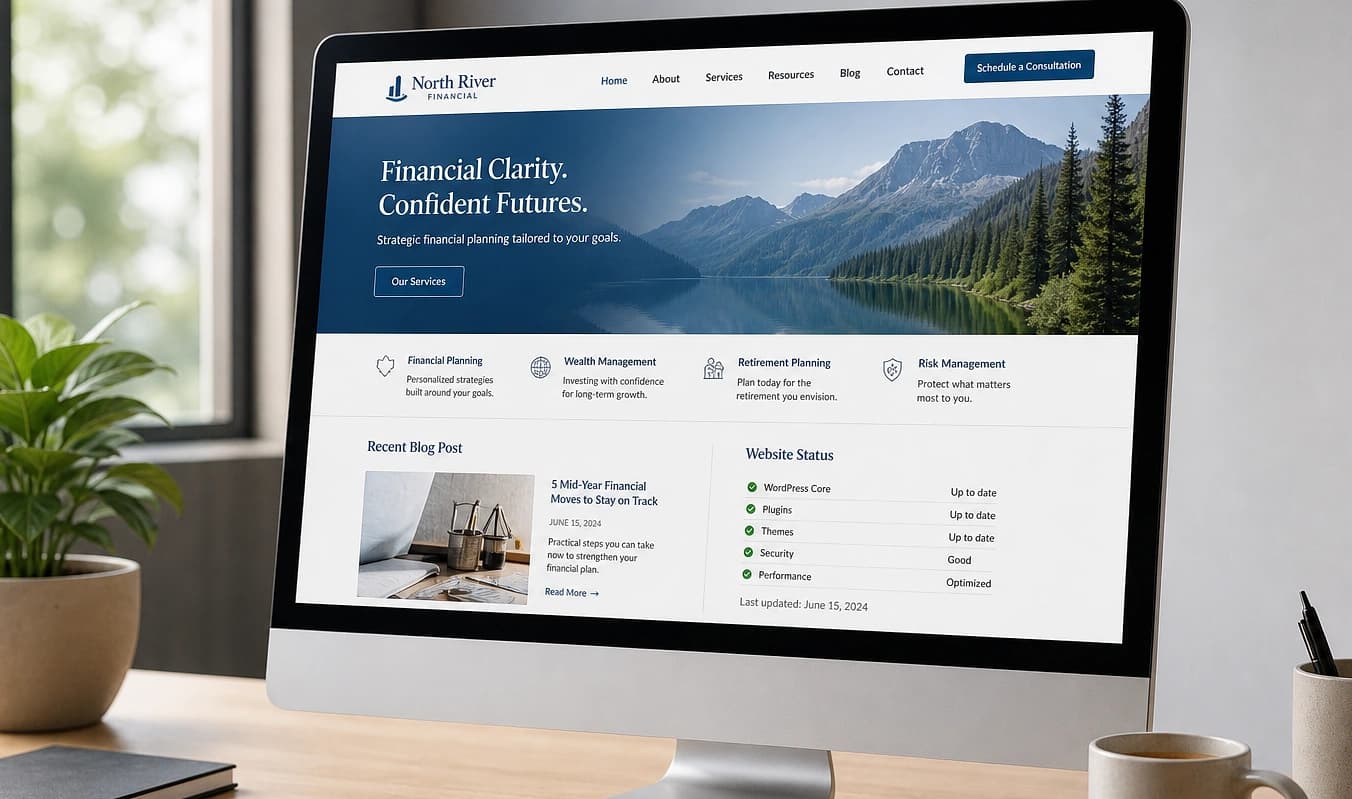
Drag the divider to compare typical setup with a JMP build.
At a glance
Typical setup → JMP build
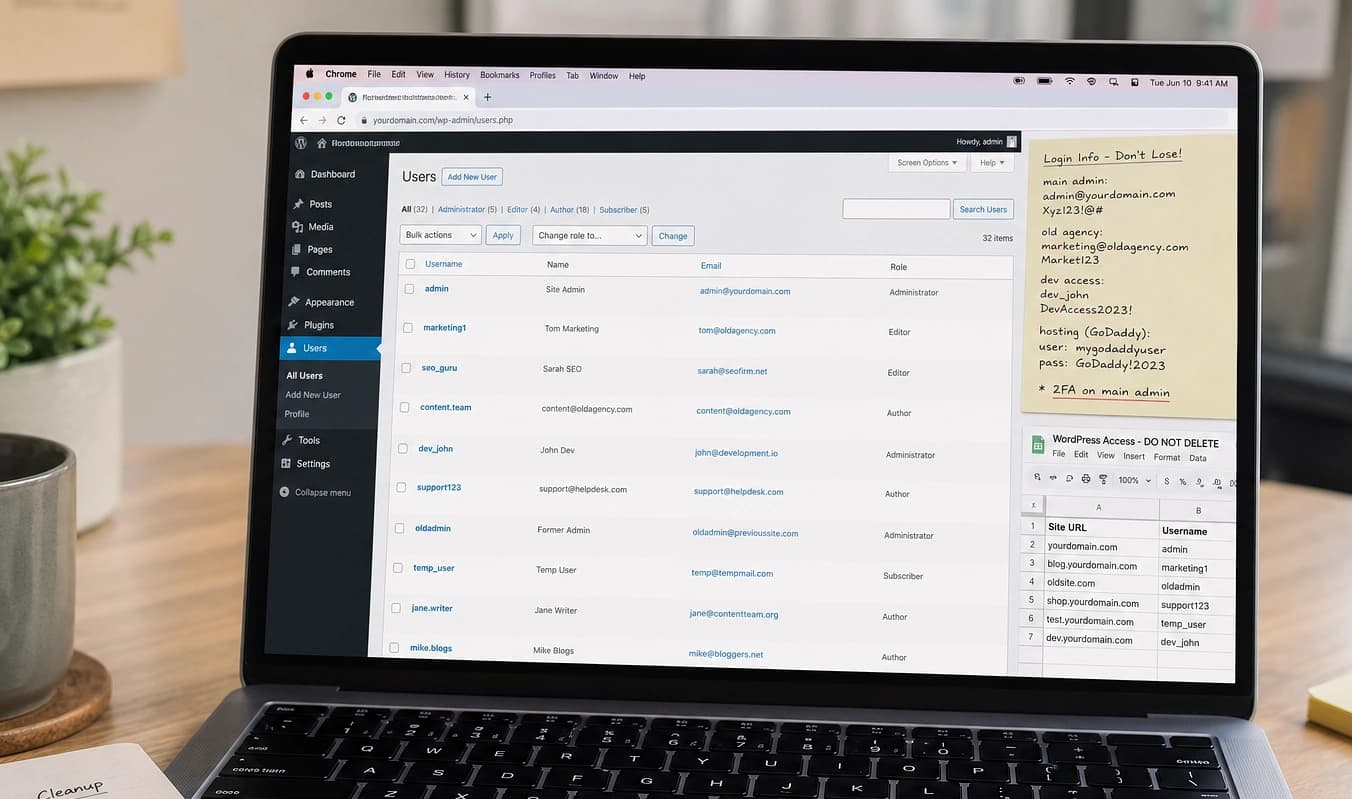
Typical setup
Passwords in a group text
With JMP
Secure credential handoff
Typical setup
No recording of training
With JMP
Live walkthrough + notes
Typical setup
Agency ticket queue
With JMP
Email the person who built it
After you sign
What a good handoff should include
The worst launches dump passwords in chat and disappear. Use this checklist when you evaluate any agency, or when we hand off your JMP build.
Live walkthrough, not only video
Schedule a call on your content and your dashboard. Recordings help, but questions happen on day three.
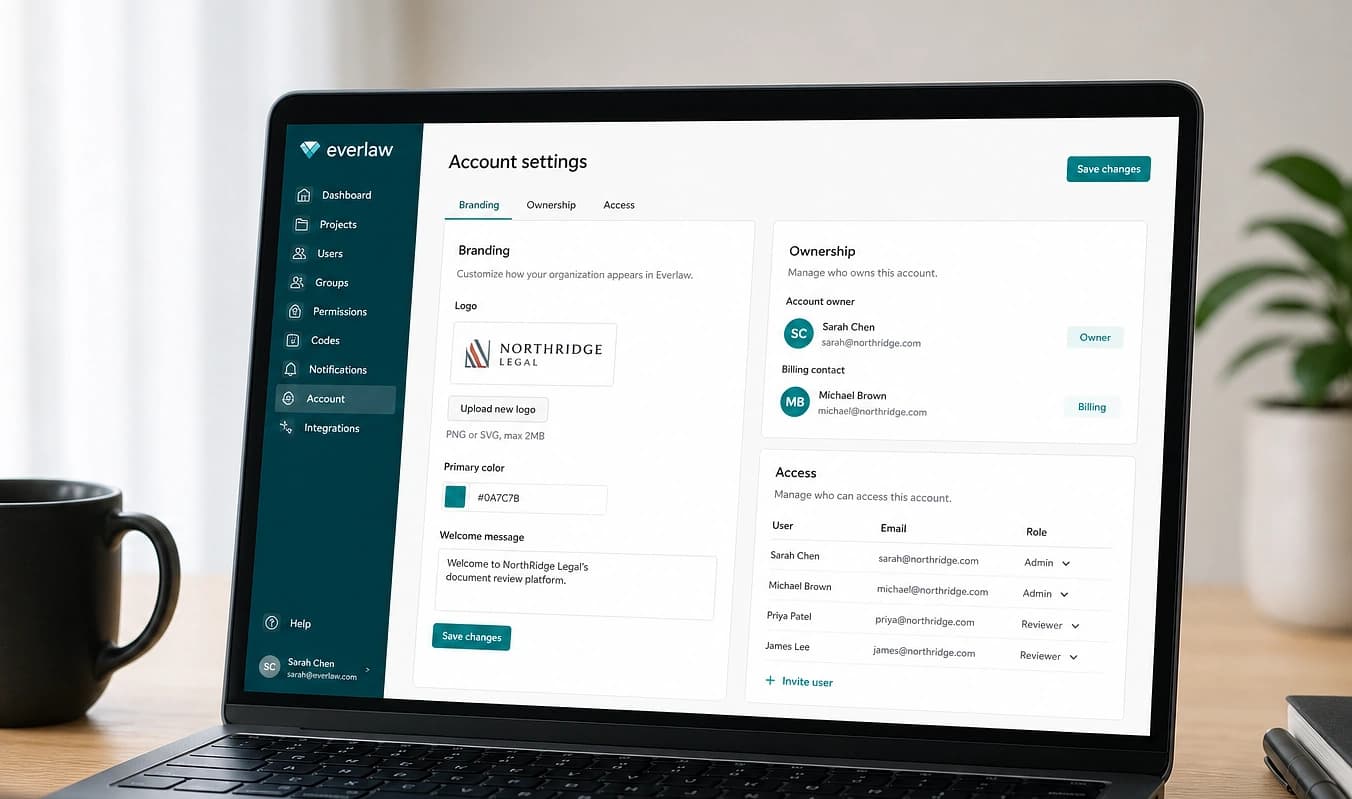
Written access list
DNS, repo, hosting, CMS, analytics, dashboard: each login labeled with who owns billing.
Clear support boundary
What is a DIY edit, what is a billed change, and who answers email when something looks wrong.
Jordan scopes, builds, and walks you through the site. Same person from first call through handoff. Next: After launch.
Working with JMP
Handoff call scheduled before launch week
Notes you can forward to your team
Clear “call us when” vs. “you can DIY”