Ownership
You own the site, not the platform
Repo, hosting, and exports you can take elsewhere. No hostage situation.
JMP is the jump into a modern stack. This topic is what that looks like in practice.
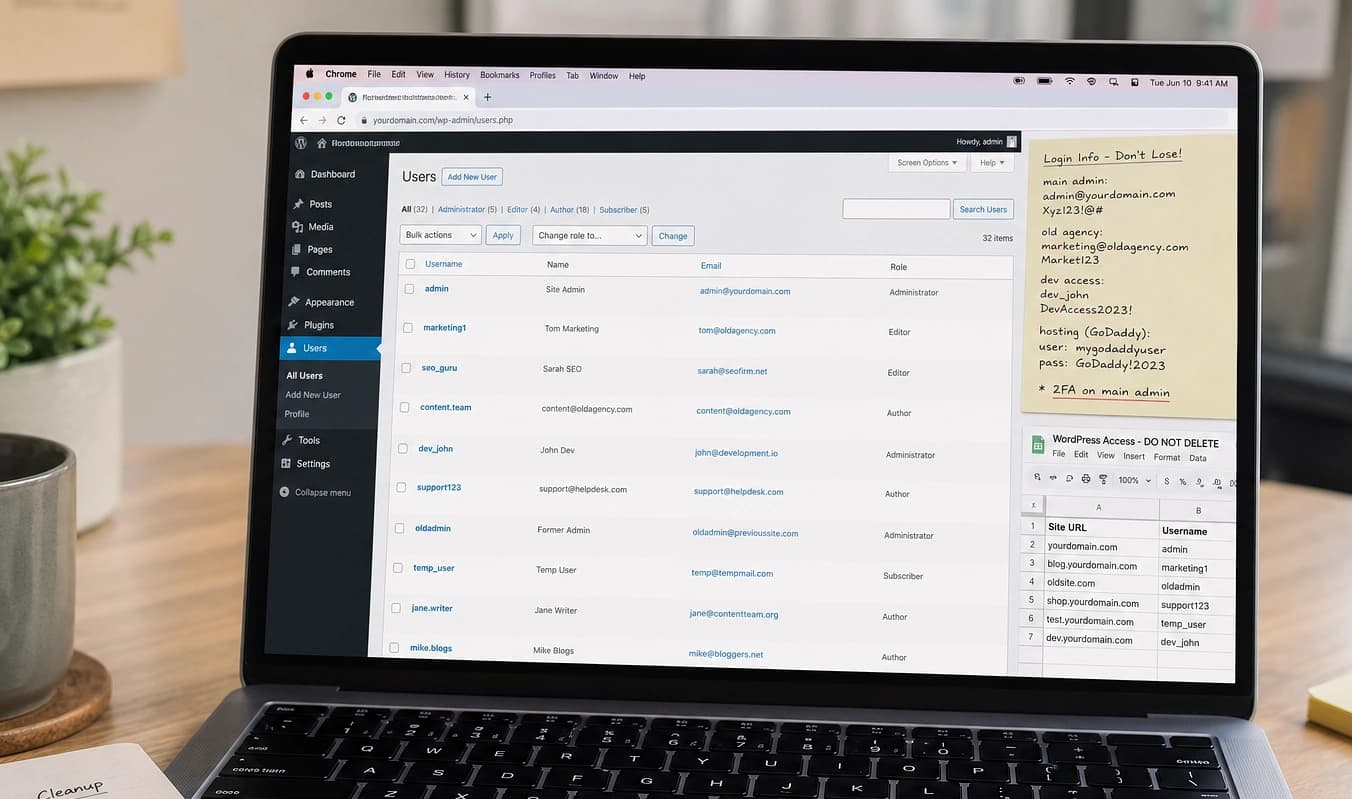
Plenty of owners have paid for a site they cannot move. Page builders and all-in-one platforms make leaving expensive on purpose.
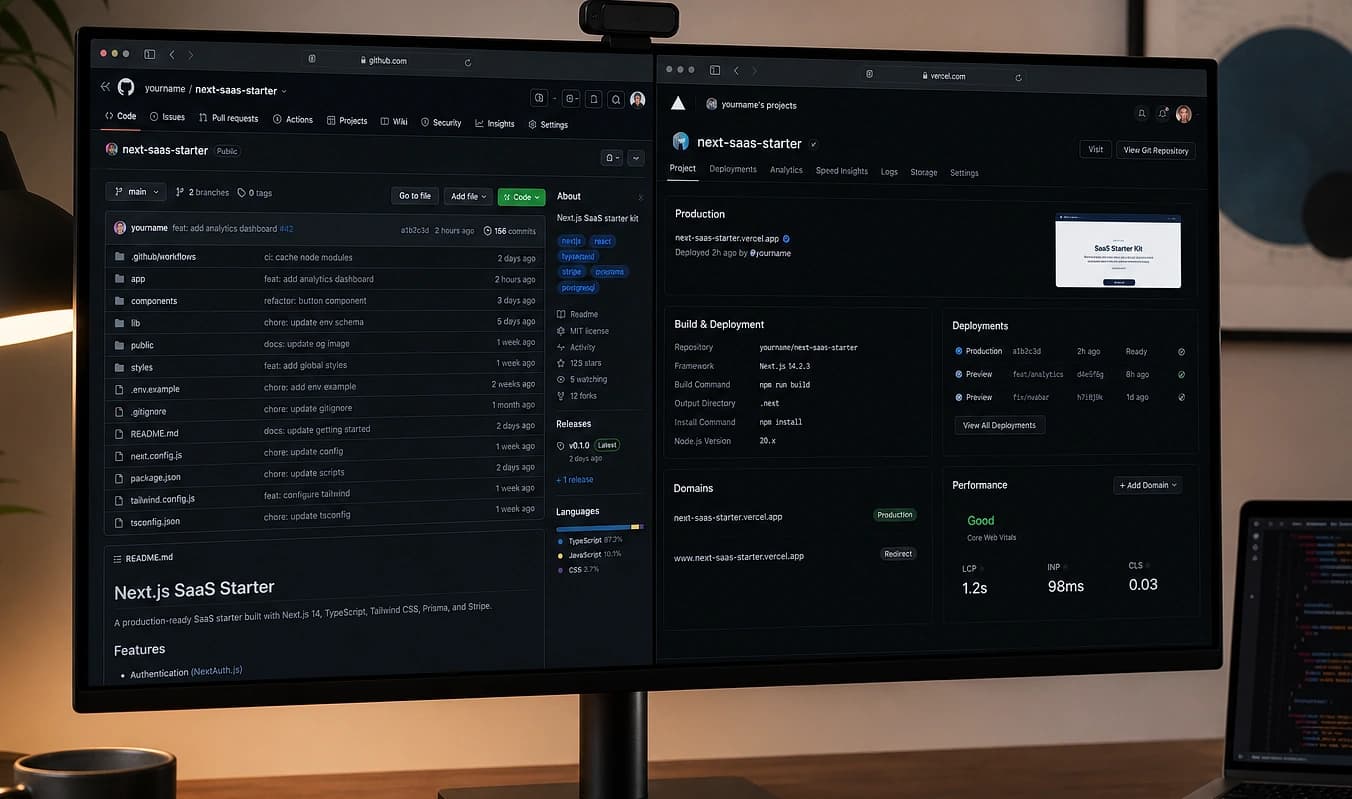
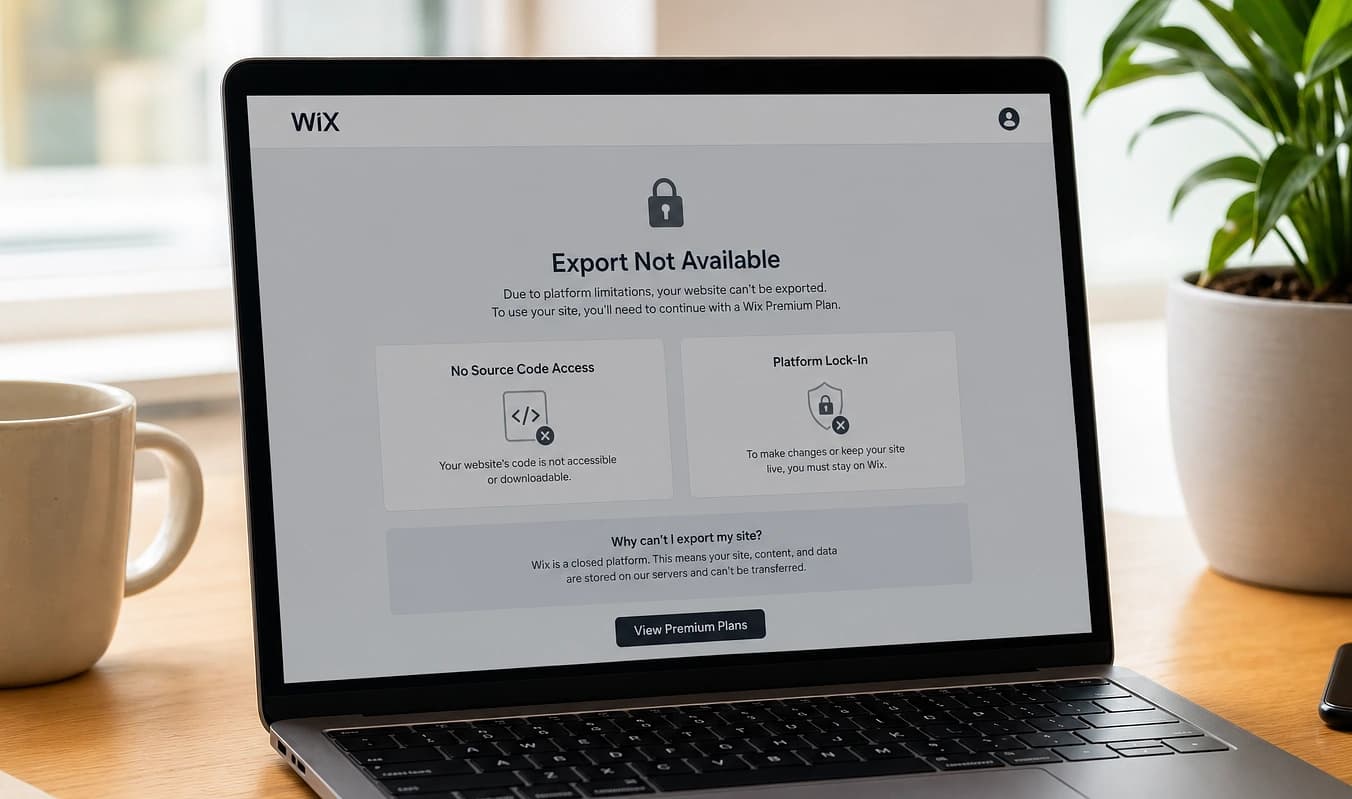
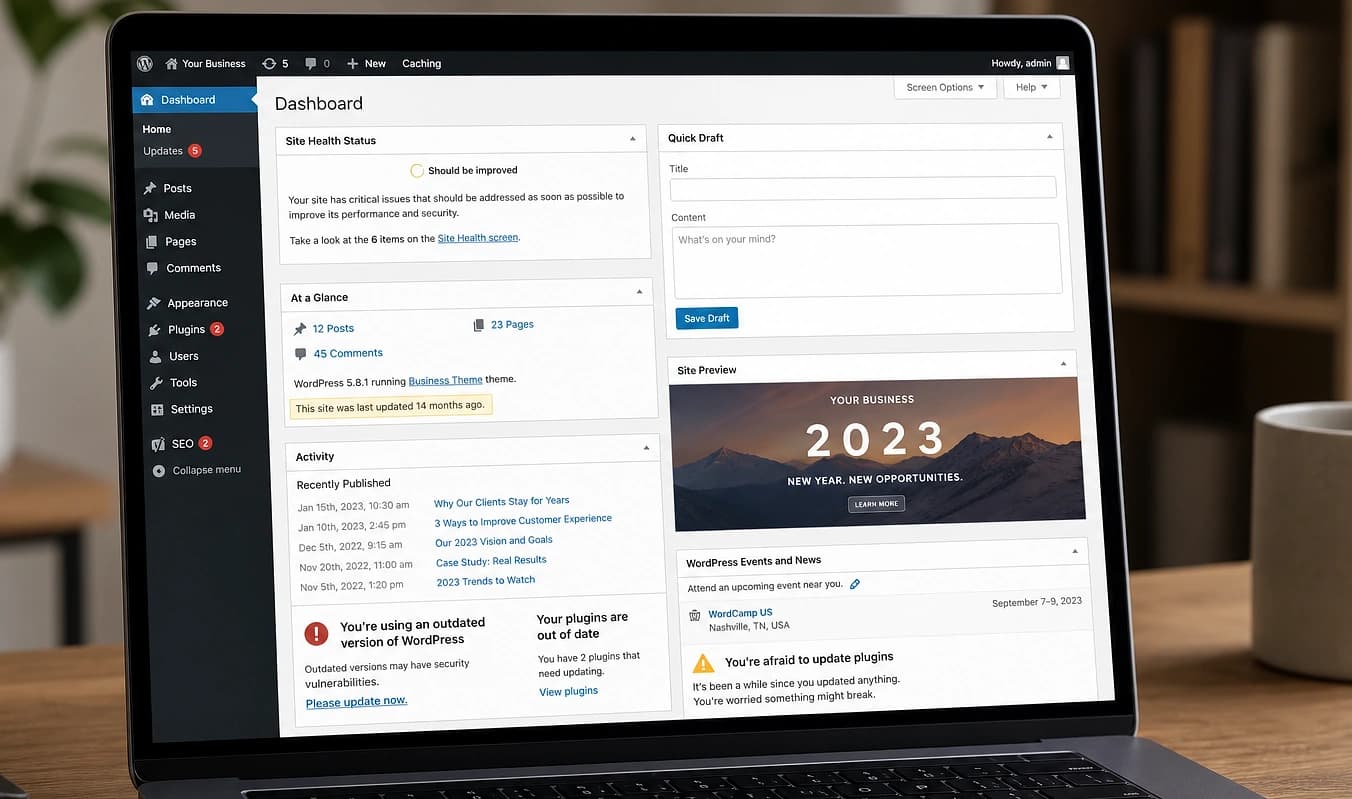
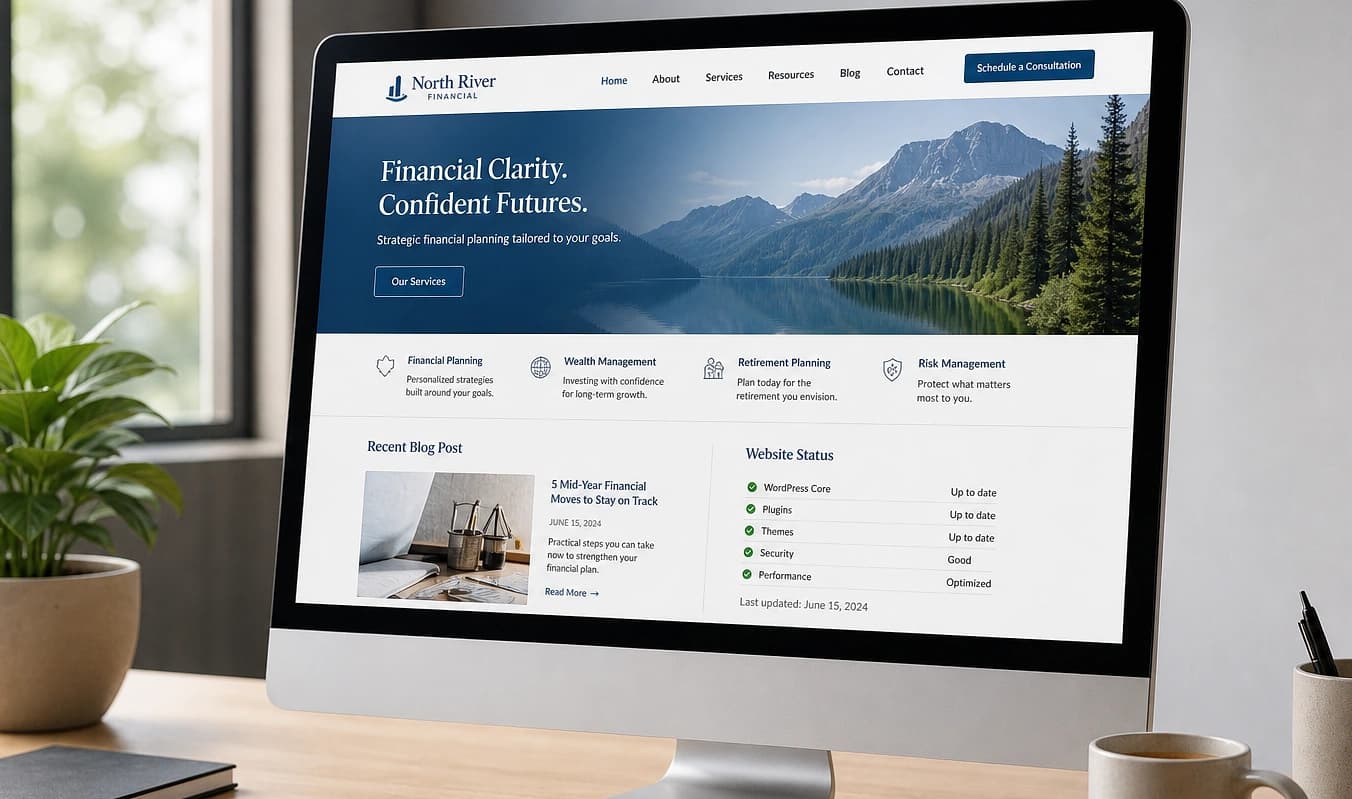
Drag the divider to compare typical setup with a JMP build.
At a glance
Typical setup → JMP build
Typical setup
Built inside Wix/Squarespace
With JMP
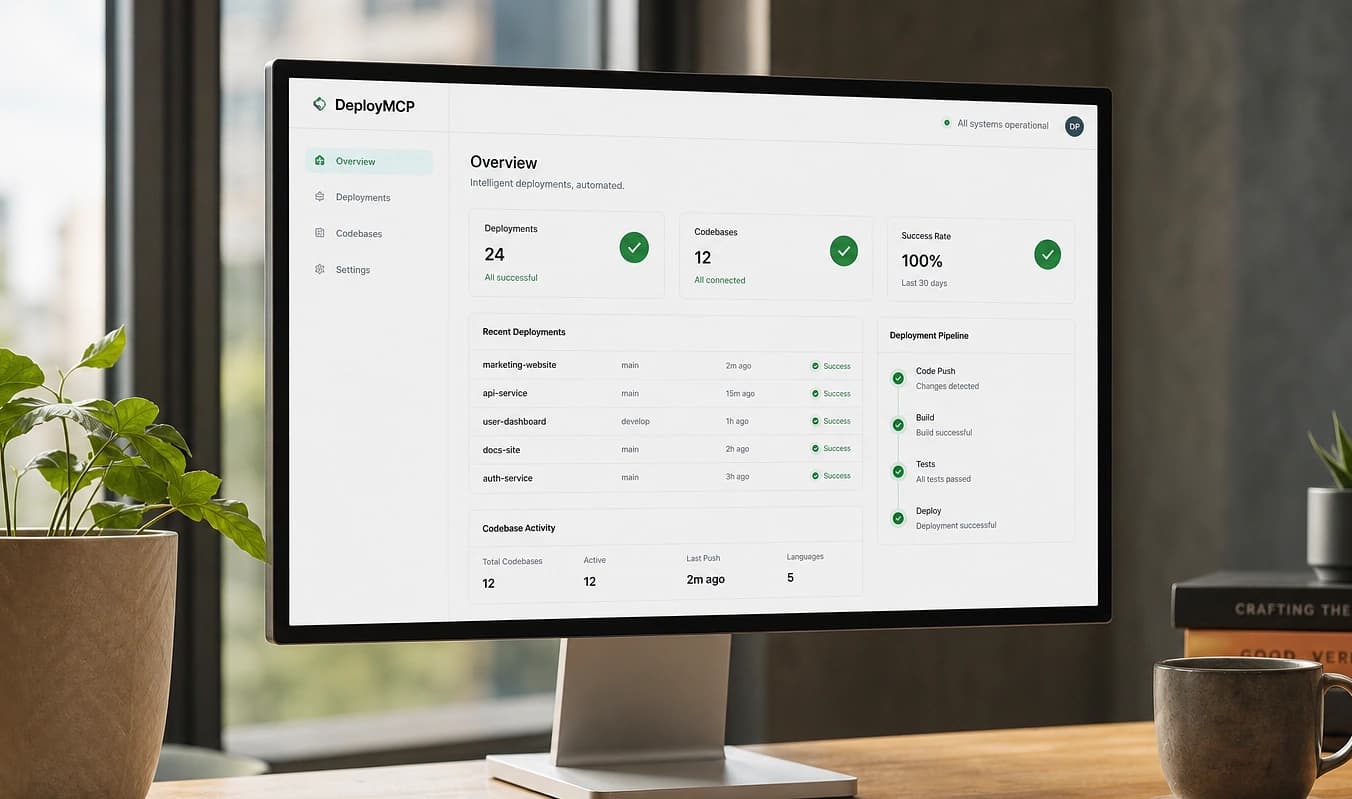
Code in your Git repo
Typical setup
Previous dev vanished
With JMP
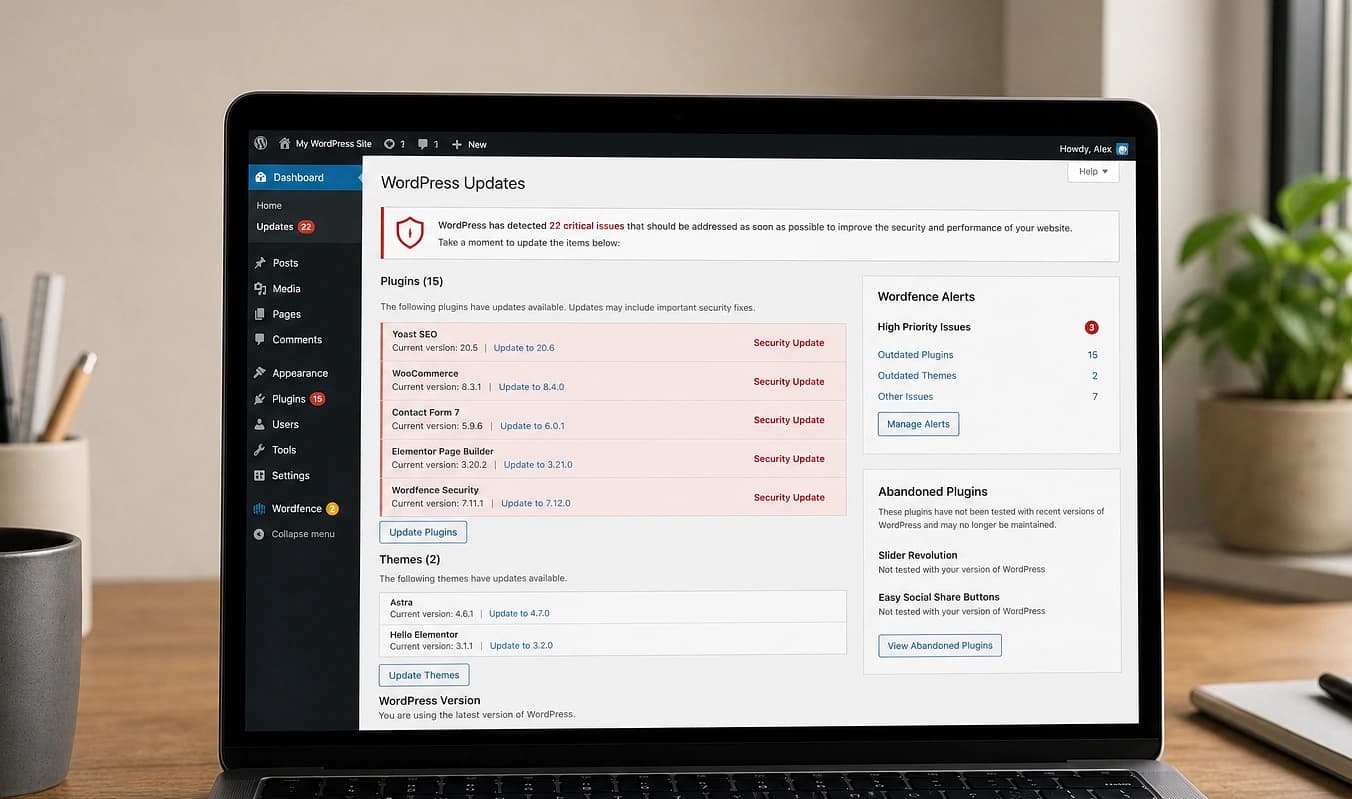
Documented stack and deploy
Typical setup
“Export” is a PDF
With JMP
Content model you can move
Know what you own
Verify you can leave with your site
Platform builders make export painful on purpose. Before another redesign, confirm you have repo, hosting, domain, and content, not just a login to someone else’s account.
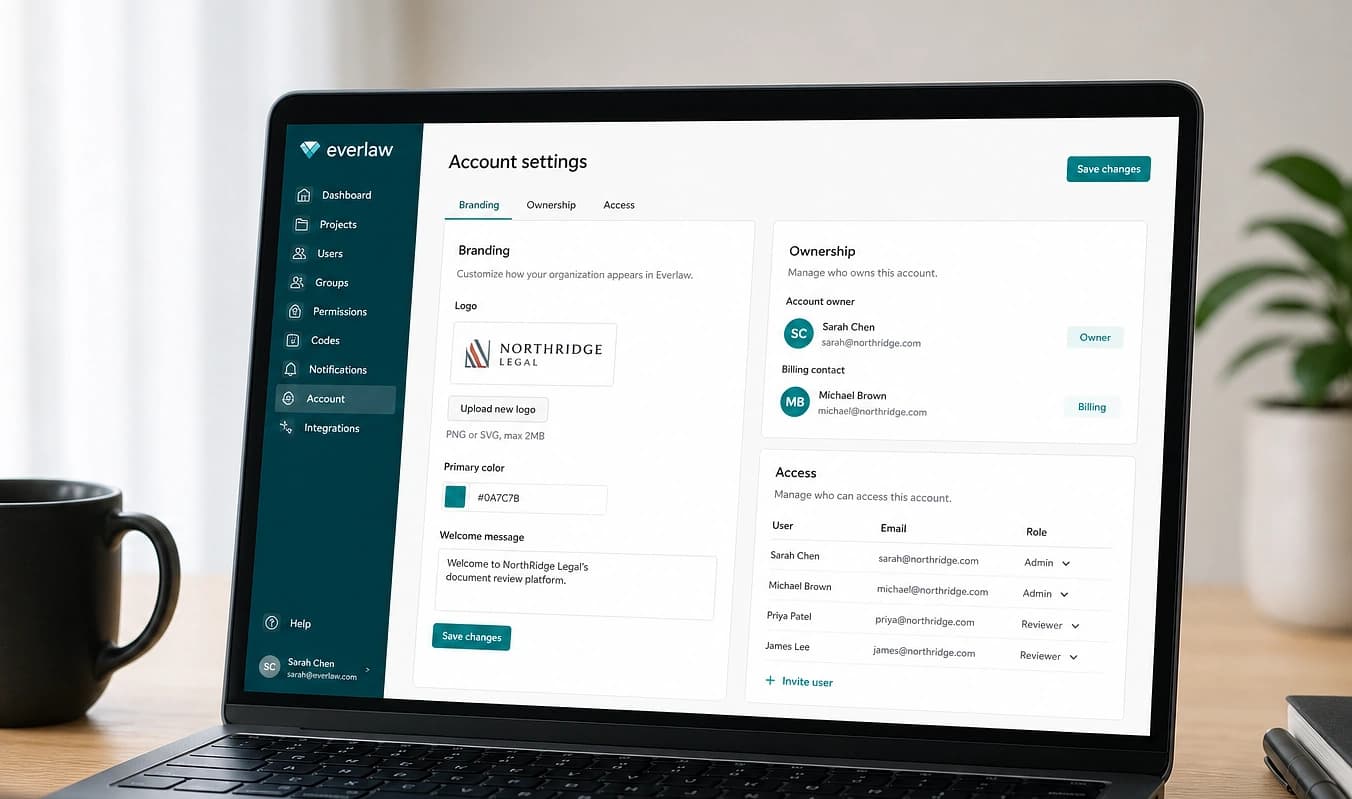
Who holds the domain?
Run a WHOIS lookup. The registrant should be you or your company, not only the agency.
Can you get source code?
Ask for Git or a zip of the theme/plugins. No repo often means no real ownership of the implementation.
Export content
Try exporting posts, pages, and media. Note formats (XML, CSV, PDF only) and what is locked in layouts.
At launch we hand over repo, hosting access, and a written stack list your next developer can use. Next: Handoff checklist.
Working with JMP
Access handed over at launch, not “later”
Names for DNS, repo, and dashboard logins
Optional doc for your next developer