

Antes
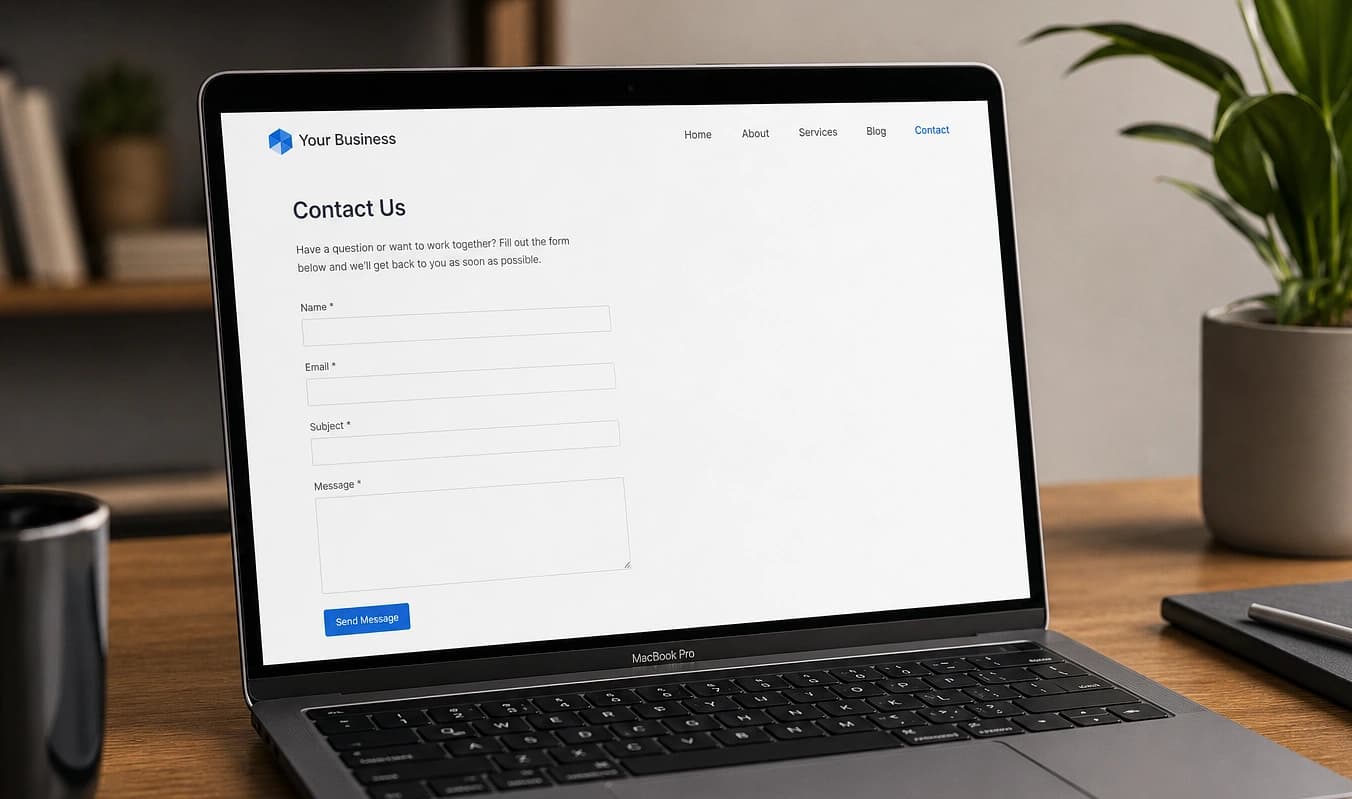
Herramientas a medida
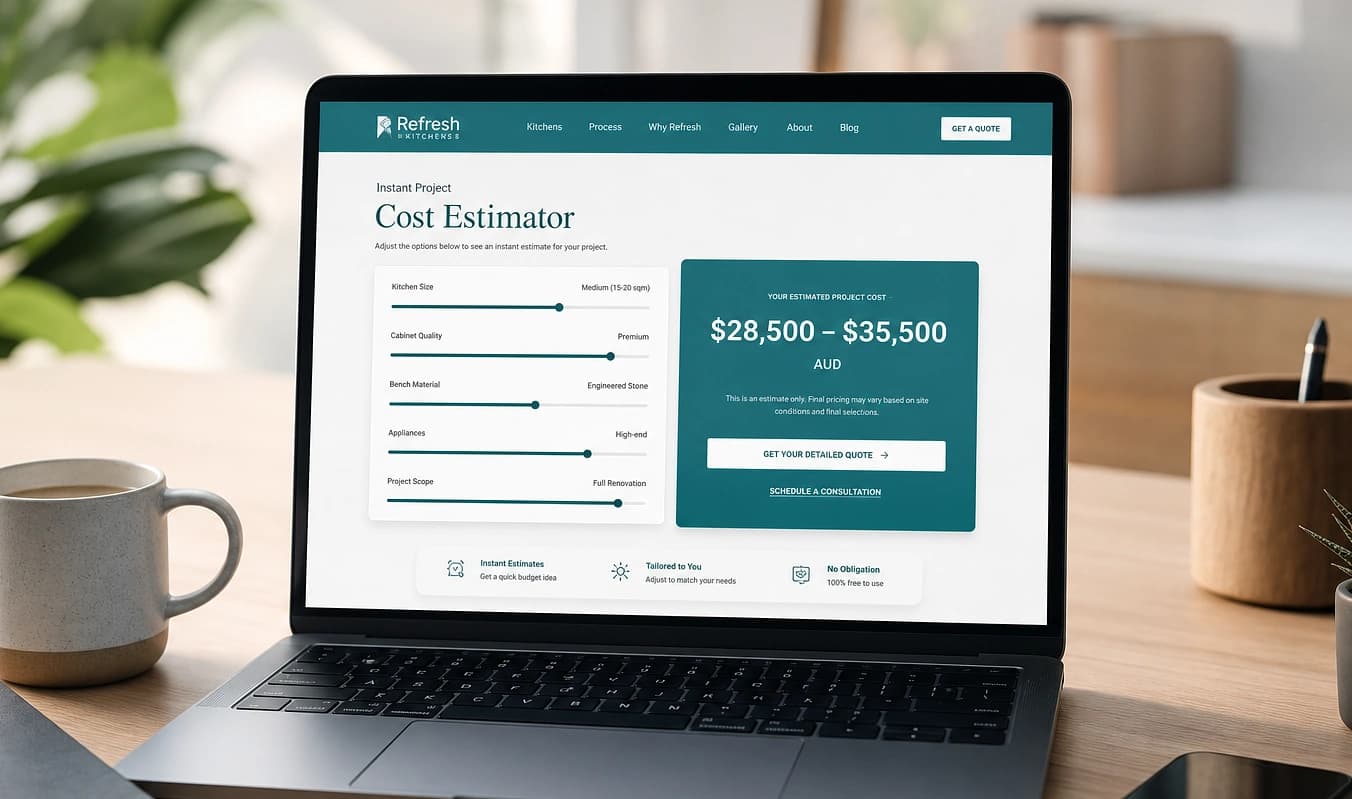
Calculadoras, cotizadores y formularios multipaso que dan una respuesta al instante y capturan un lead calificado.
- Calculadora de cotización instantánea en la página
- Intake multipaso que se completa
Salta al stack moderno
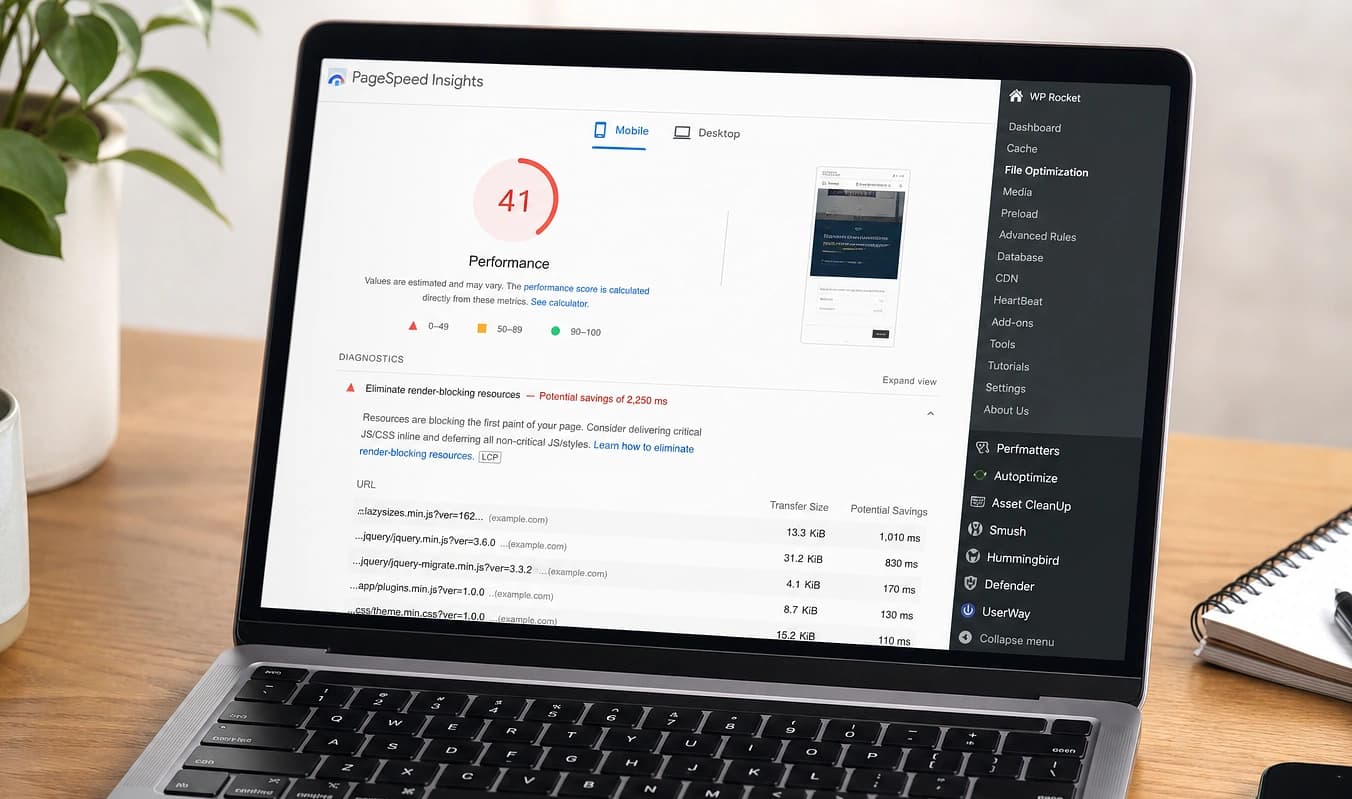
La mayoría de sitios de pequeños negocios apilan plugins hasta que algo se rompe, y luego agregan más herramientas para estadísticas, formularios y chat. Entregamos un codebase tuyo, un login, herramientas de negocio en el producto e IA acotada a tus páginas, más un dashboard en cada proyecto. La velocidad móvil es un síntoma que arreglamos en el camino, no el discurso.
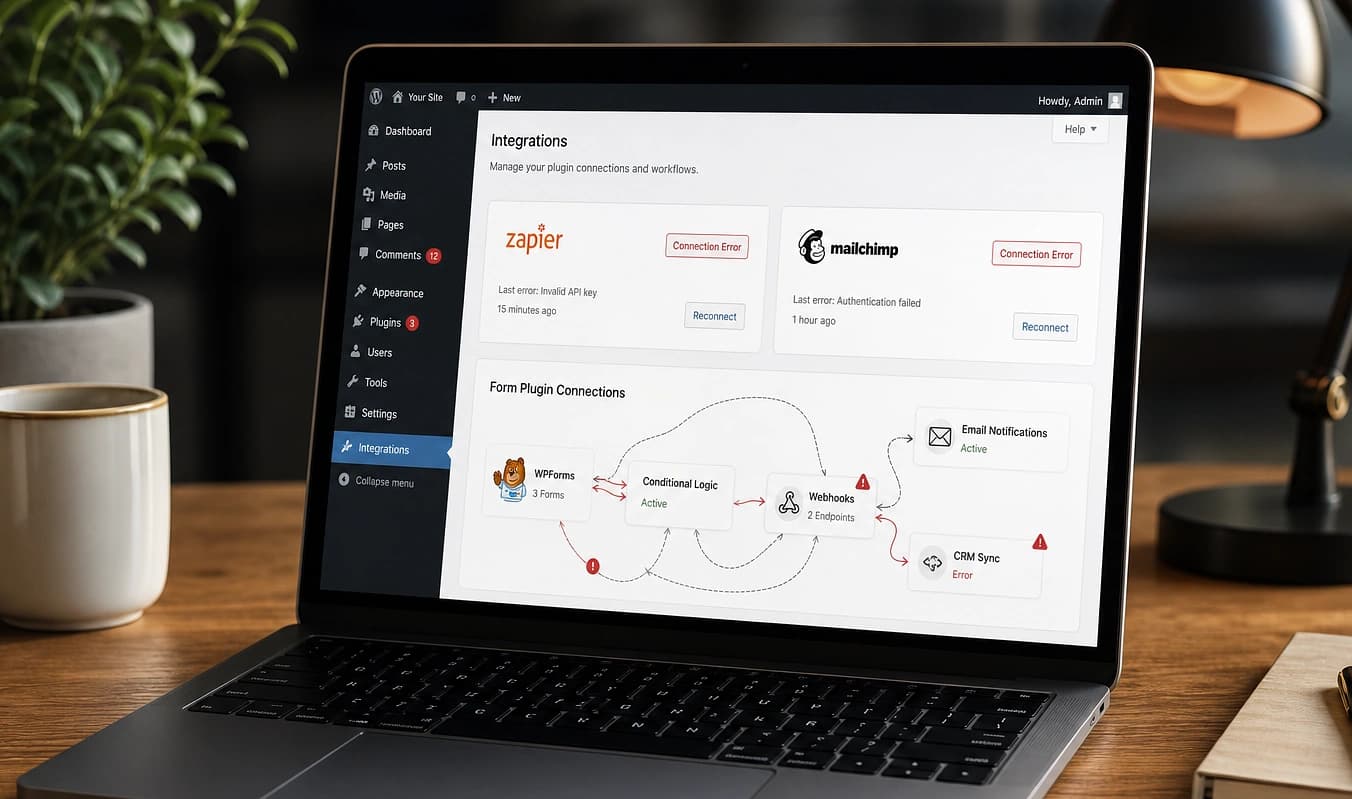
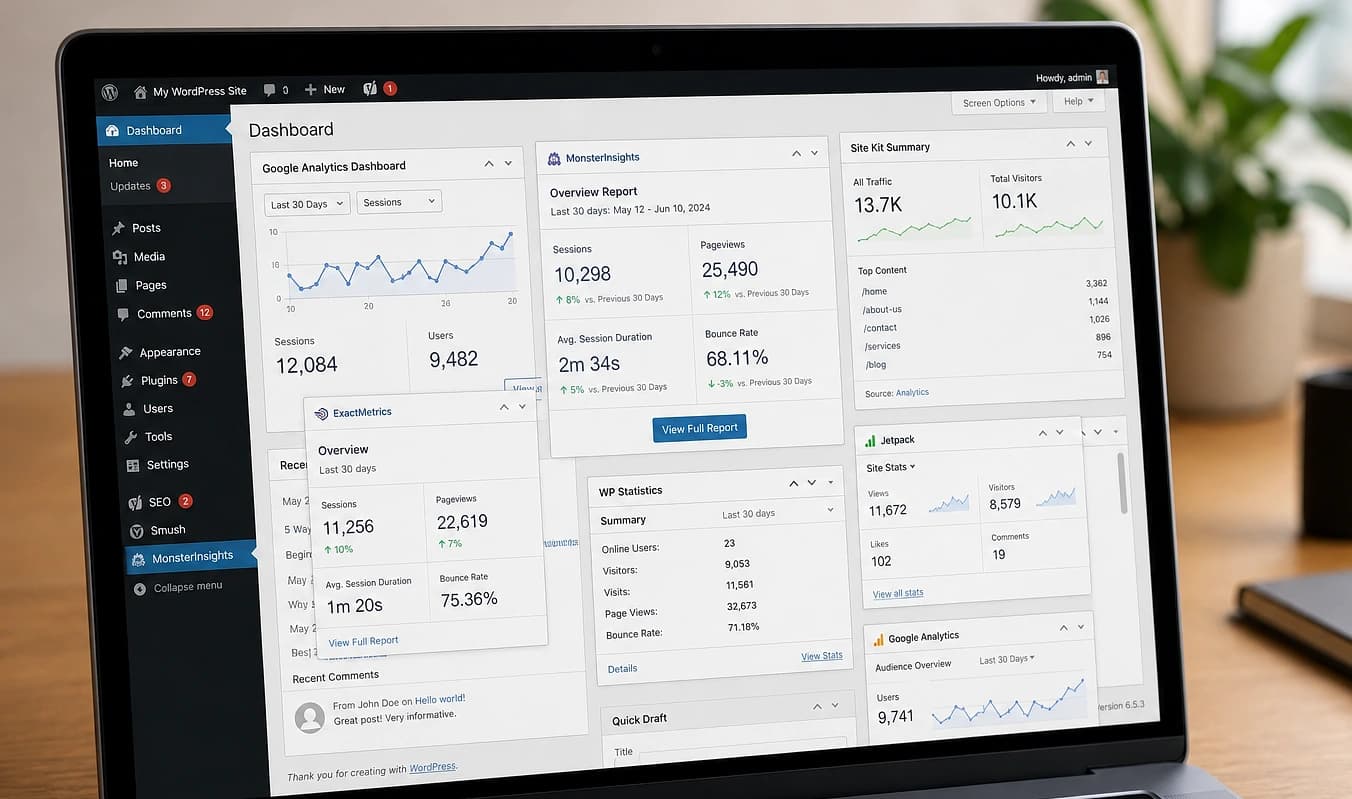
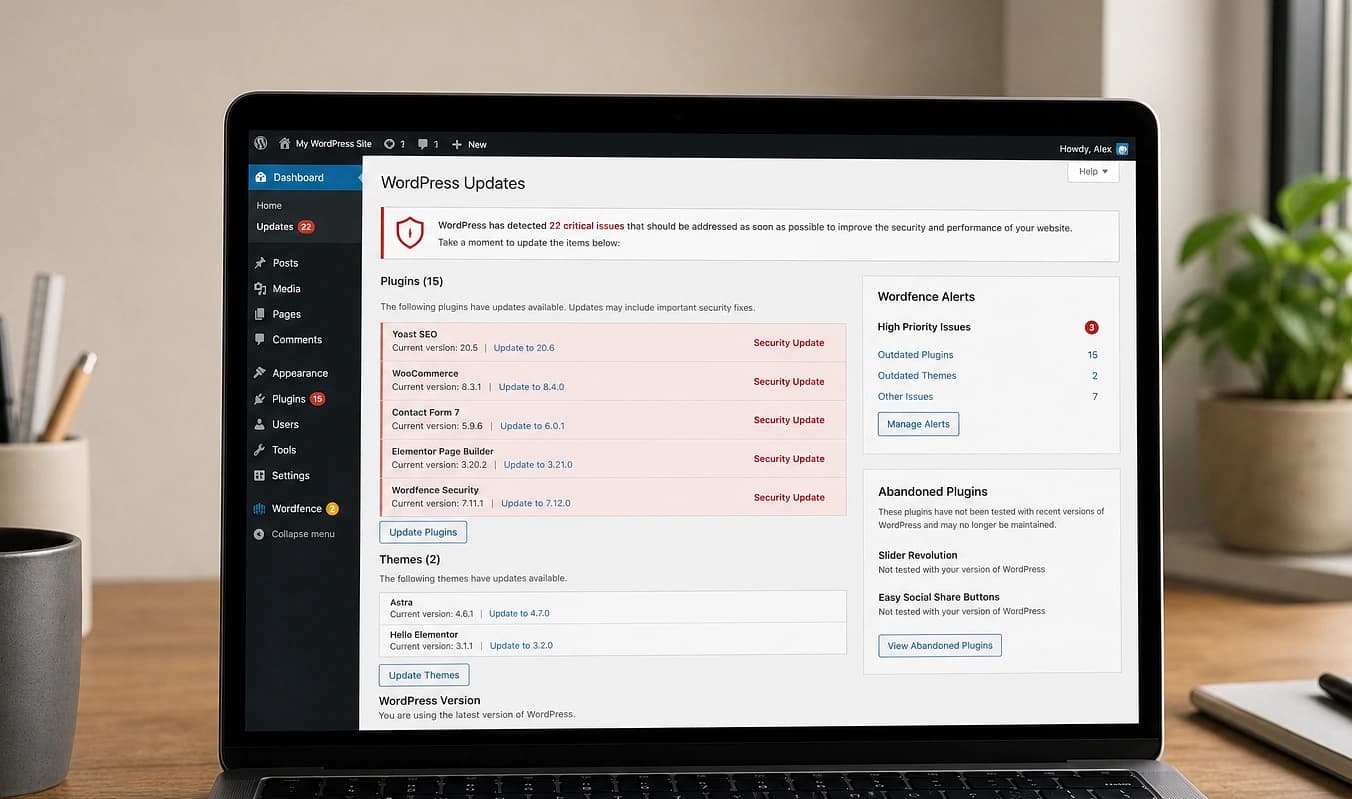
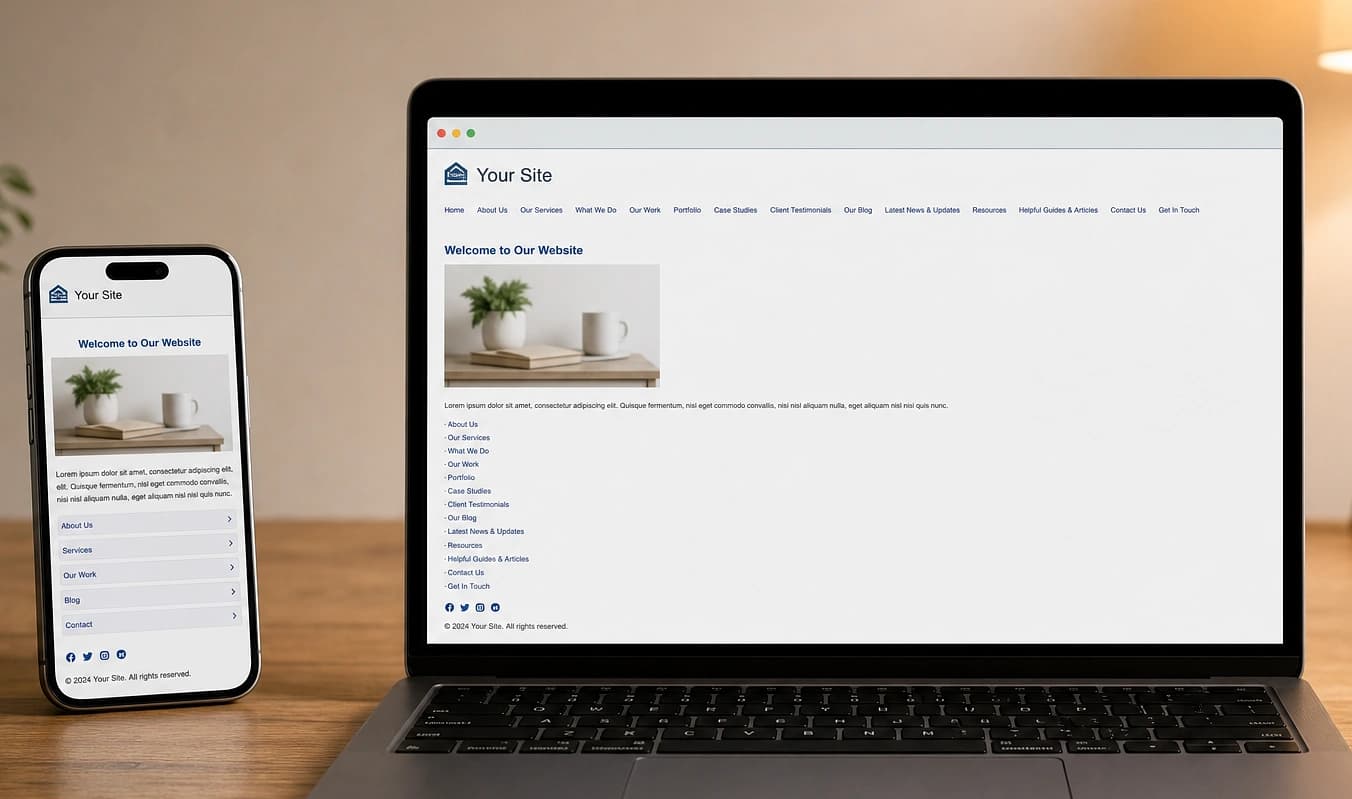
Arrastra el control: a la izquierda un sitio típico de plugins, a la derecha un build moderno de JMP. Cada guía por tema usa la misma comparación.
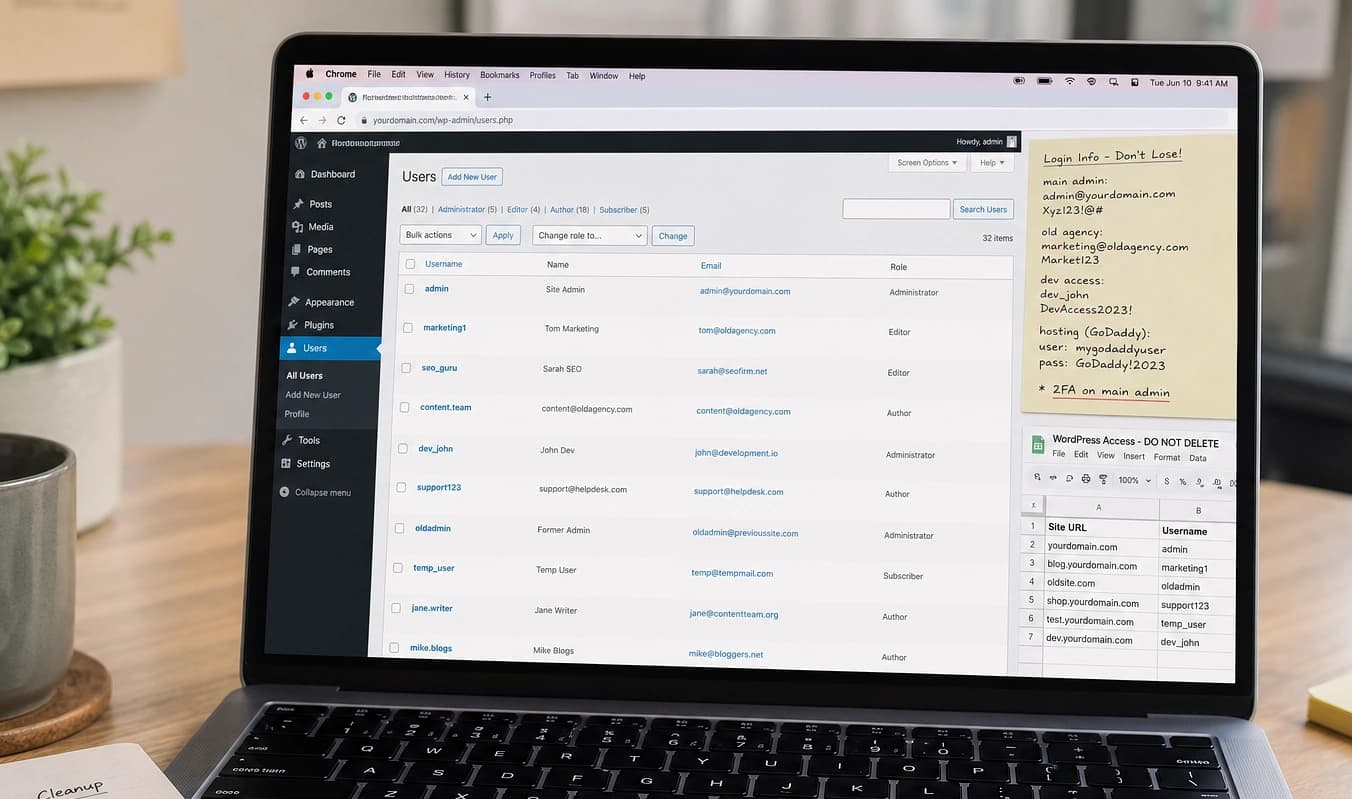
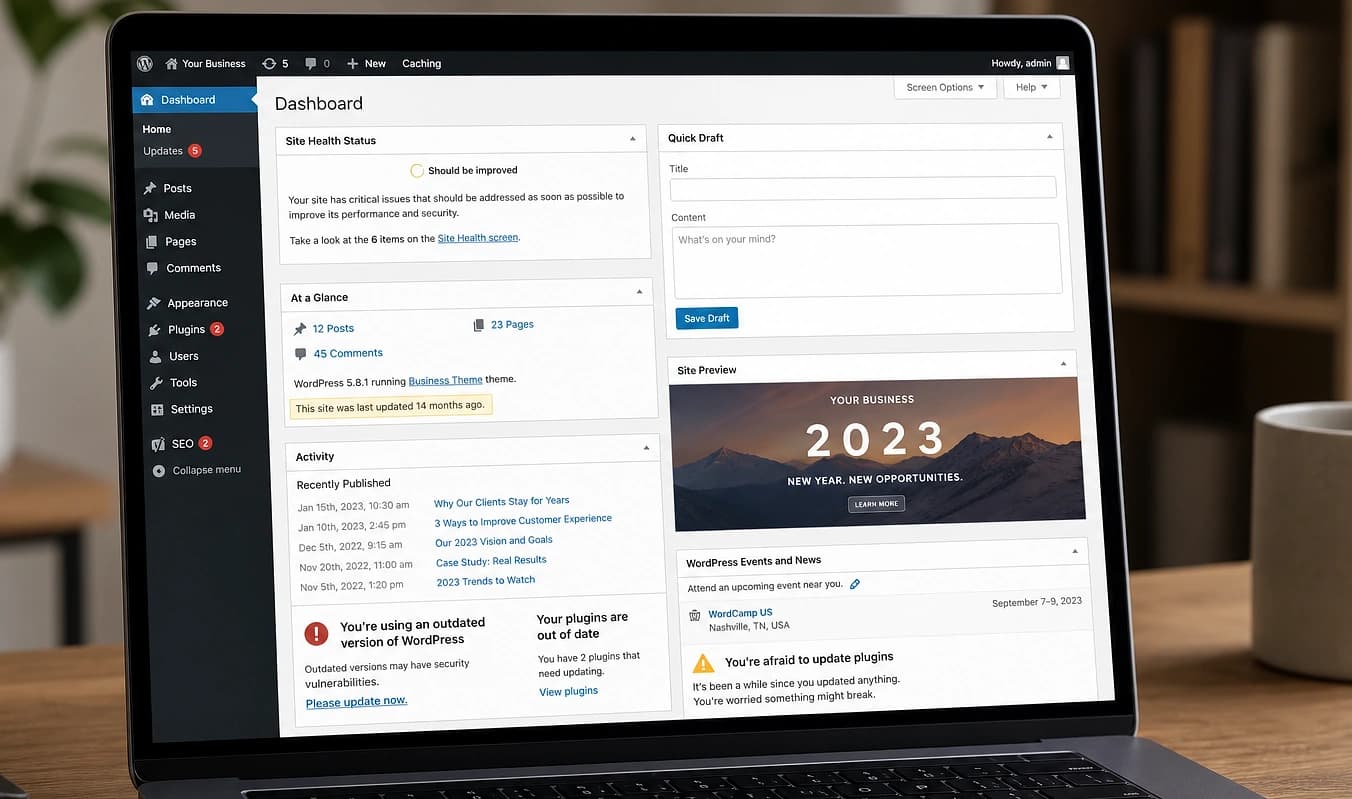
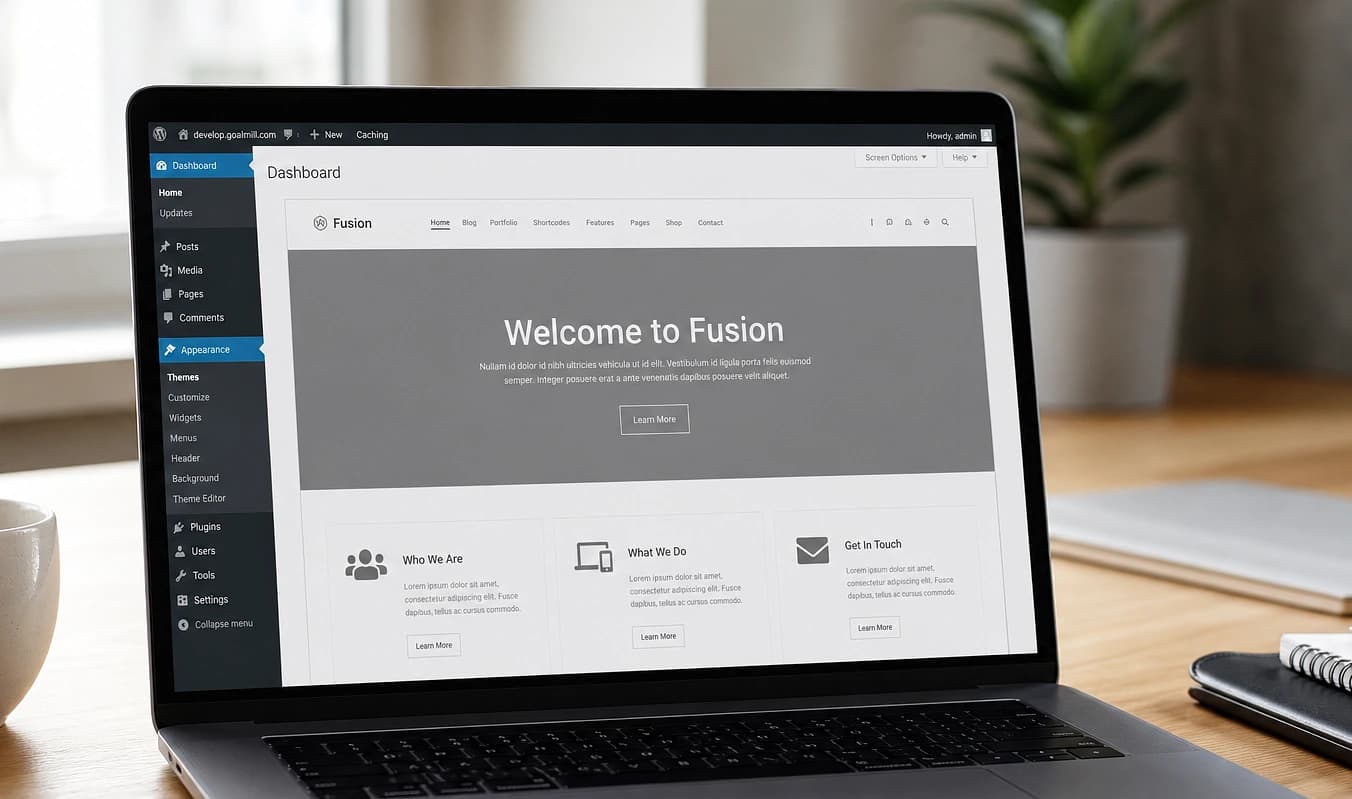
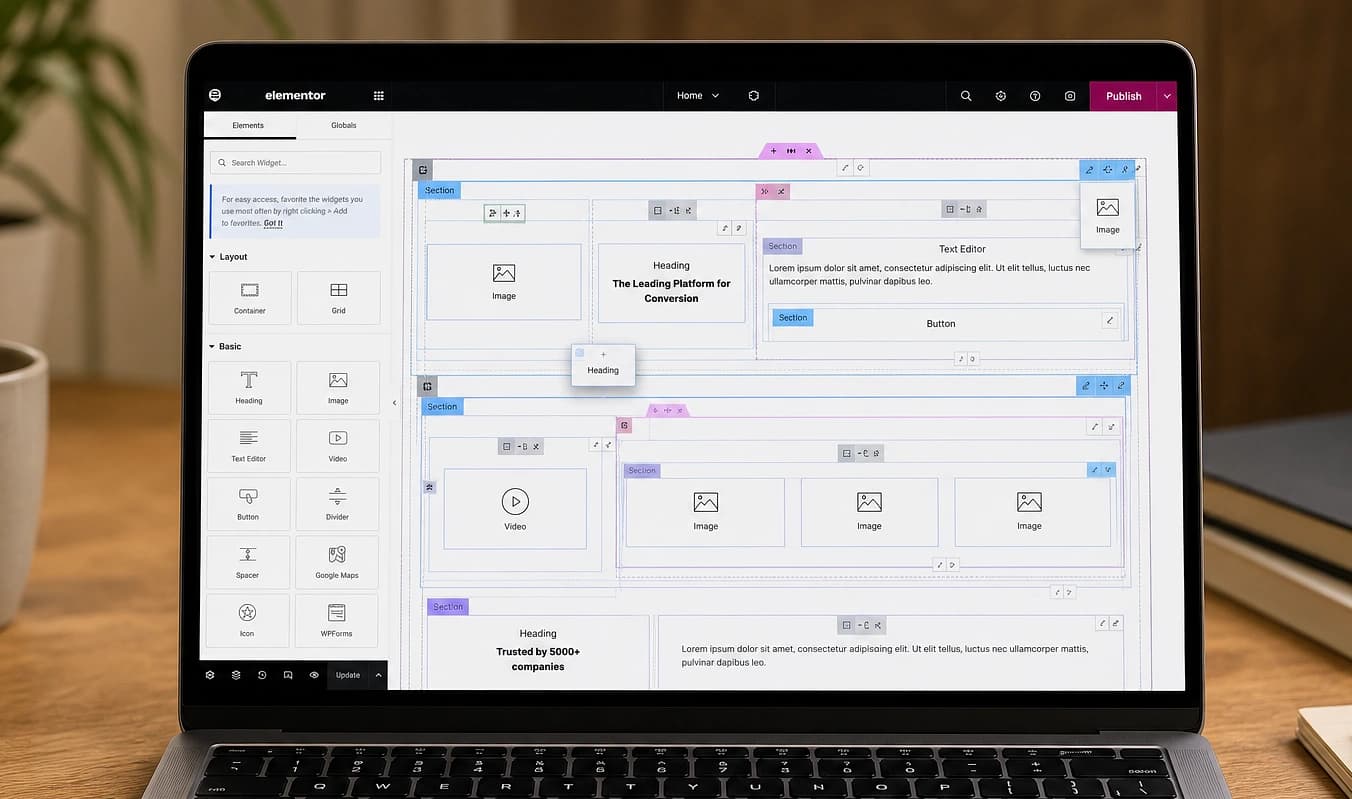
Plugins, constructores de páginas y encierro en la plataforma. Más suscripciones para estadísticas, formularios y chat que no conocen tu negocio.
Código tuyo en Astro o Next.js, JMP-Dashboard y Sanity cuando necesitas editar, y herramientas de negocio en el producto — cotizaciones, IA consciente del sitio, un solo login. Desarrollo asistido por IA: muchos proyectos acotados en días o pocas semanas, no meses cableando plugins de WordPress.
Carga la muestra del panel abajo, o abre un tema cuando quieras más detalle.
Sitios web modernos. Sistemas más inteligentes. La misma marca de confianza. Mantenemos el estilo de tu negocio y cómo operas, mientras el sitio pasa a una pila moderna.

Codebase tuyo, UX y lógica de negocio a medida, contenido estructurado para búsqueda e IA — no una plantilla con tu logo encima.
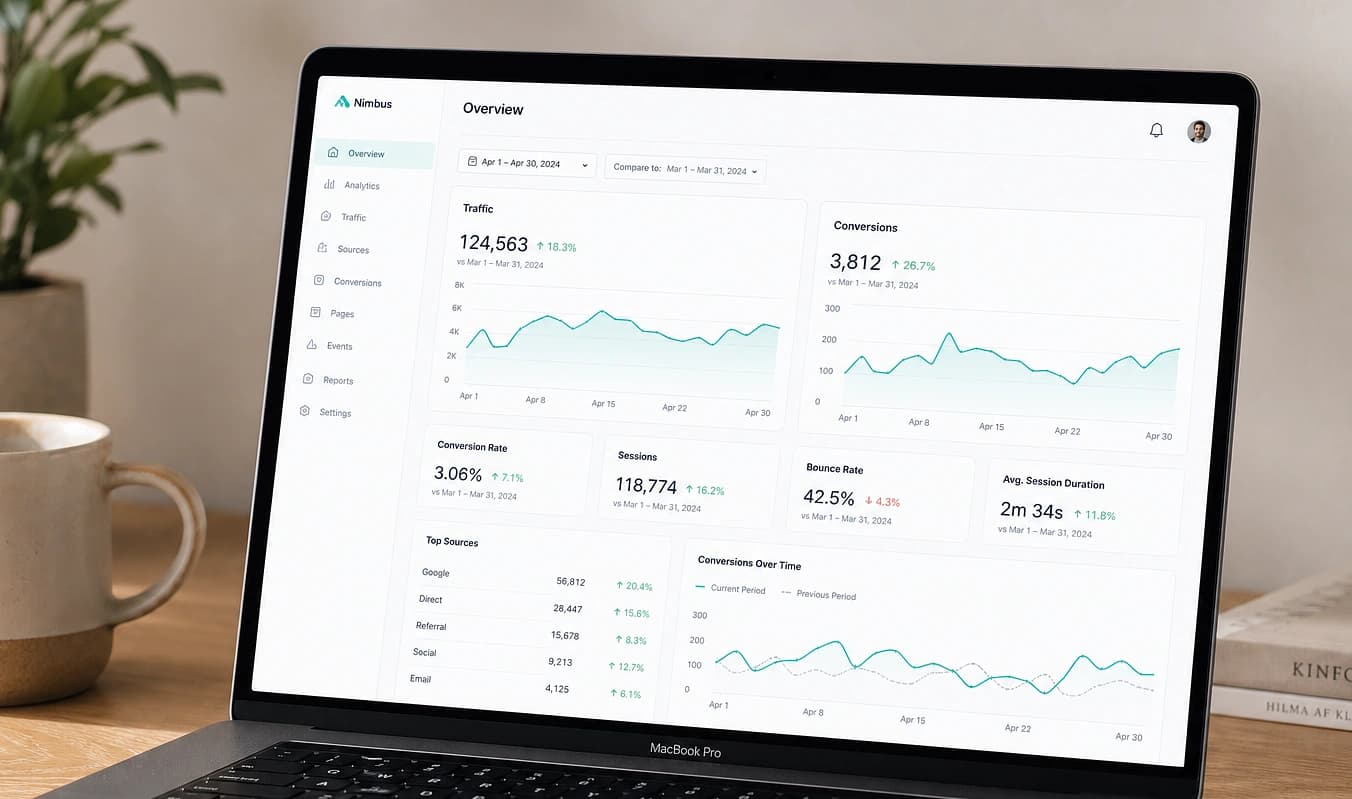
Leads, analítica y contenido en JMP-Dashboard. Herramientas a medida e IA consciente del sitio en el producto — no una pila de plugins y logins SaaS después del lanzamiento.
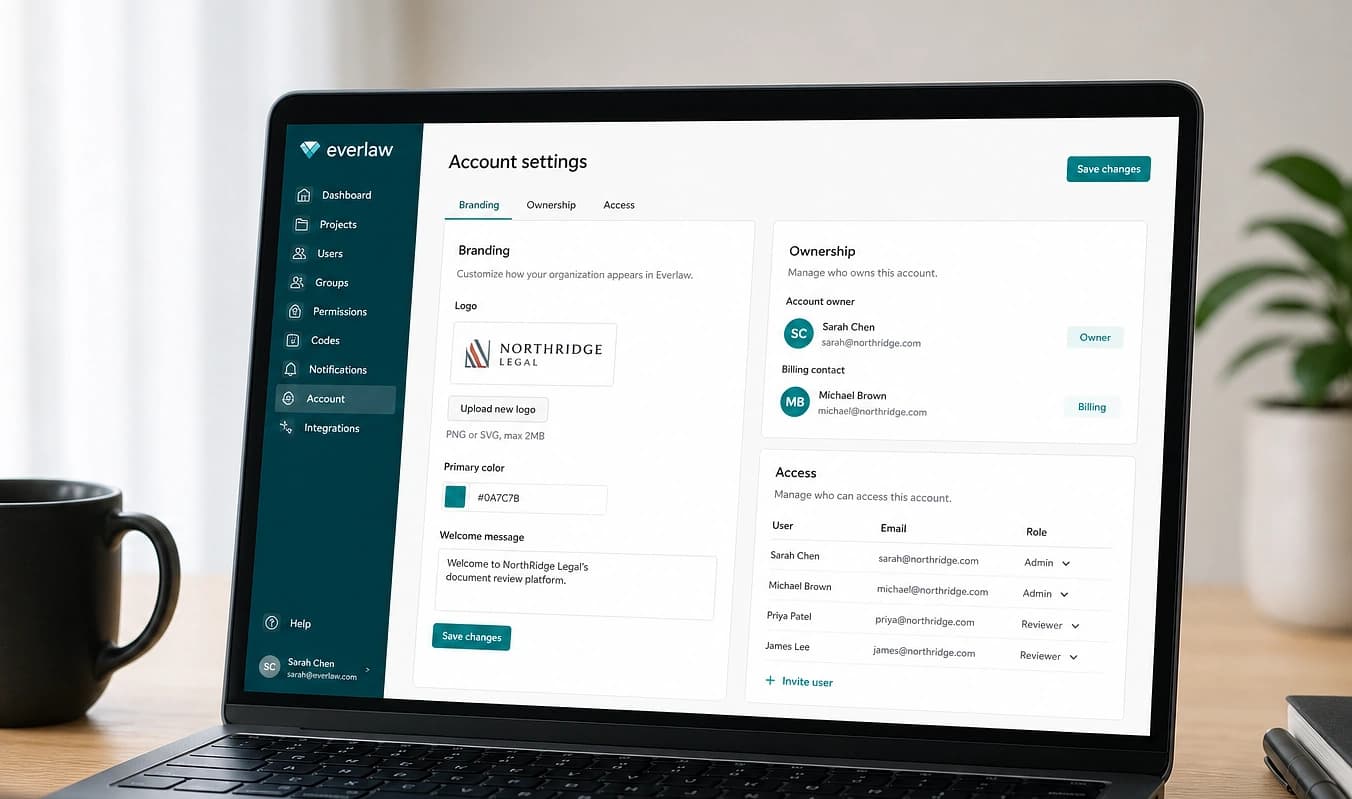
JMP preserva a propósito cómo ya presentas y operas tu negocio: tu imagen, tu voz y tus hábitos del día a día. No estamos aquí para cambiar cómo operas; estamos aquí para mejorarlo con desarrollo web sólido: un sitio más rápido, una estructura más clara y herramientas que tu equipo pueda usar de verdad después del lanzamiento.
Incluido en cada proyecto. Solo muestra datos de ejemplo.
Leer más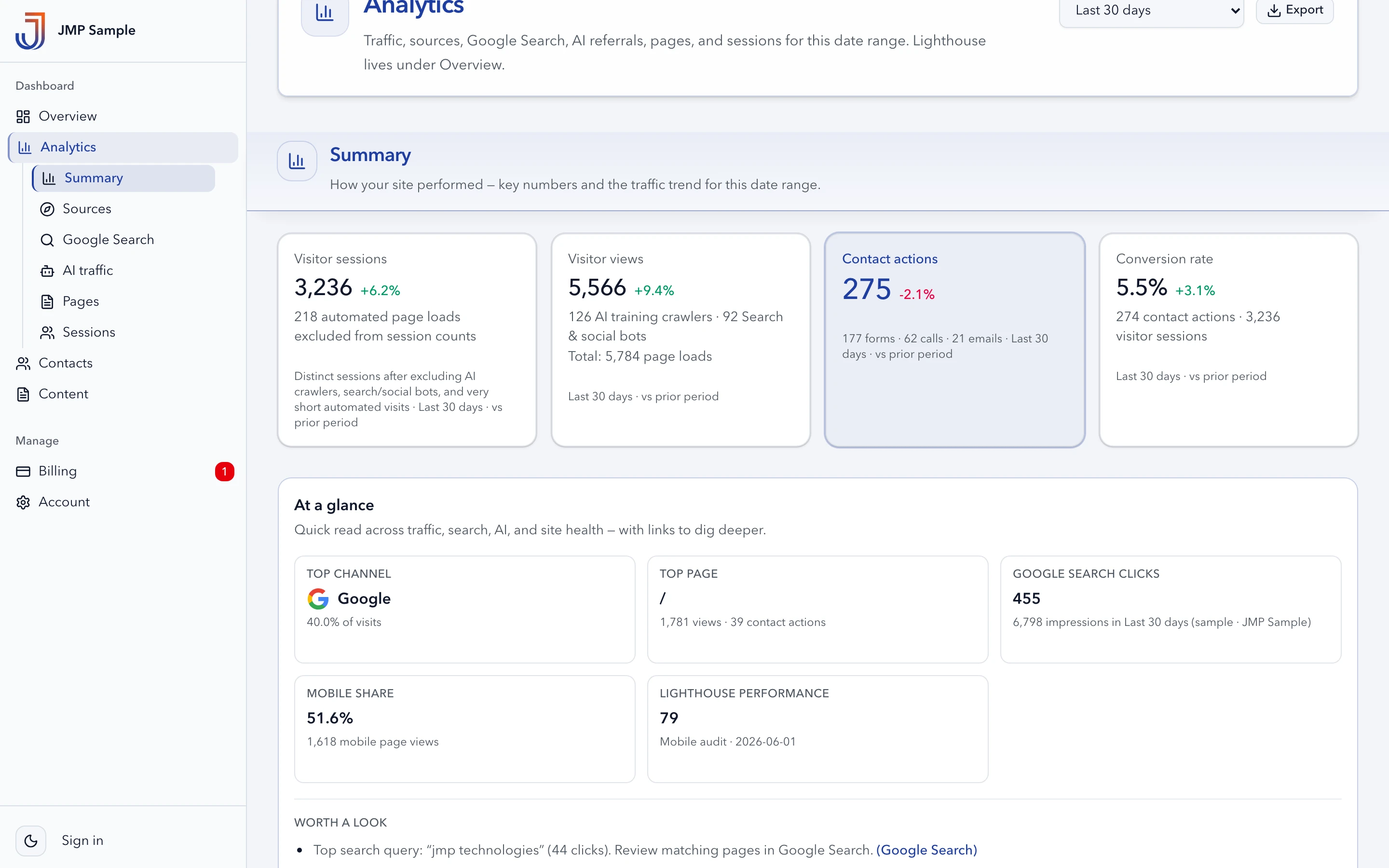
Carga el panel de muestra completo. Cambia de pestañas y recorre cada área. Solo datos de ejemplo; no se guarda nada.
Guías por tema
Cada guía usa el mismo control de comparación que el hero: desorden estilo WordPress a la izquierda, un build limpio de JMP a la derecha. Elige el área que responde tu pregunta.
13 temas
Calculadoras a medida, hooks de CRM, IA consciente del sitio y un dashboard — lo que las pilas de plugins añaden como suscripciones.
Calculadoras, cotizadores y formularios multipaso que dan una respuesta al instante y capturan un lead calificado.
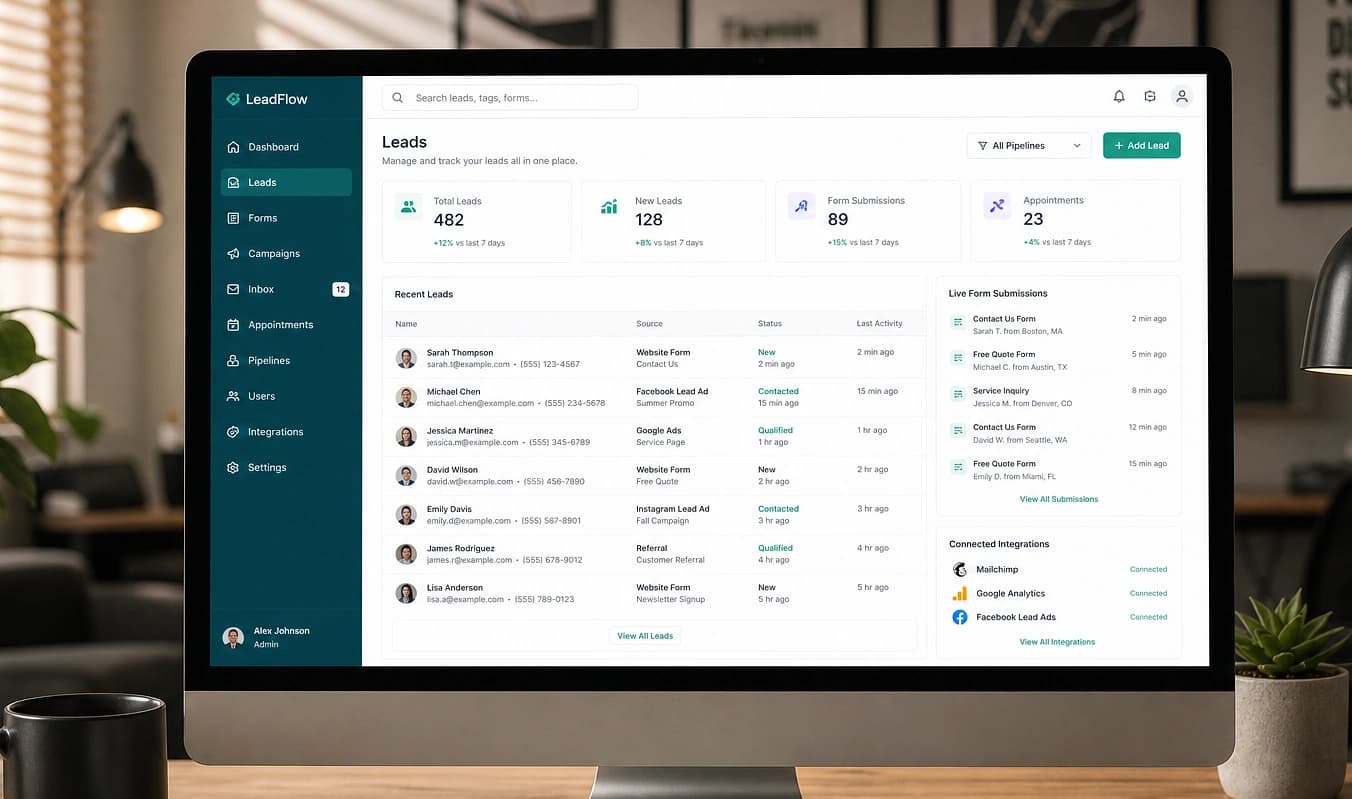
Formularios cableados en código, no un plugin nuevo cada vez que HubSpot cambia.
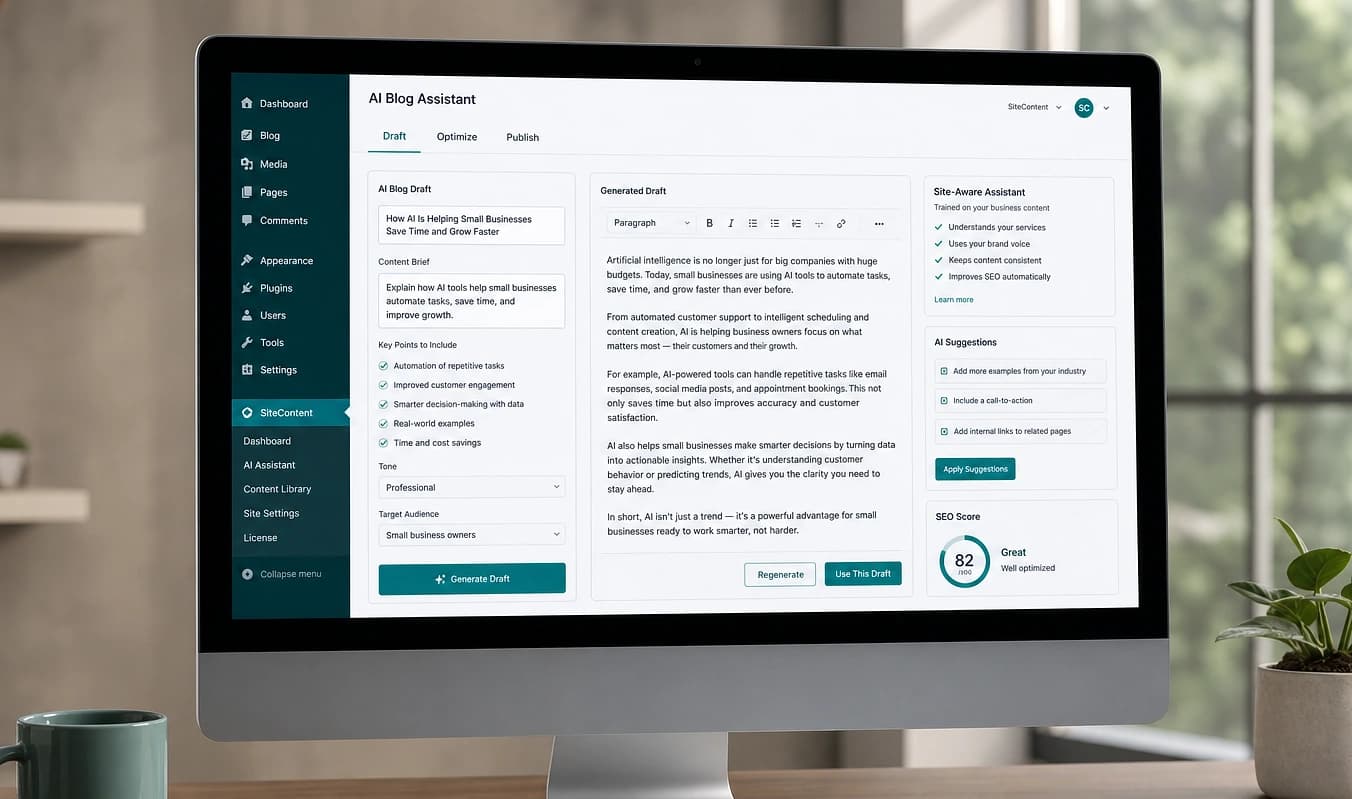
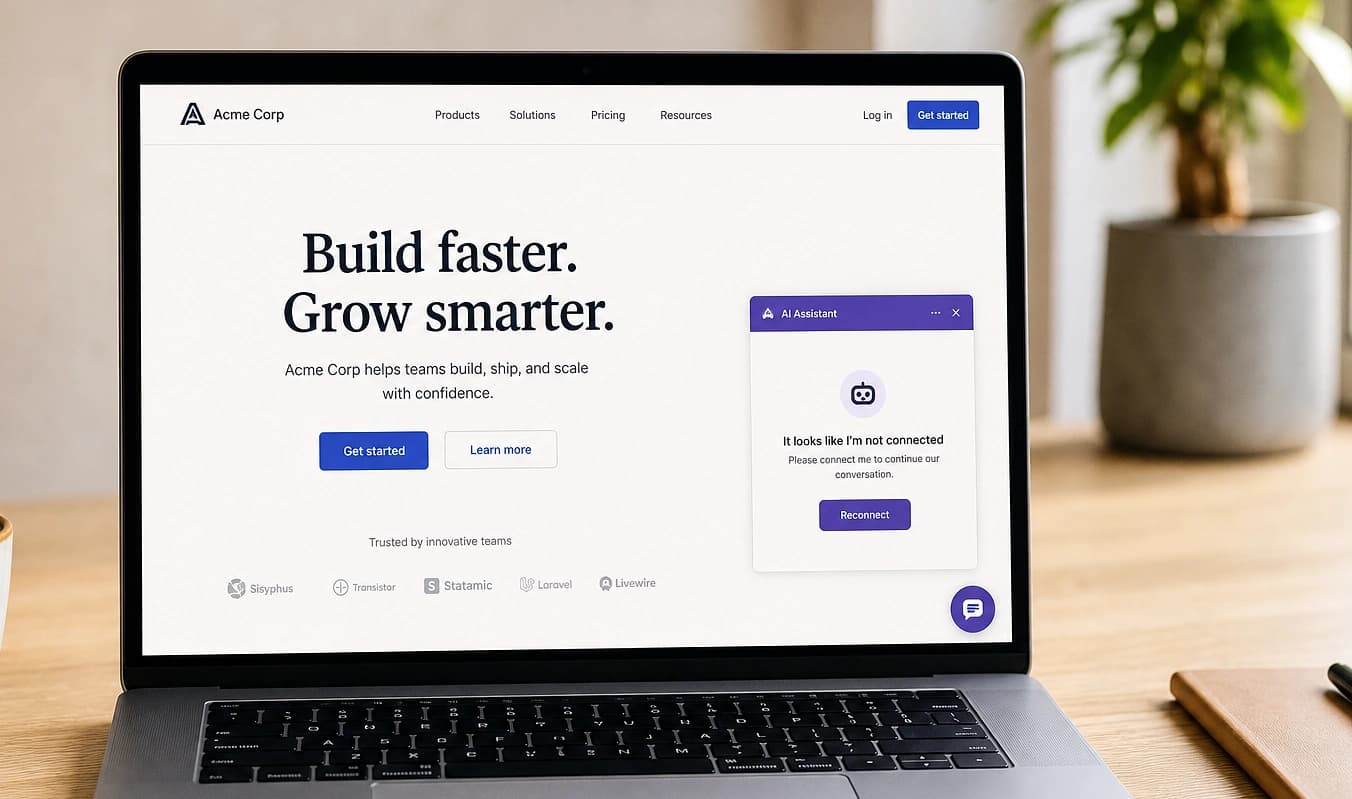
Un asistente consciente del sitio que responde preguntas, califica visitantes y redacta contenido, acotado a tu negocio, no un globo genérico.
Tráfico y envíos de formularios en un solo lugar, no cinco pestañas y números que no coinciden.
Seguridad, mantenimiento, propiedad y entrega: por qué un estudio boutique gana a otro parche de plugin.
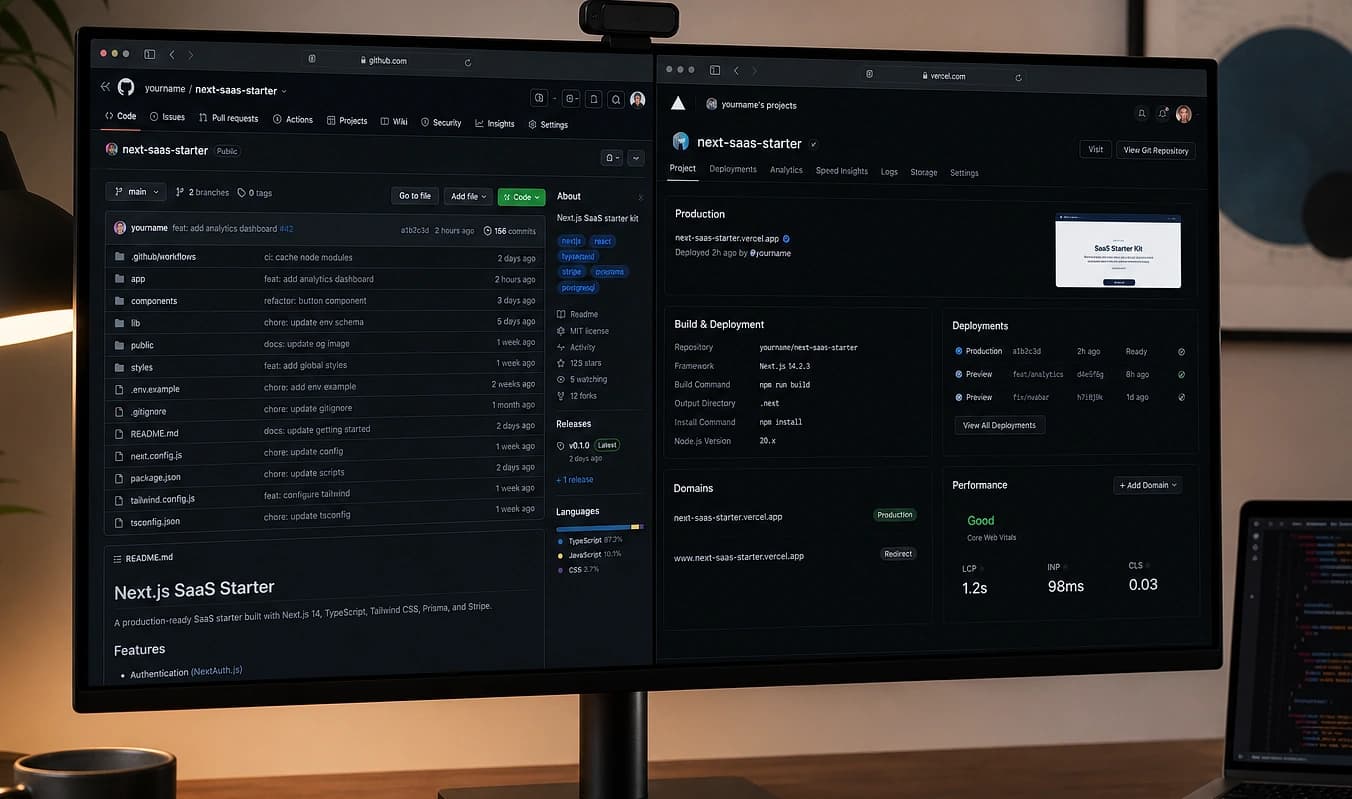
Repo, hosting y exportaciones que puedes llevar a otro lado. Sin rehenes.
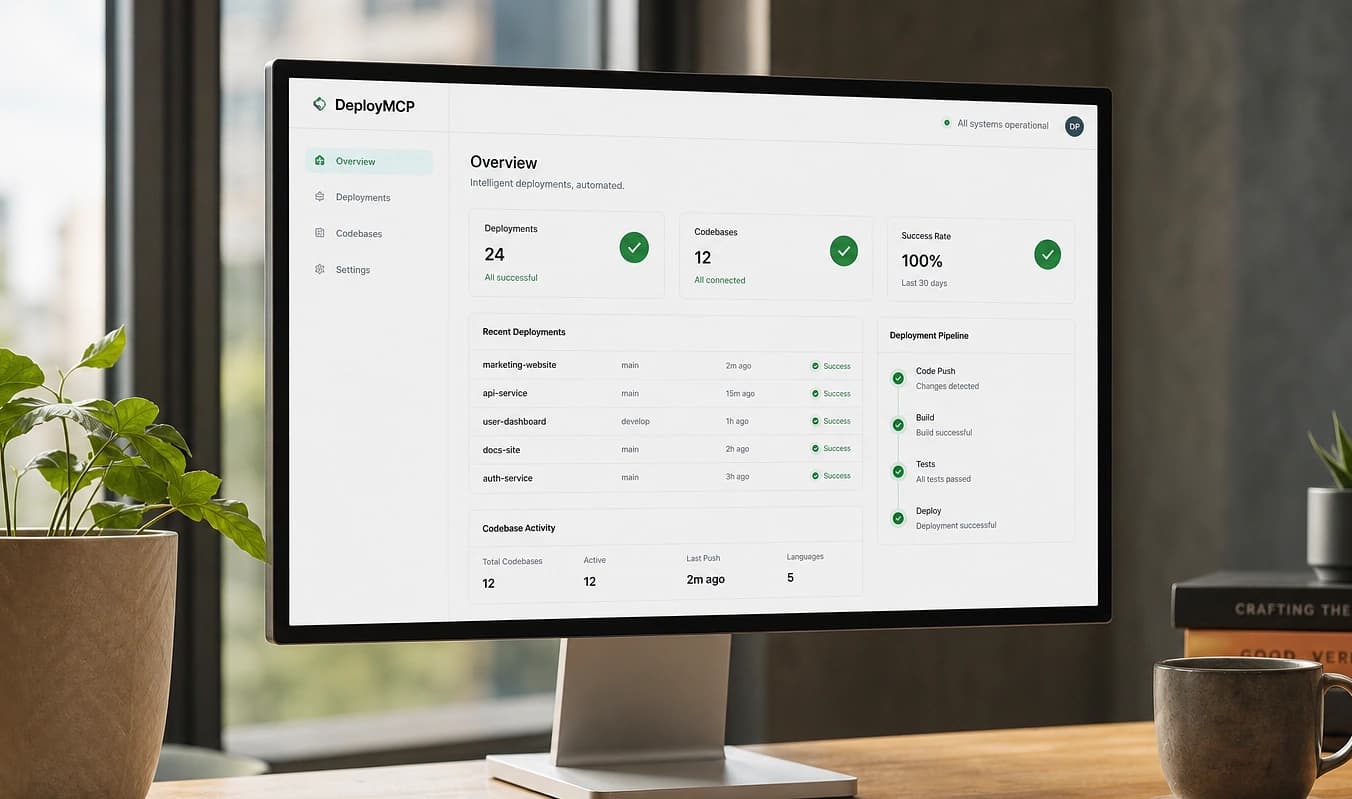
Superficie de ataque más pequeña que un wp-admin público con cuarenta plugins.
Recorrido, credenciales y a quién llamar, sin laberinto de portales ni account manager desaparecido.
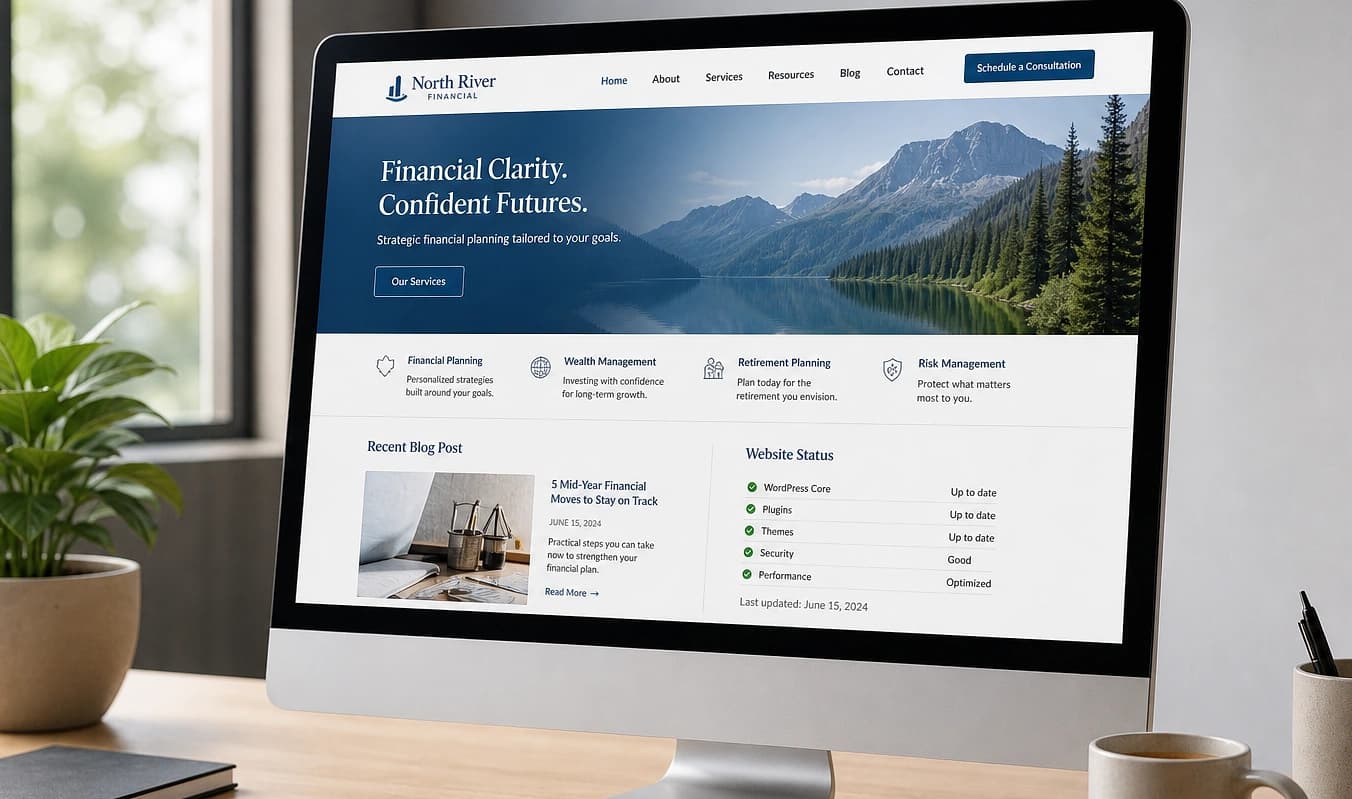
Un camino sensato para cambios: mantenimiento a $75/hr, no “no hagas clic en Actualizar todo.”
Parece tu negocio, no el tema por defecto — y contenido que tu equipo puede cambiar con seguridad.
Un sistema de diseño real con una oferta clara por página, no el mismo hero estático y tipografía que cada competidor en ThemeForest.
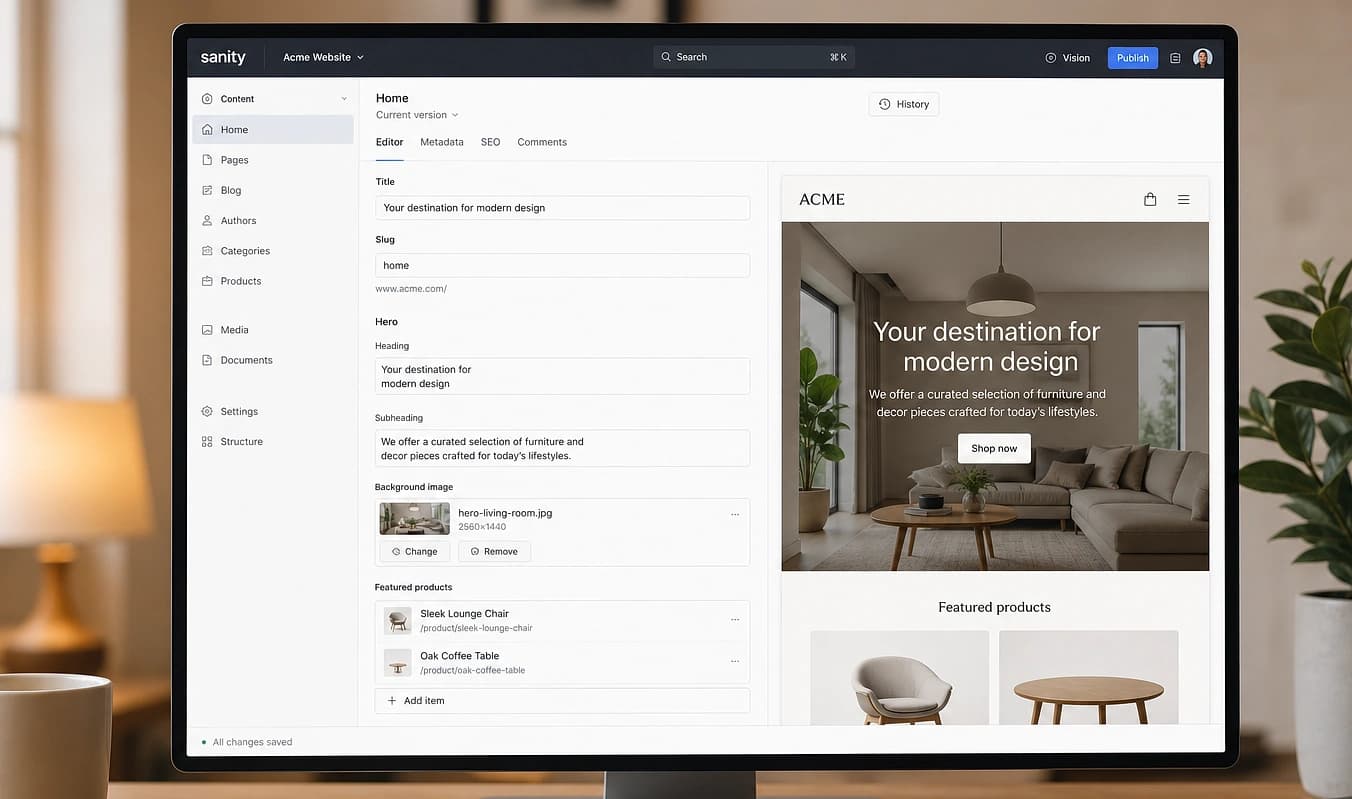
Campos y previews, no “por favor no toques la fila 4.”
Páginas estructuradas que la gente y la IA pueden citar. Velocidad y UX móvil son resultados del stack — importantes, pero no todo el discurso.
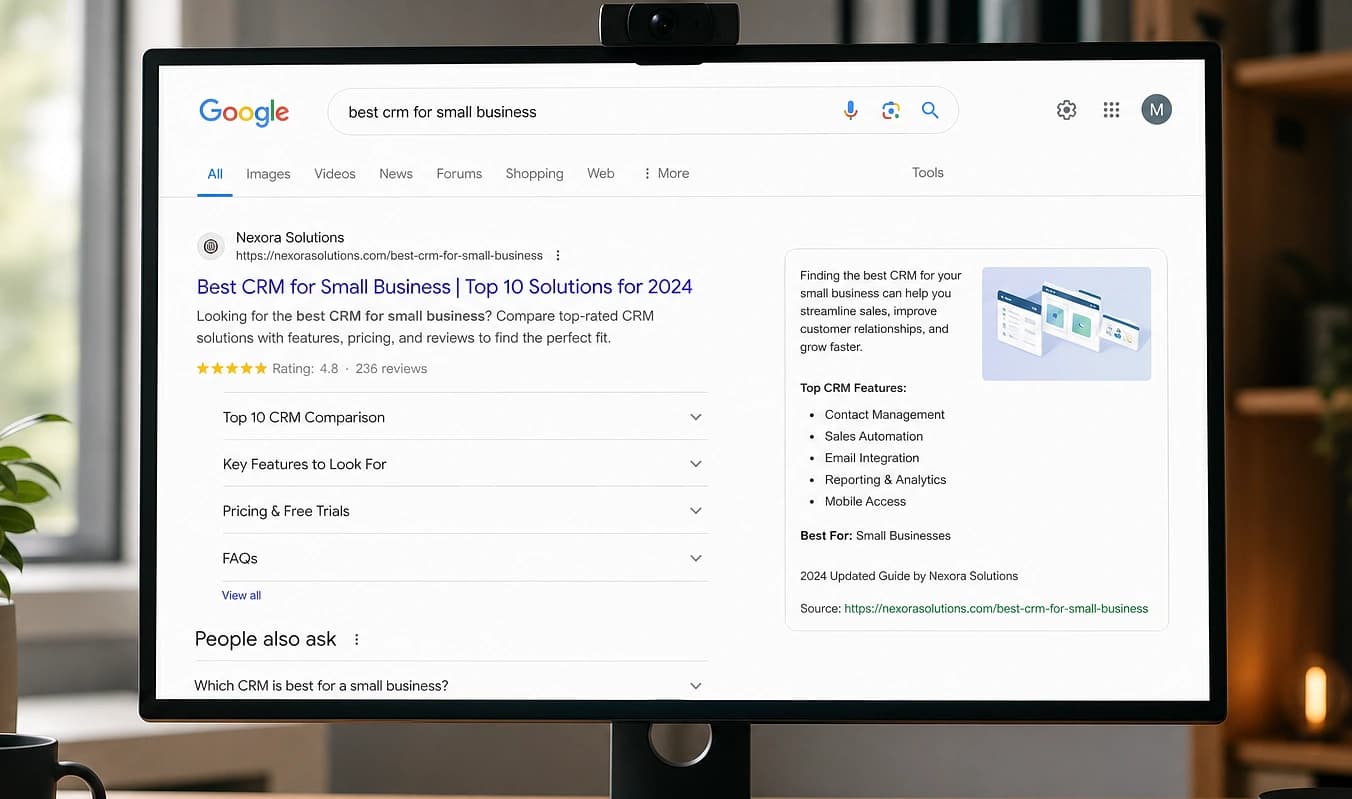
Títulos, redirecciones y schema en el código, no tres plugins discutiendo en wp-admin.
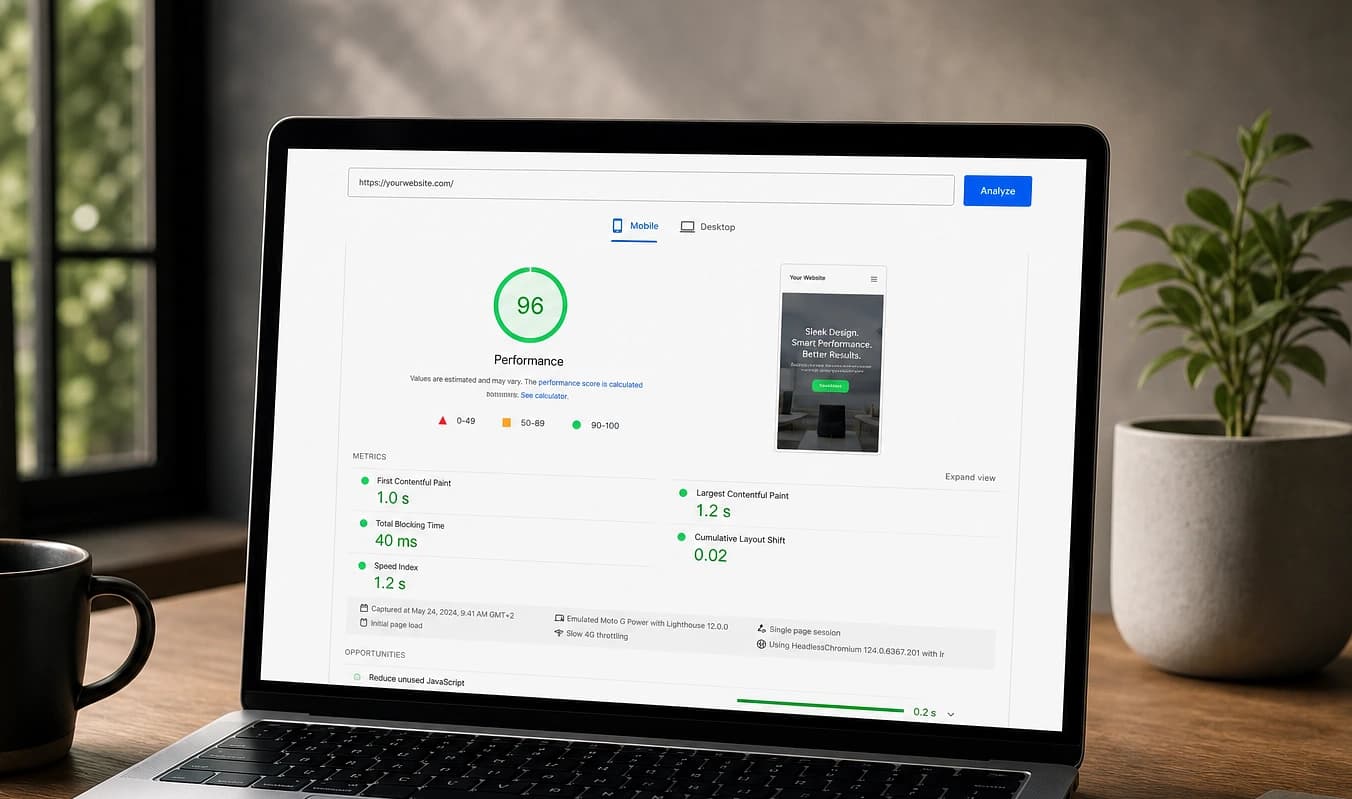
SSR/SSG y edge frente a plugins de caché y hosting compartido — el móvil lento suele ser síntoma de sopa de plugins, no la raíz.
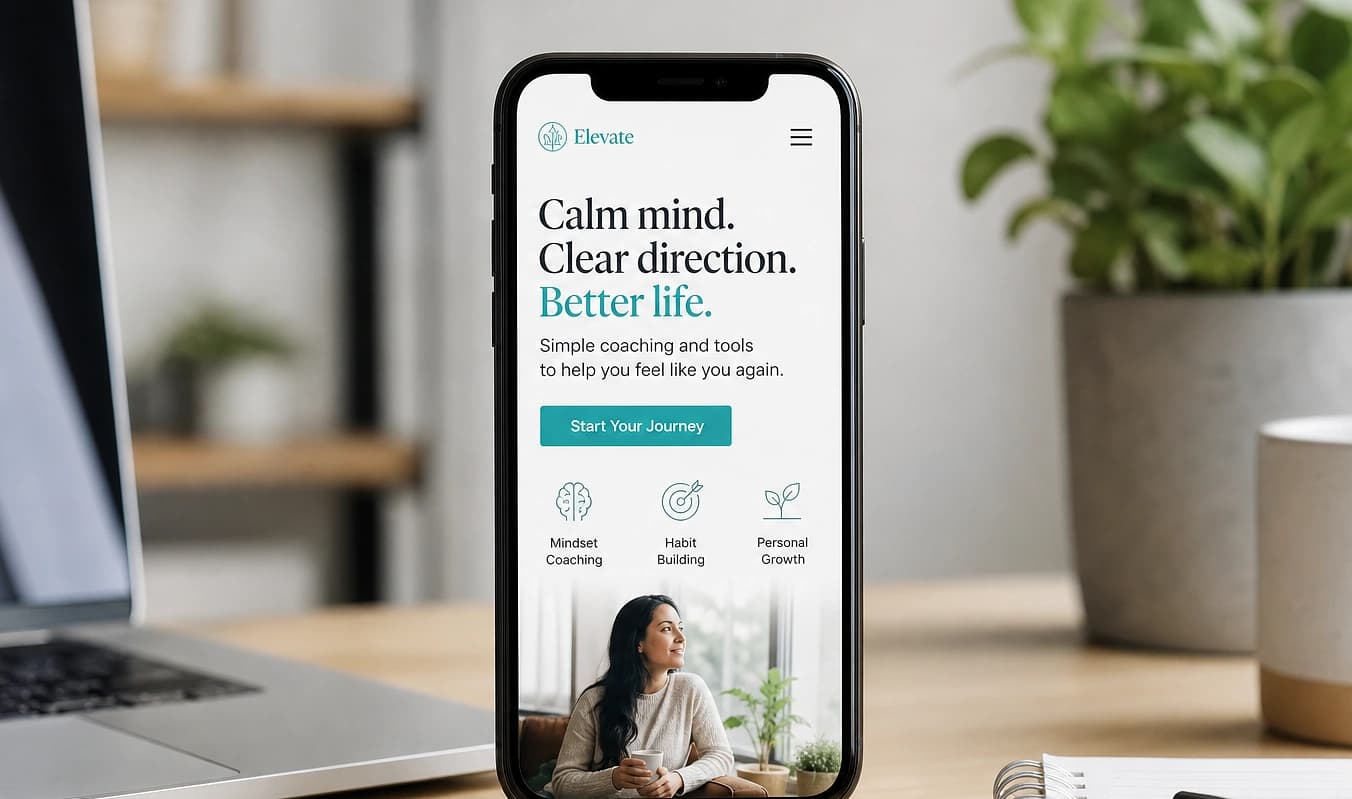
Áreas táctiles, tipografía legible y layouts que funcionan en una pantalla de 390px.
Reserva 30 minutos gratis para hablar de lo que quieres en el sitio, o envía un mensaje. Es una conversación, no una reunión de ventas.
Charla gratis de 30 minutos
Hablamos de lo que quieres en tu sitio. Ven como estés. Esto no es una reunión de ventas, y la llamada es gratis.
Te unes al Google Meet de JMP. Pon tu nombre y correo para recibir la invitación. JMP es el anfitrión.
Incluye el alcance, el plazo o un enlace a tu sitio actual si tienes uno.
Pila moderna
El salto corre sobre las mismas herramientas que estos equipos usan en público
Empresas independientes mostradas solo como contexto de pila. JMP no construyó sus sitios y no está afiliado a estas marcas. Las etiquetas de pila aplican solo a la superficie indicada para cada empresa.