Seguridad
Menos superficies de login que defender
Superficie de ataque más pequeña que un wp-admin público con cuarenta plugins.
JMP es el salto a un stack moderno. Este tema es cómo se ve eso en la práctica.
La seguridad de un sitio de marketing es sobre todo higiene: menos piezas móviles, actualizaciones a tiempo y hosting que coincida con cómo está construido.
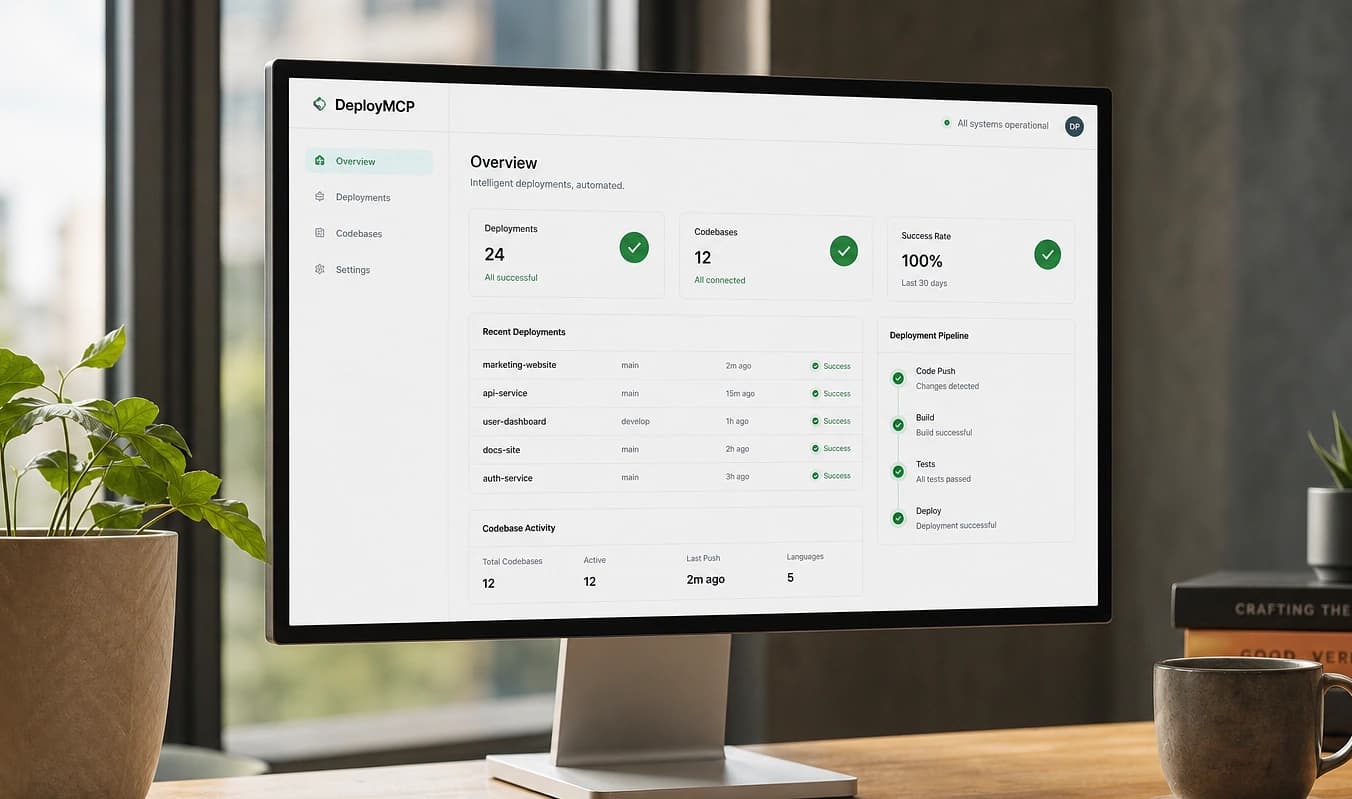
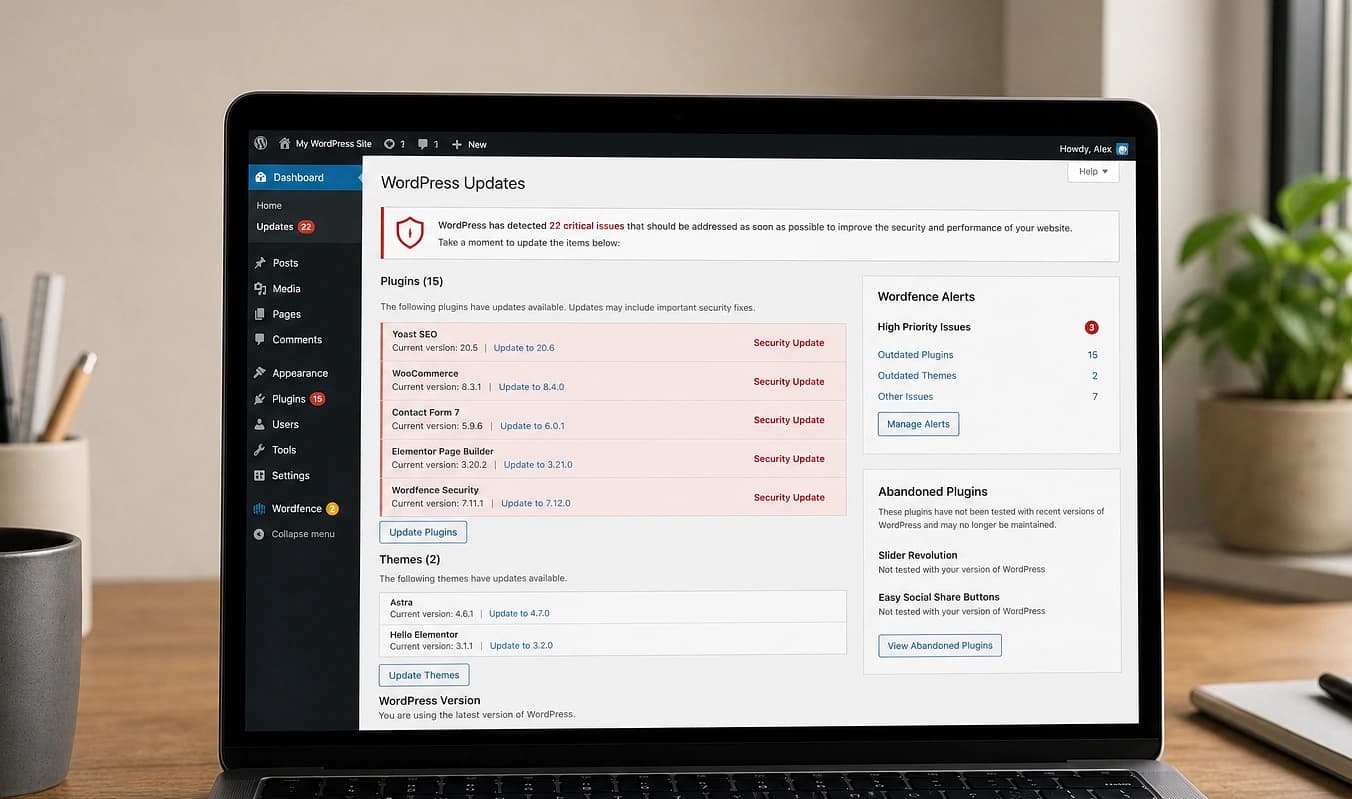
Arrastra el divisor para comparar una configuración típica con una construcción JMP.
De un vistazo
Configuración típica → Construcción JMP
Configuración típica
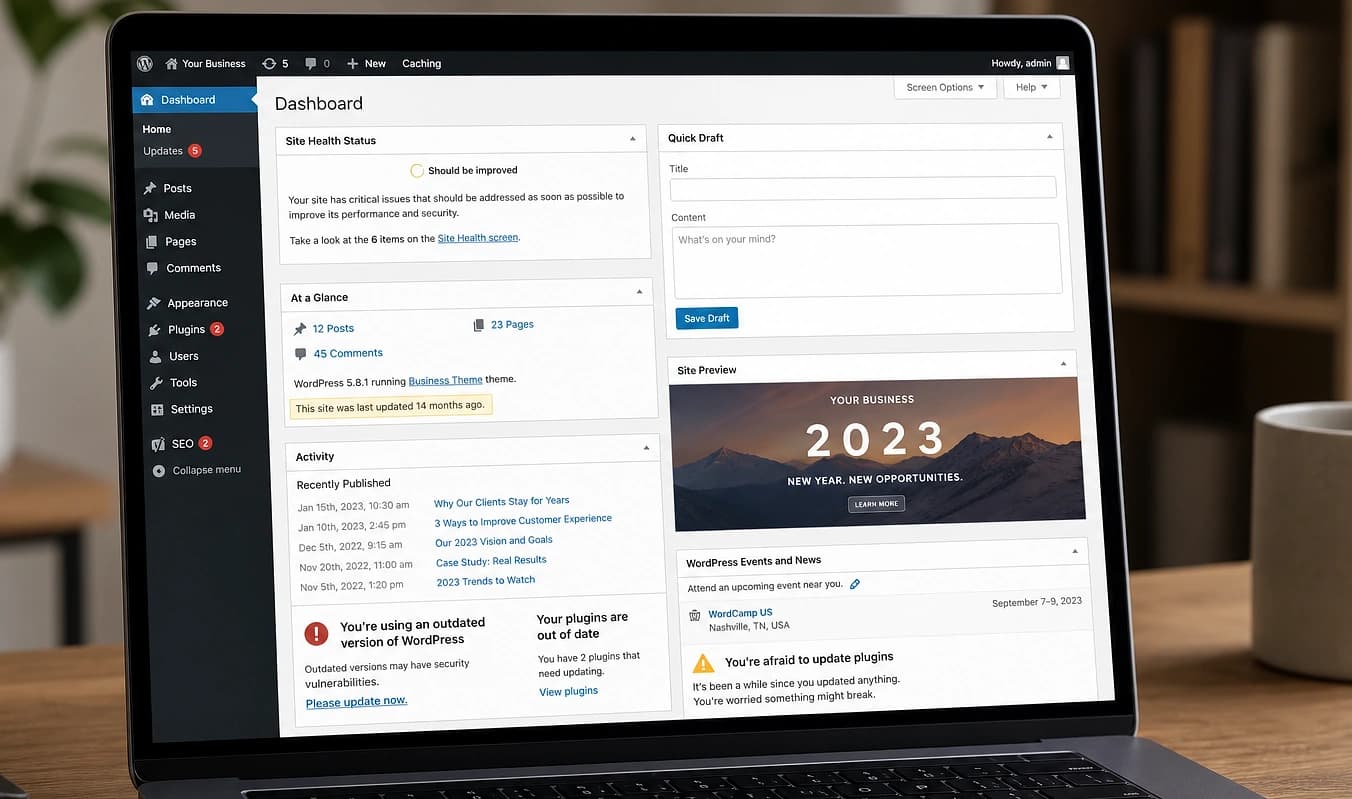
wp-admin en internet abierta
Con JMP
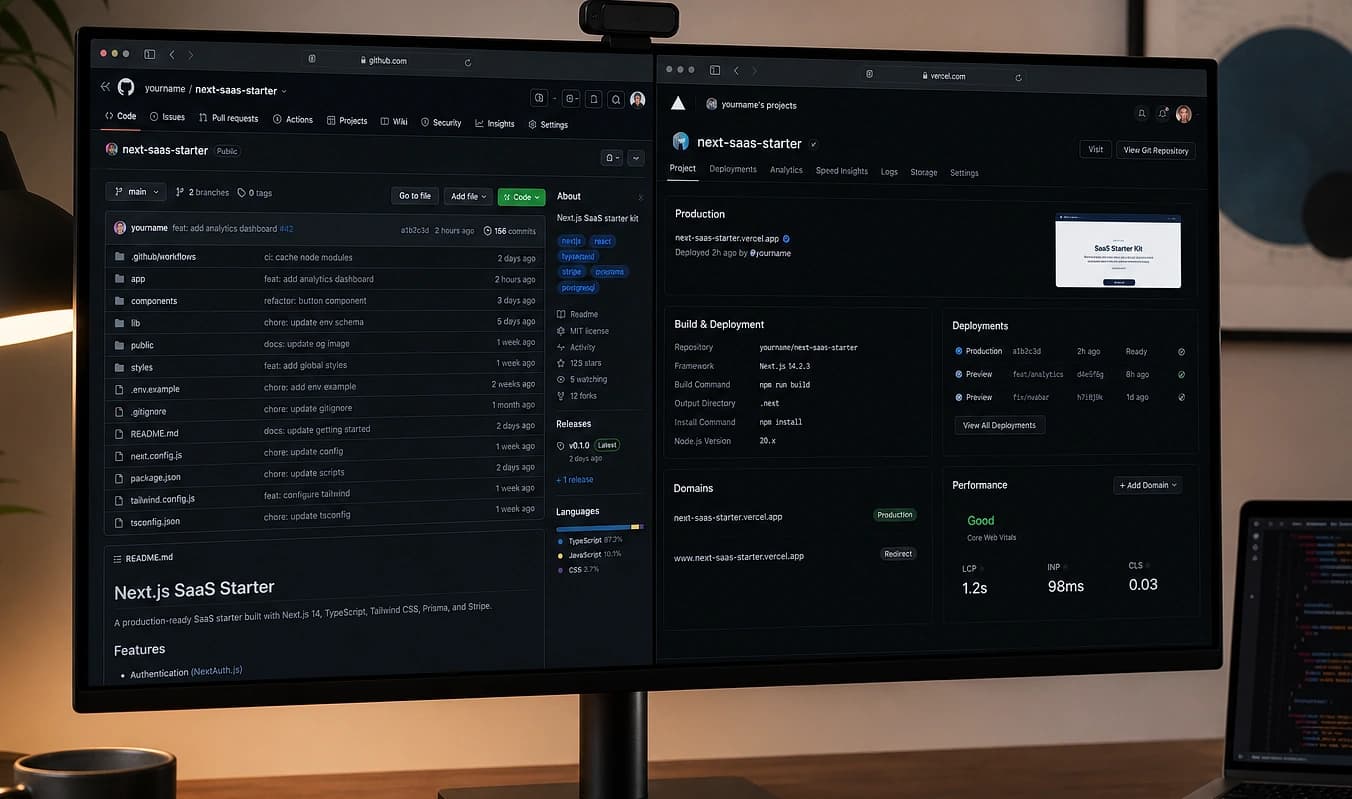
Sin CMS público en niveles estáticos
Configuración típica
Plugin abandonado de 2021
Con JMP
Dependencias actualizadas en el build
Configuración típica
Credenciales FTP por email
Con JMP
Secretos en variables de entorno del hosting
Chequeos rápidos de higiene
Mira tu superficie de ataque pública
La seguridad de un sitio de marketing es sobre todo menos logins, HTTPS en todas partes y dependencias que se parchean. Estos escaneos gratis muestran huecos obvios en minutos.
Escanea la configuración HTTPS
Pasa tu dominio por SSL Labs. Busca avisos de contenido mixto en páginas clave, no solo la calificación de la home.
Revisa encabezados de seguridad
Mozilla Observatory muestra HSTS, CSP y políticas relacionadas faltantes. Contexto útil incluso en sitios estáticos.
Inventaria los logins de admin
Lista cada wp-admin, panel del host y dashboard de plugin que siga en internet. Cada uno es una superficie a defender o quitar.
Recomendamos hosting según tu tier y dejamos claro qué parcheamos nosotros vs. qué es de tu equipo. Siguiente: Propiedad.
Trabajar con JMP
Recomendación de hosting para tu nivel
Qué parchamos nosotros vs. qué es de tu equipo
Tarifa de mantenimiento si quieres retainer