Design
Look like your business, not the default theme
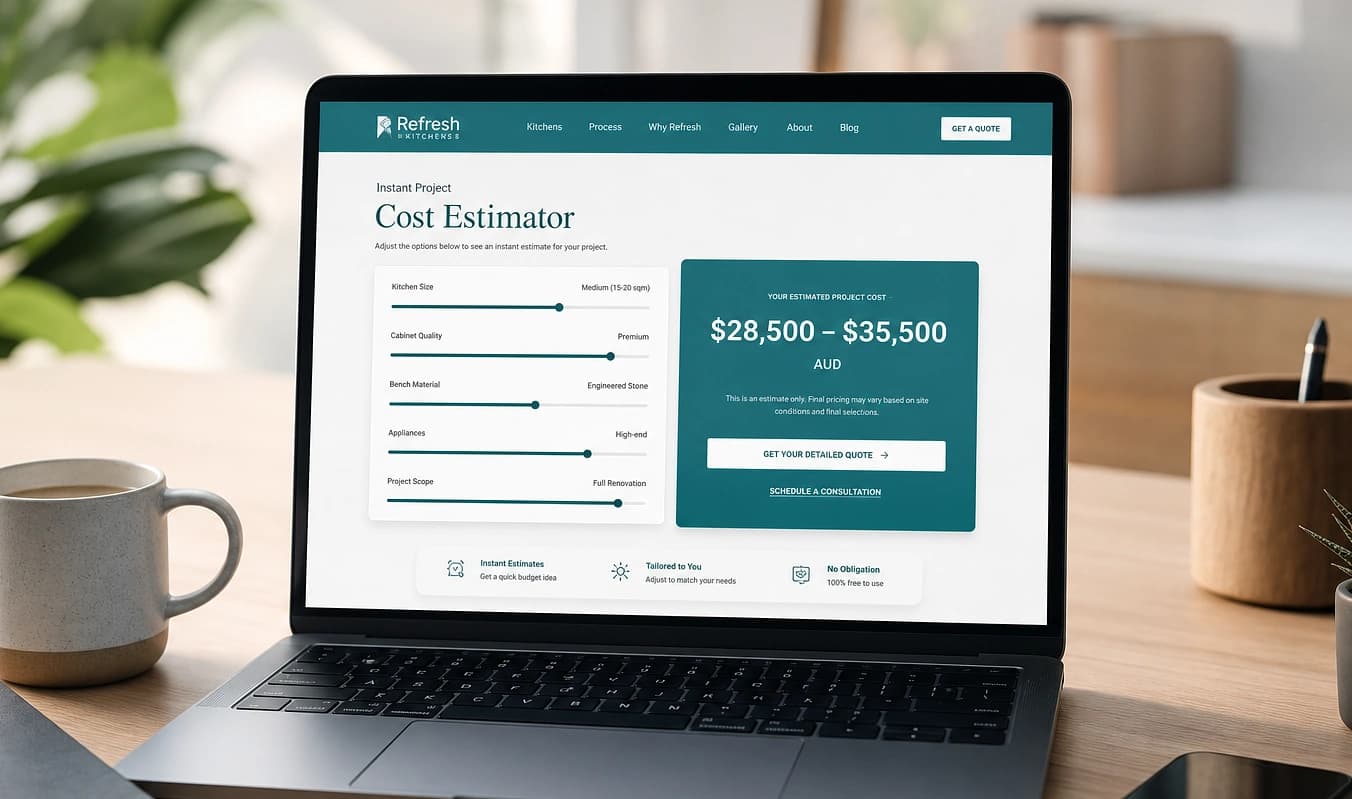
A real design system with one clear offer per page, not the same static hero and font pairing as every competitor on ThemeForest.
JMP is the jump into a modern stack. This topic is what that looks like in practice.
Visitors decide in seconds. If they cannot tell what you do or what to do next, design fails, even when the logo looks fine. Modern builds start with a clear offer and one primary action — not the same ThemeForest layout as three competitors.

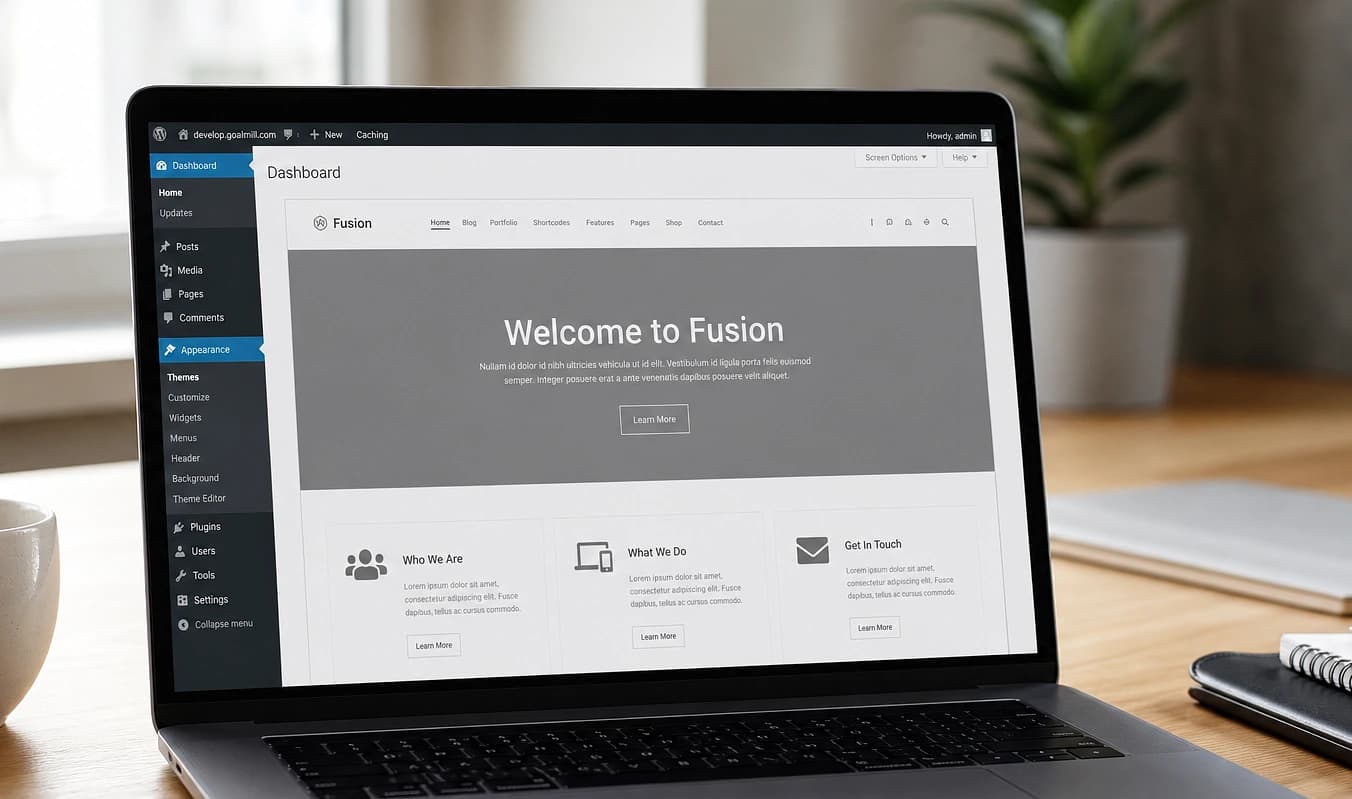
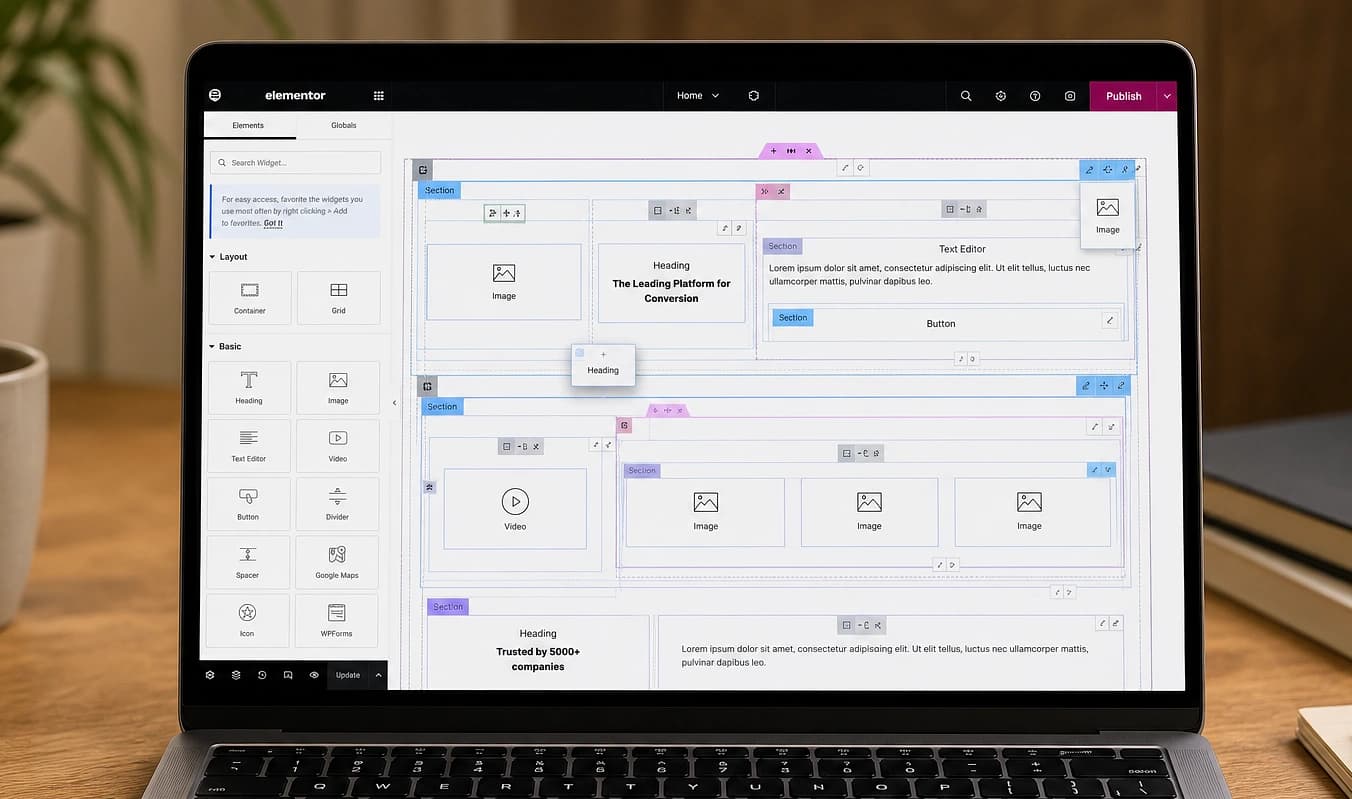
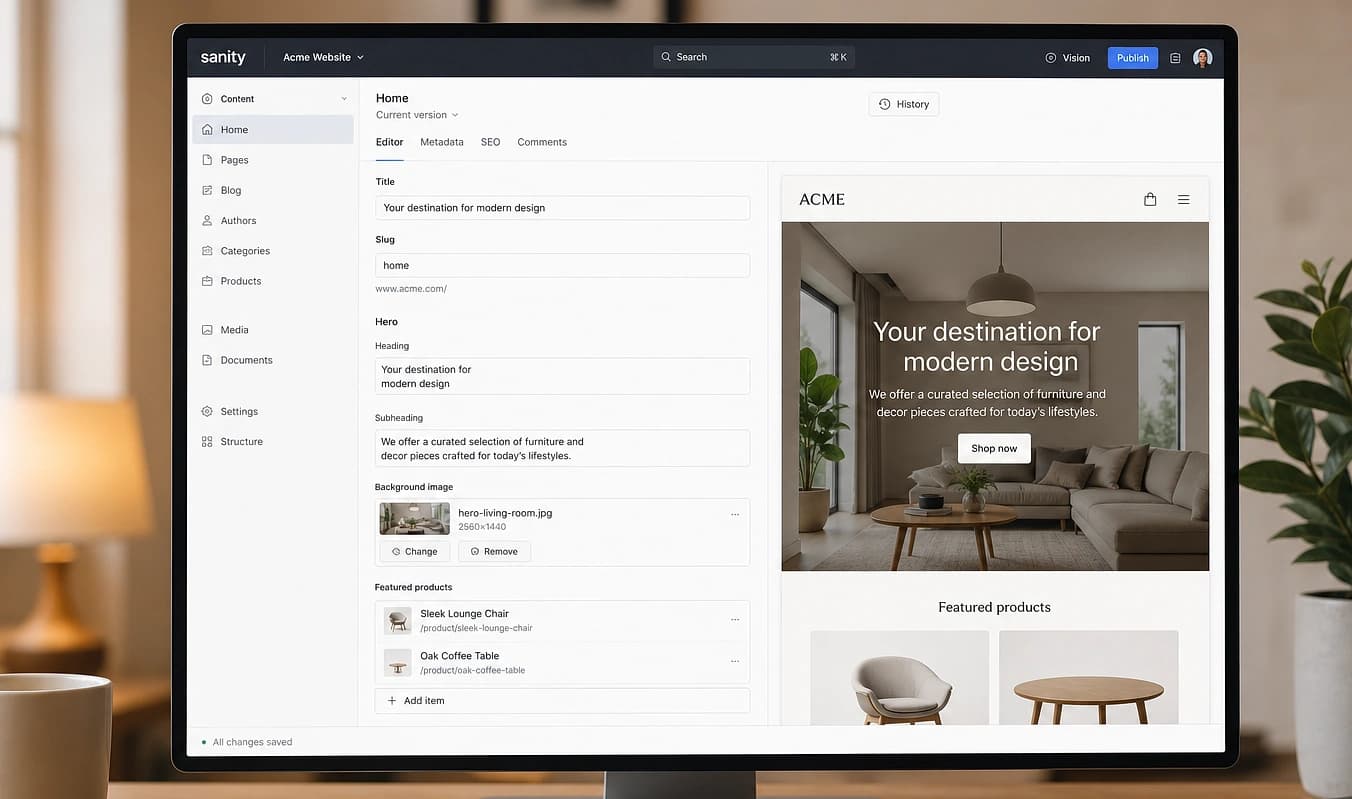
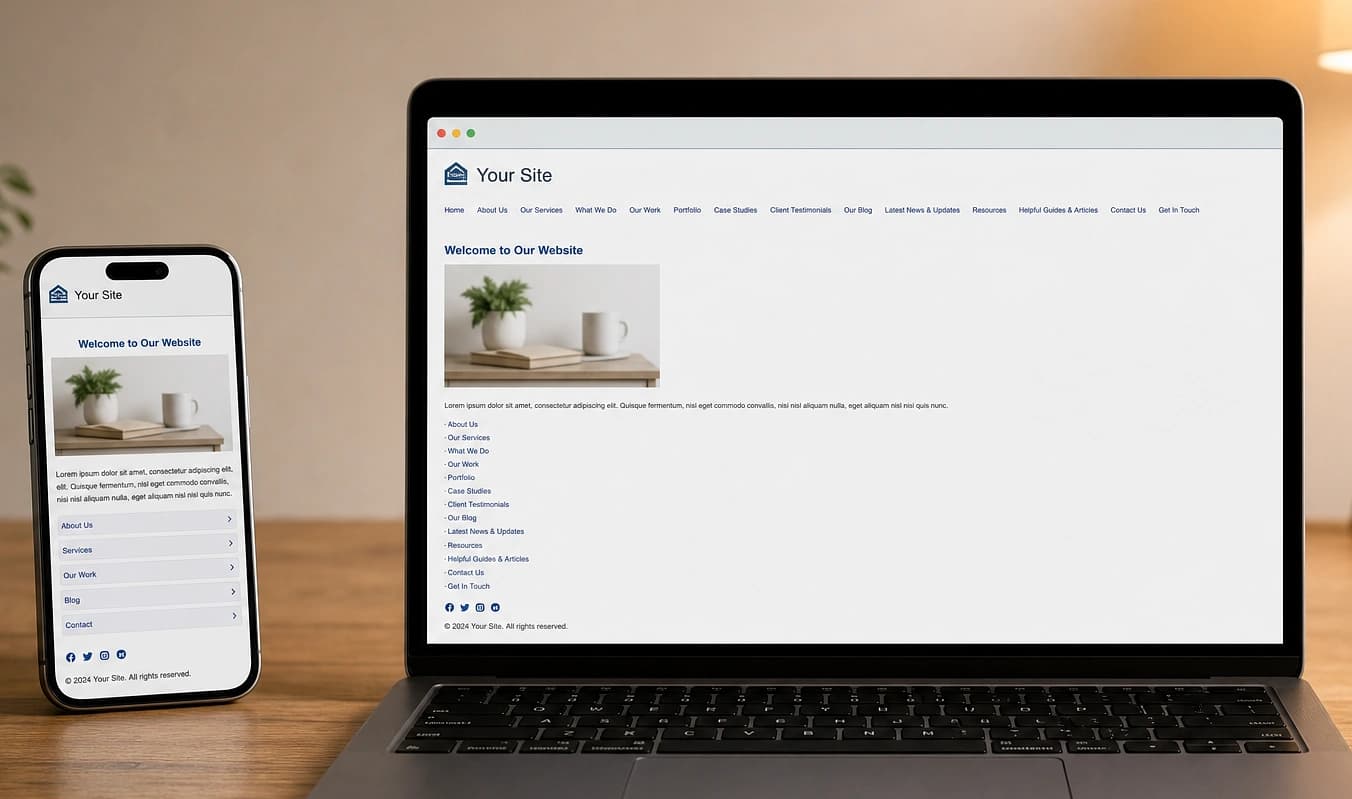
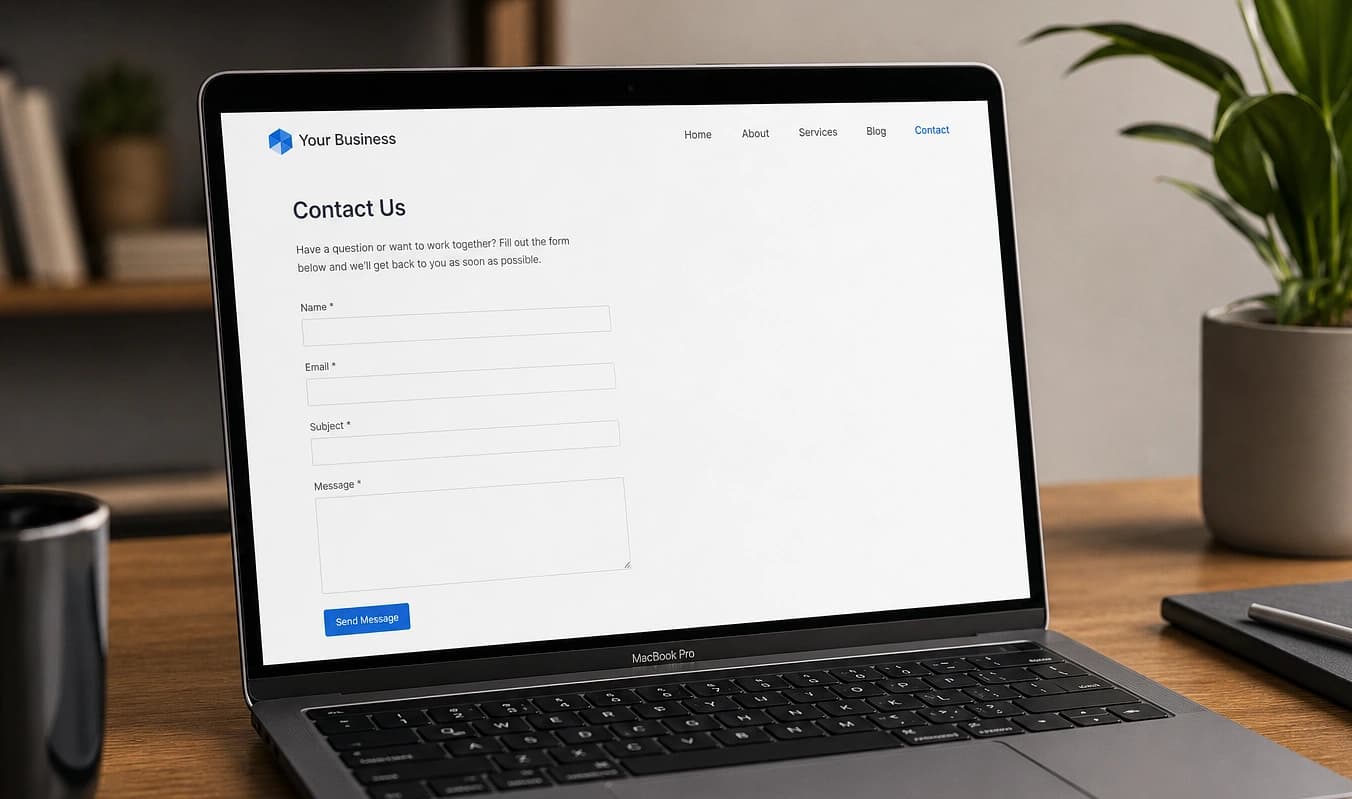
Drag the divider to compare typical setup with a JMP build.
At a glance
Typical setup → JMP build
Typical setup
Template + brand colors
With JMP
Components built for your offer
Typical setup
Three competing CTAs
With JMP
One obvious next step per page
Typical setup
Case studies buried under stock
With JMP
Trust and proof where decisions happen
Compare in the wild
See how you stack up next to competitors
You do not need a design tool to spot template sameness. A quick competitive pass plus basic contrast checks tell you whether the site reads as your brand or a theme with your logo swapped in.
Open three competitor sites
Same industry, same city if you can. Note layout patterns, stock heroes, and whether you could swap logos and not notice.
Check hero and CTA clarity
In five seconds, can a stranger say what you do and what to do next? One primary action per page is the goal.
Test text on photography
Paste foreground/background colors into a contrast checker, especially text on top of busy hero images.
We run a mood/reference review before pixels and design key pages, not only the homepage. Next: Editing content.
Working with JMP
Mood / reference review before pixels
Key pages designed, not just the homepage
Handoff with the same team that built the site, not a rotating support desk