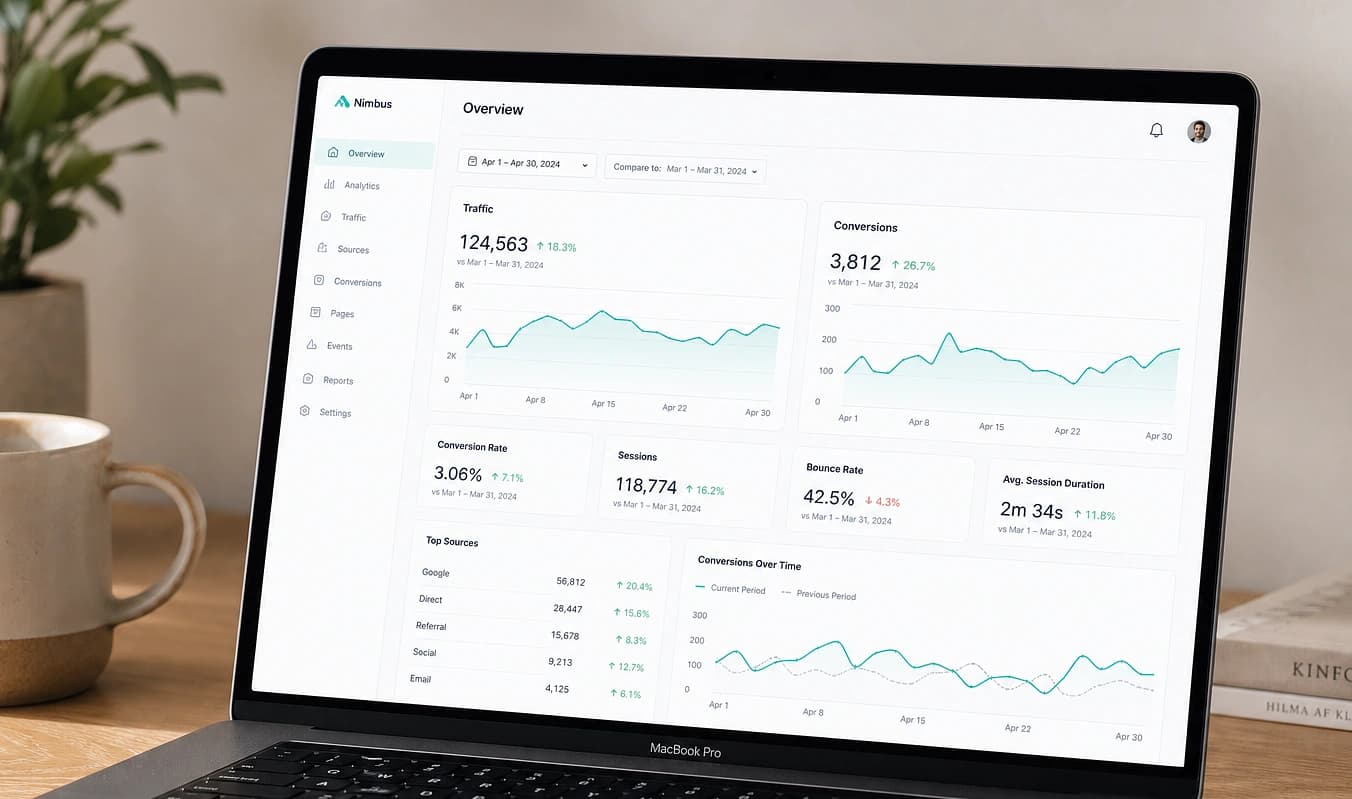
Herramientas a medida
Convierte visitantes en leads con herramientas, no solo una página de contacto
Calculadoras, cotizadores y formularios multipaso que dan una respuesta al instante y capturan un lead calificado.
JMP es el salto a un stack moderno. Este tema es cómo se ve eso en la práctica.
Una página folleto pide confianza antes de dar algo. Una herramienta interactiva da una respuesta primero, así la gente participa y se auto-califica en lugar de irse. Las calculadoras y los formularios multipaso suelen subir conversiones frente a una página de contacto plana.


Arrastra el divisor para comparar una configuración típica con una construcción JMP.
De un vistazo
Configuración típica → Construcción JMP
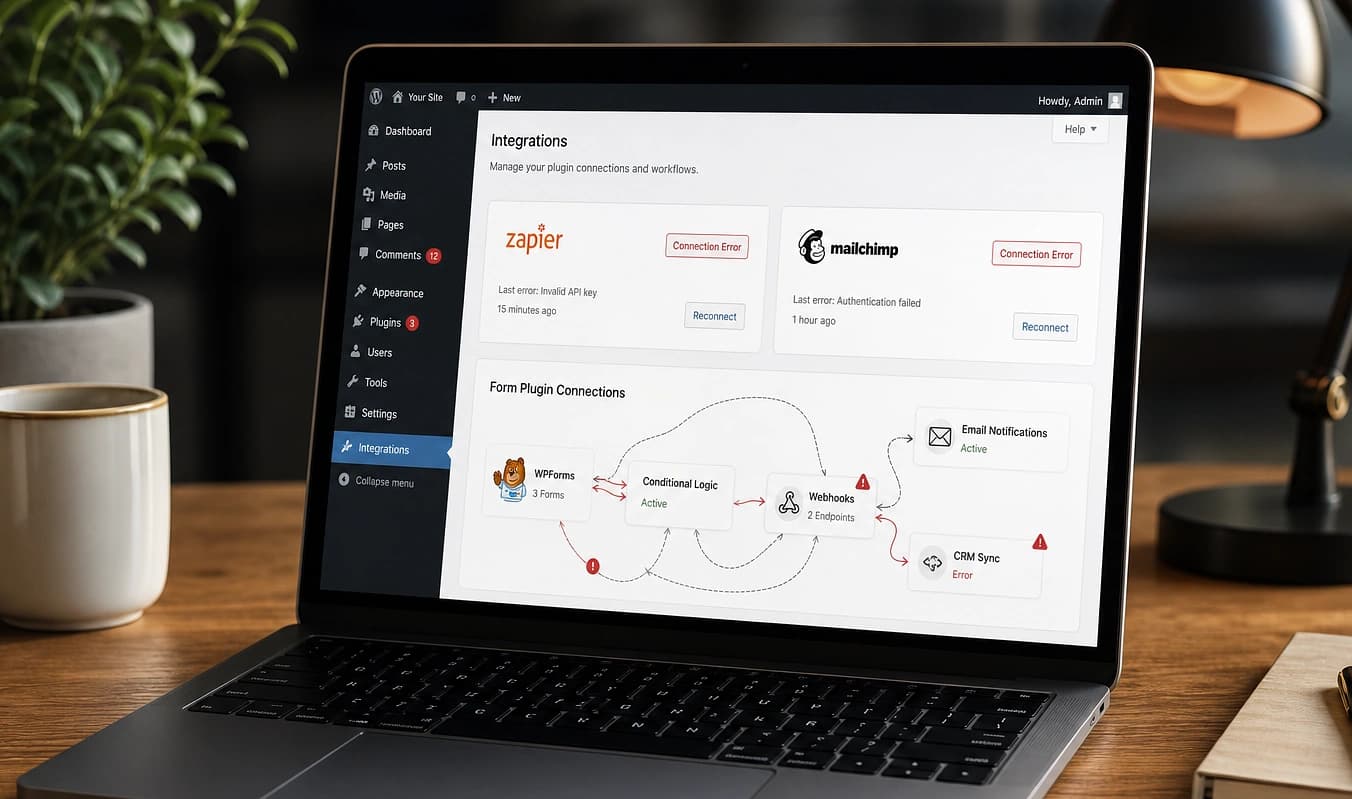
Configuración típica
Callejón sin salida de “llama para precios”
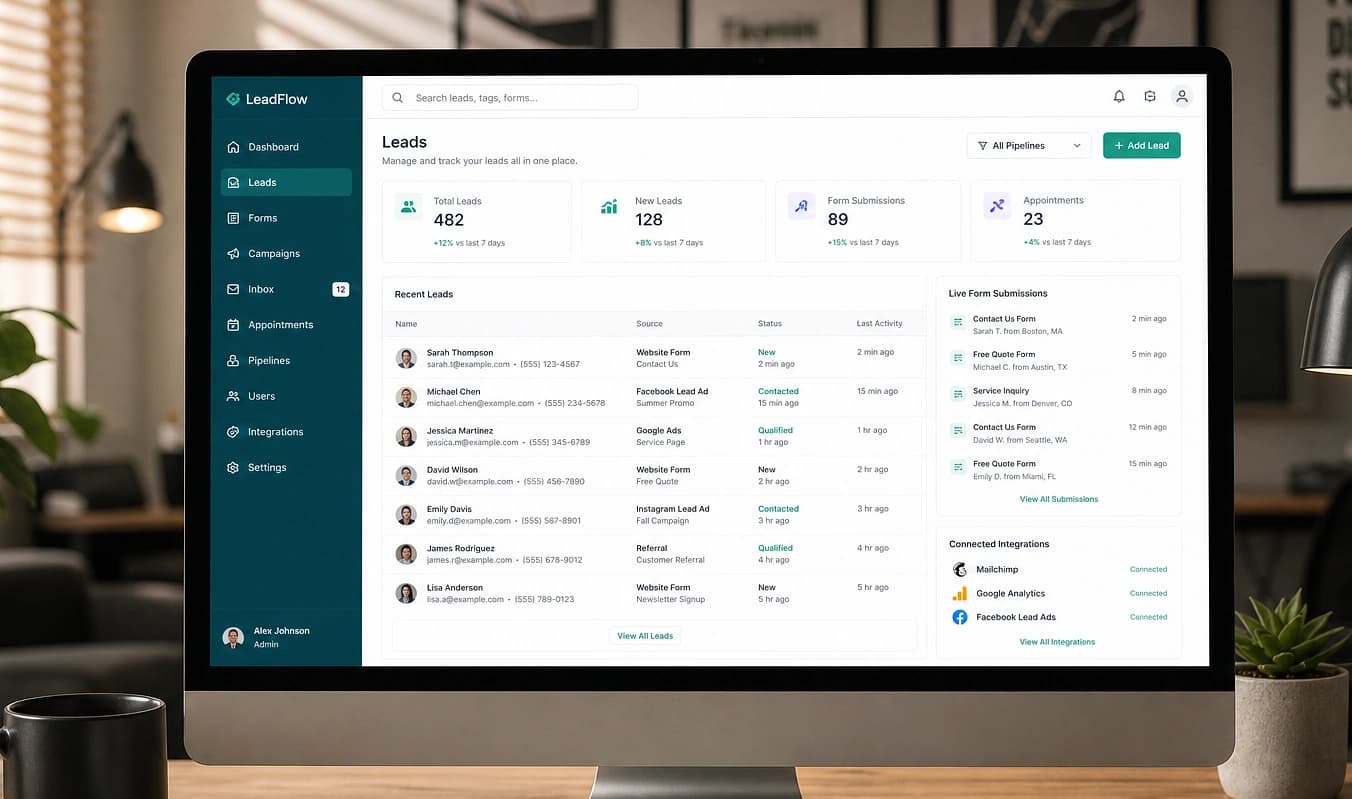
Con JMP
Calculadora de cotización instantánea en la página
Configuración típica
Un formulario largo que la gente abandona
Con JMP
Intake multipaso que se completa
Configuración típica
Widget genérico enganchado
Con JMP
Herramienta a medida conectada a tu inbox
Míralo convertir
Mira cómo una herramienta interactiva supera a una página de contacto
Un formulario de contacto plano pide confianza de entrada. Una calculadora, quiz o intake por pasos le da algo útil al visitante primero, por eso los formatos interactivos capturan más leads y mejor calificados.
Usa nuestro estimador como visitante
El wizard de estimado es en sí una herramienta por pasos. Nota cómo responder unas preguntas se siente más fácil que un formulario largo y termina con un número real.
Cuenta los campos de tu formulario actual
Abre tu página de contacto. Cada campo extra baja la tasa de completado. Un flujo por pasos hace las mismas preguntas pero se siente más liviano y se termina más a menudo.
Decide qué dar gratis
Muestra un resultado básico al instante y pide email solo para la cotización o el reporte detallado. Valor inmediato primero, contacto después.
Elegimos la herramienta con más chance de convertir a tus visitantes, la conectamos a tu bandeja y CRM, y guardamos cada lead en JMP-Dashboard con su página de origen. Siguiente: IA que califica leads.
Trabajar con JMP
Elige la herramienta con más probabilidad de convertir a tus visitantes
Una respuesta clara sobre qué restringir vs. mostrar gratis
Un flujo probado que puedes ver de punta a punta antes del lanzamiento