Analytics
Answer “which page sent this lead?”
Traffic and form fills in one place, not five tabs and conflicting numbers.
JMP is the jump into a modern stack. This topic is what that looks like in practice.
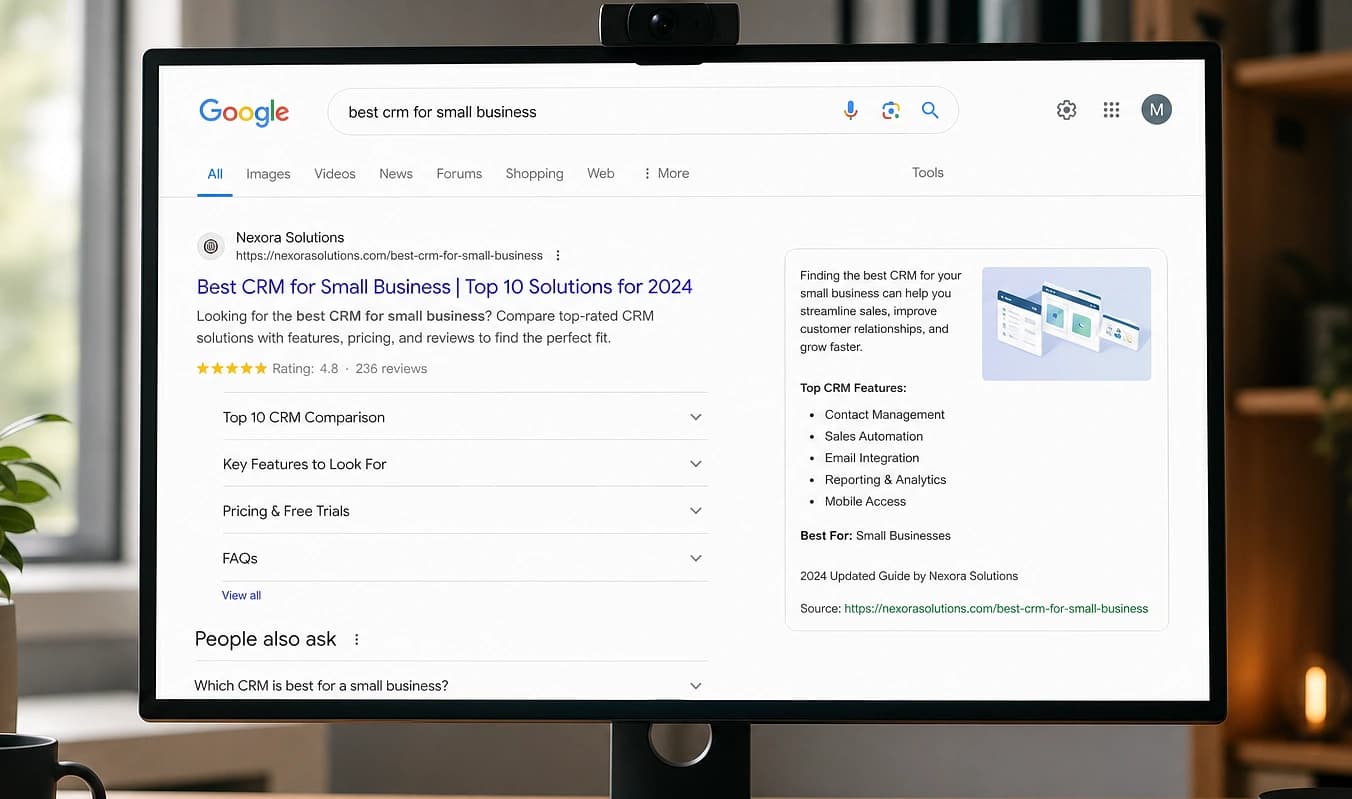
The owner asks a fair question: “Is the new services page working?” If analytics lives in three tools and the form plugin strips context, you guess.

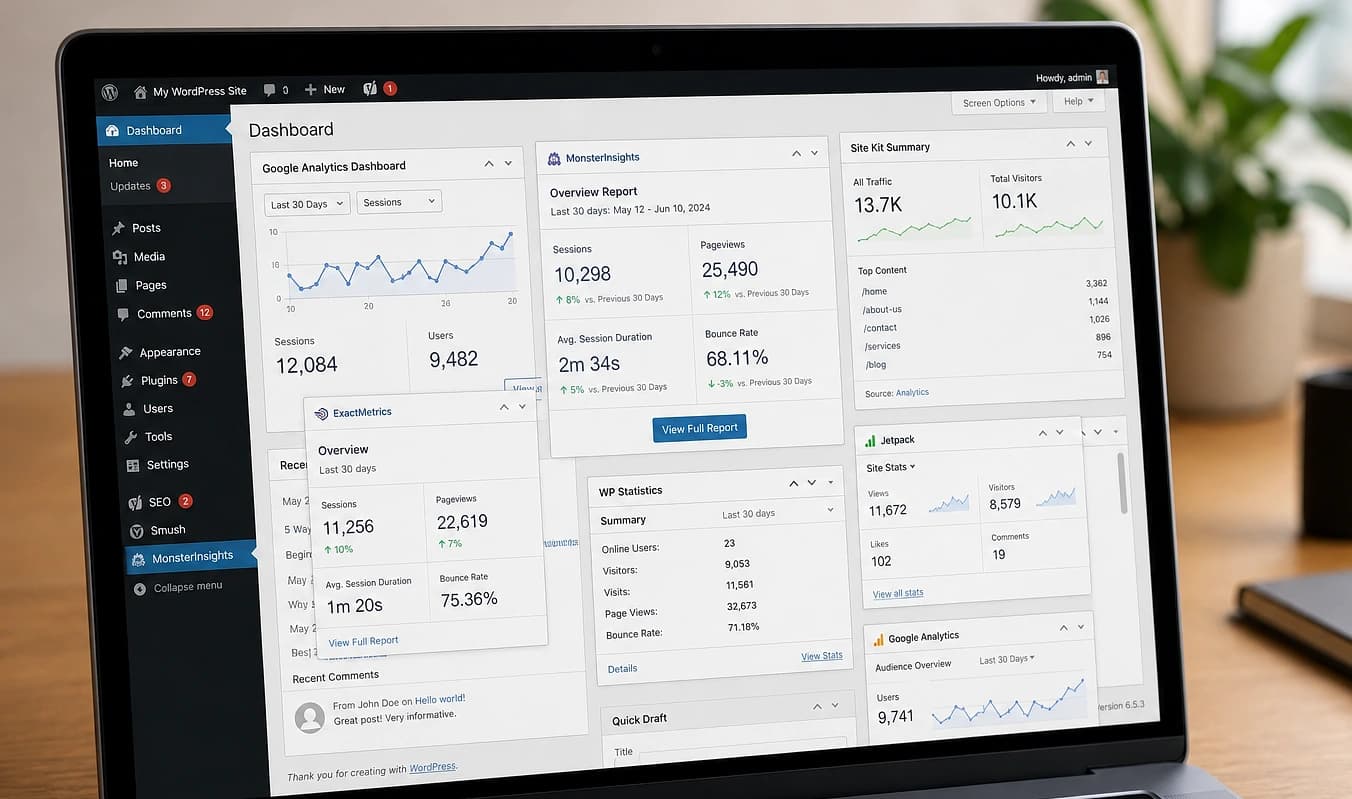
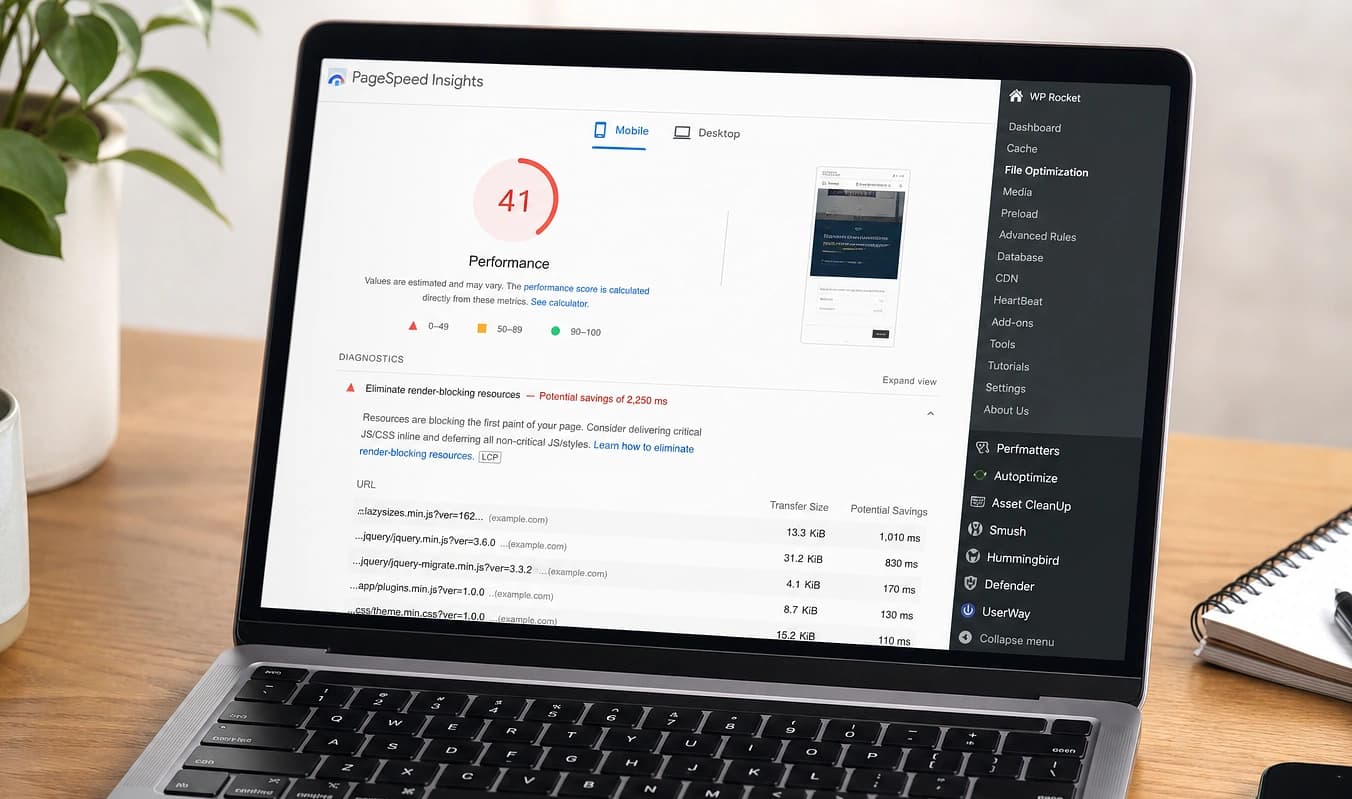
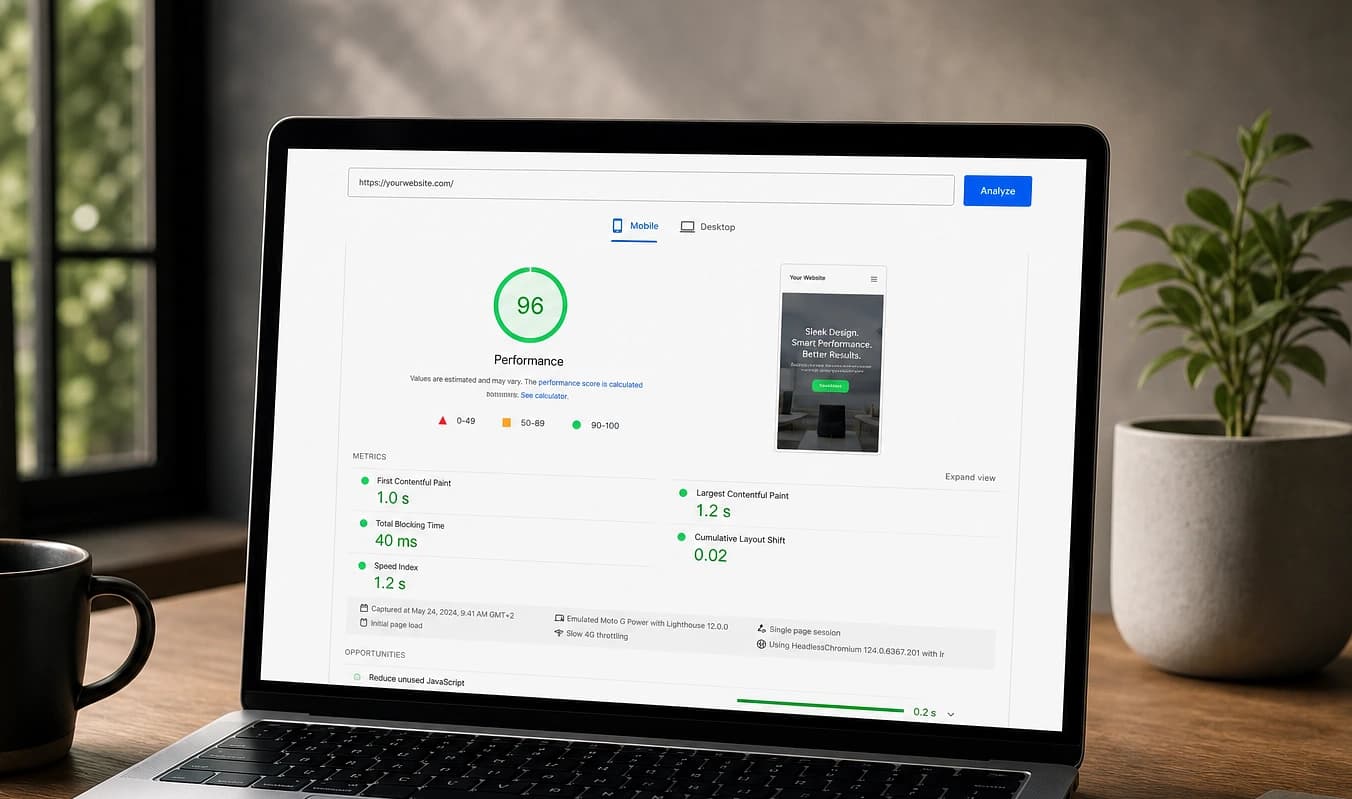
Drag the divider to compare typical setup with a JMP build.
At a glance
Typical setup → JMP build
Typical setup
Tag manager nobody documents
With JMP
Dashboard included on every build
Typical setup
Form plugin drops the URL
With JMP
Source page stored with the lead
Typical setup
Heatmap tool slows the site
With JMP
Fewer scripts, clearer goals
Follow the numbers
Trace a lead back to the page that sent it
When analytics, forms, and ads live in separate tools, owners guess. You should be able to answer which page drove last week’s contact form, not export three CSVs.
Open your last five leads
In whatever tool captures forms today, can you see source URL, campaign, or referrer? If not, attribution is already broken.
Compare traffic tools
Line up host stats, GA4, and form plugin counts for the same week. Conflicting totals mean nobody trusts the dashboard.
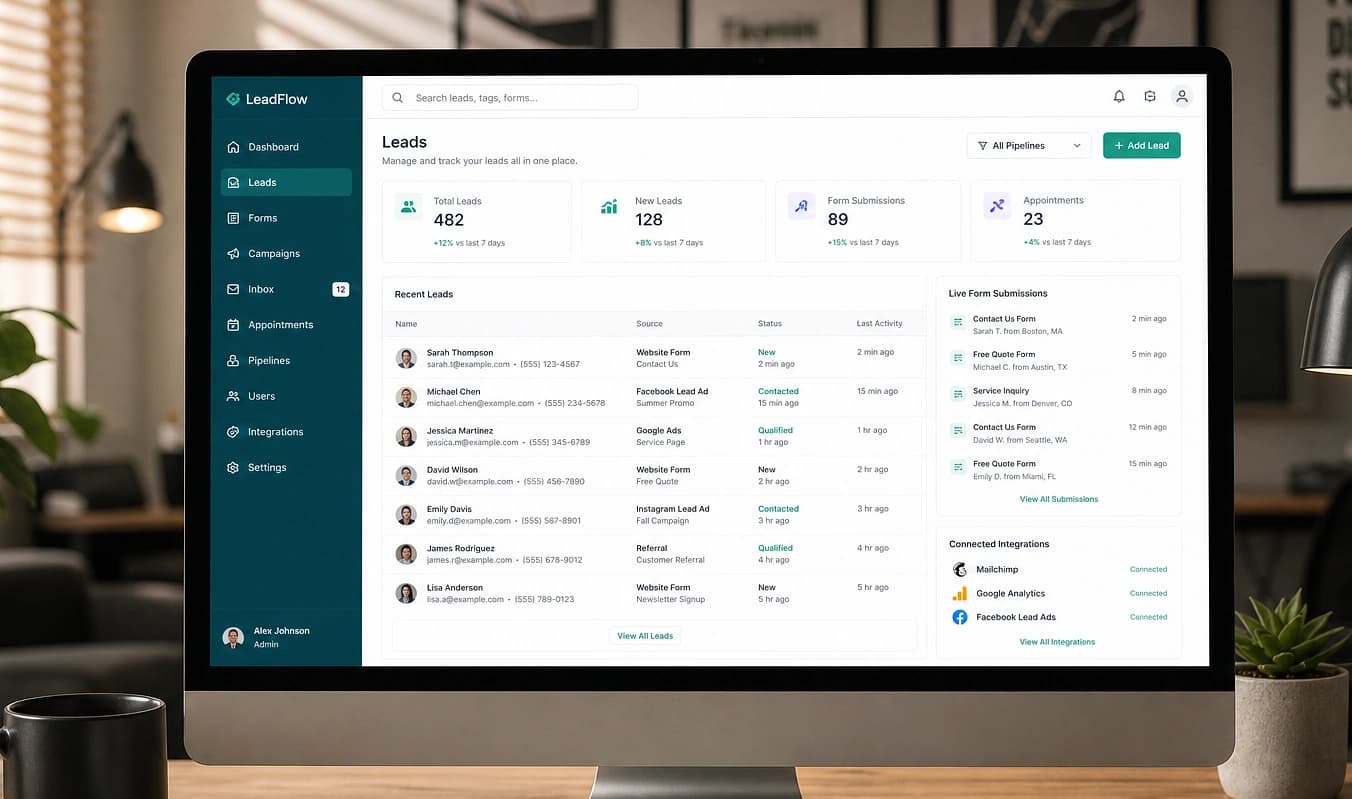
Try the sample dashboard
Browse analytics and contacts together on the public sample. Same layout we ship on every JMP build.
In discovery we pick two or three metrics you will actually read and walk through a sample report. Next: Forms & CRM.
Working with JMP
Pick 2–3 metrics that matter to you
Consent approach that matches your market
Sample report so you know where to click