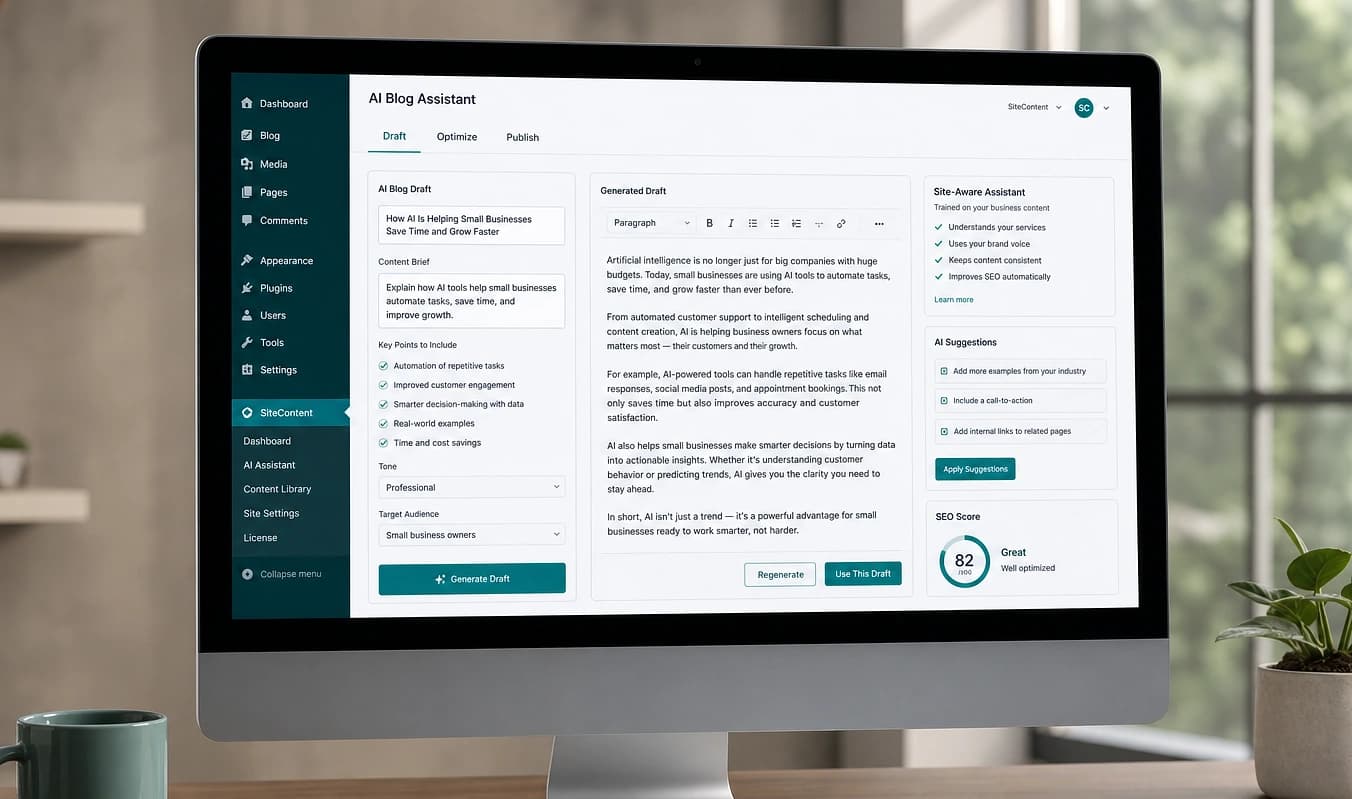
Leads & CRM
Leads that land in the right inbox and CRM
Forms wired in code, not a new plugin every time HubSpot sneezes.
JMP is the jump into a modern stack. This topic is what that looks like in practice.
A contact form is not decorative. When the handoff to email or CRM breaks, you find out from an angry customer, not a dashboard.
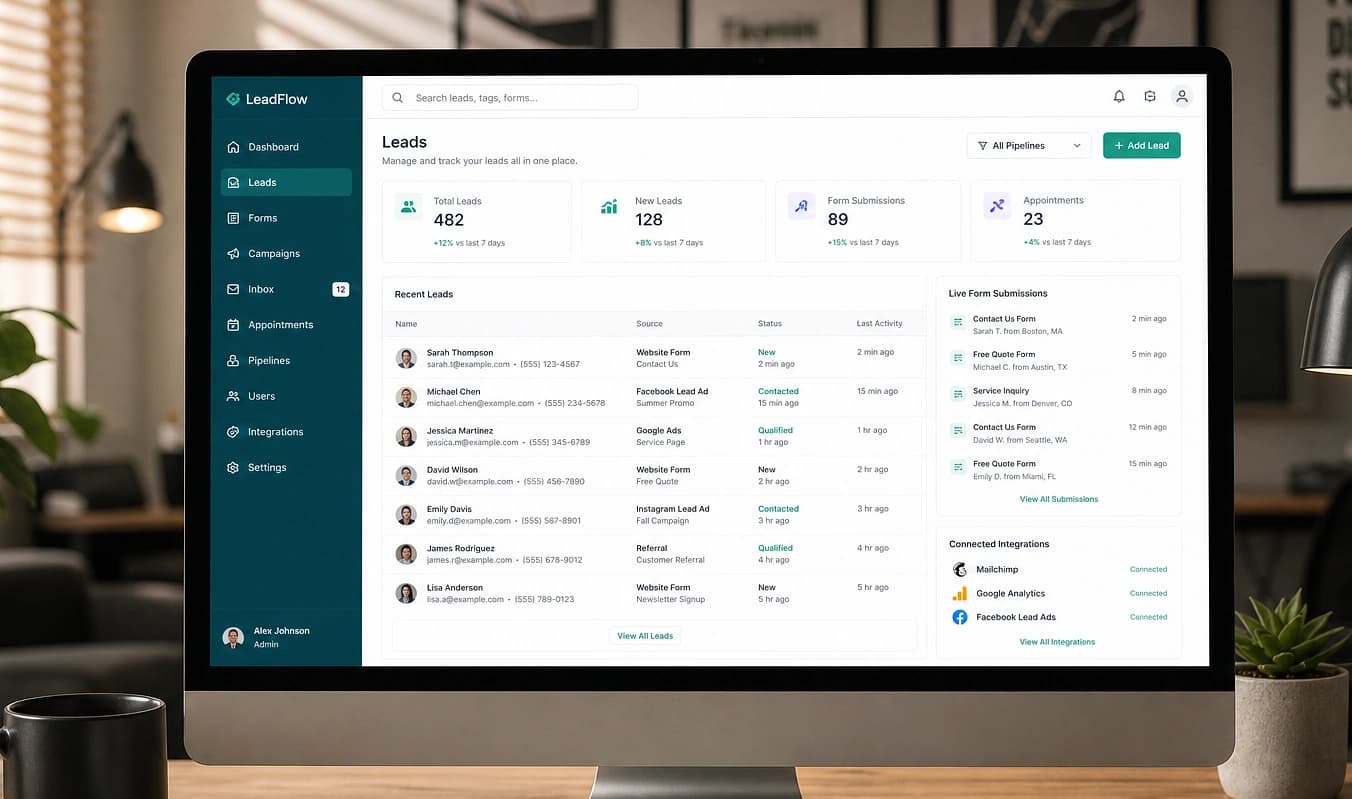
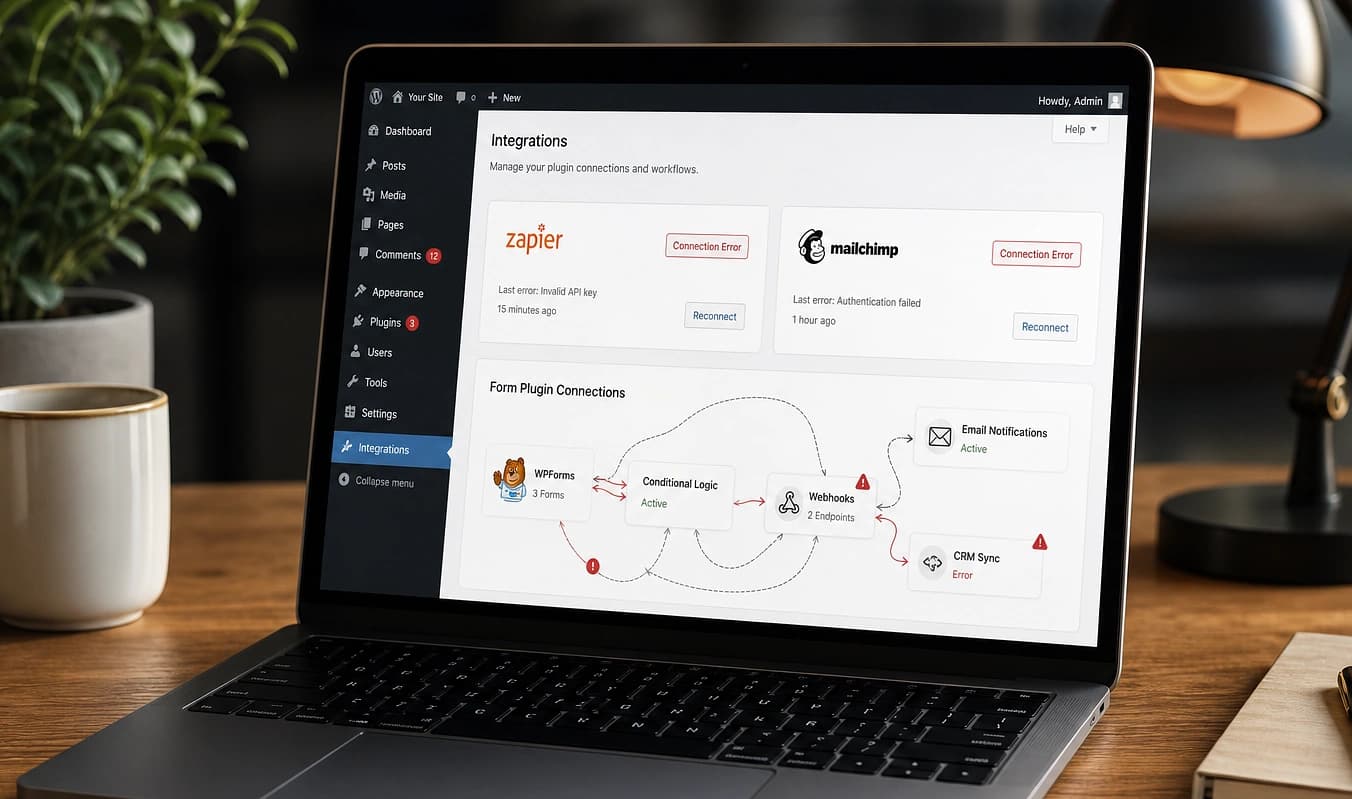
Drag the divider to compare typical setup with a JMP build.
At a glance
Typical setup → JMP build
Typical setup
Form plugin + Zapier + prayers
With JMP
Webhook or API in scope
Typical setup
Chat widget on every page
With JMP
Third-party scripts where needed
Typical setup
Duplicate leads after an update
With JMP
Tested submit path documented
Test the handoff
Submit a form and watch where it lands
Integrations fail quietly. A five-minute end-to-end test on production tells you whether leads reach email, CRM, and notifications, or stop in a plugin log.
Submit a real test on production
Use a personal email and a obvious test message. Do not use wp-admin “send test”. Use the public form visitors see.
Check every destination
Inbox, CRM, Slack, SMS: wherever you expect a lead. Note delays, duplicates, or missing source page.
Document what fired
Screenshot the notification and note UTM or referrer if shown. That becomes the spec for a rebuilt submit path.
We list systems that must work on day one and give you test submissions you can trace end-to-end. Next: Analytics.
Working with JMP
List of systems that must work day one
Test submissions you can see end-to-end
Short doc: what fires when someone hits Submit